Rescan document domains and assess domain scan status
In time, a domain used to train your AI agent may undergo content changes that could impact the knowledge of the AI Assistant and make it obsolete. Therefore, you might want to perform occasional rescans of these domains to make sure your AI Assistant is up to date.
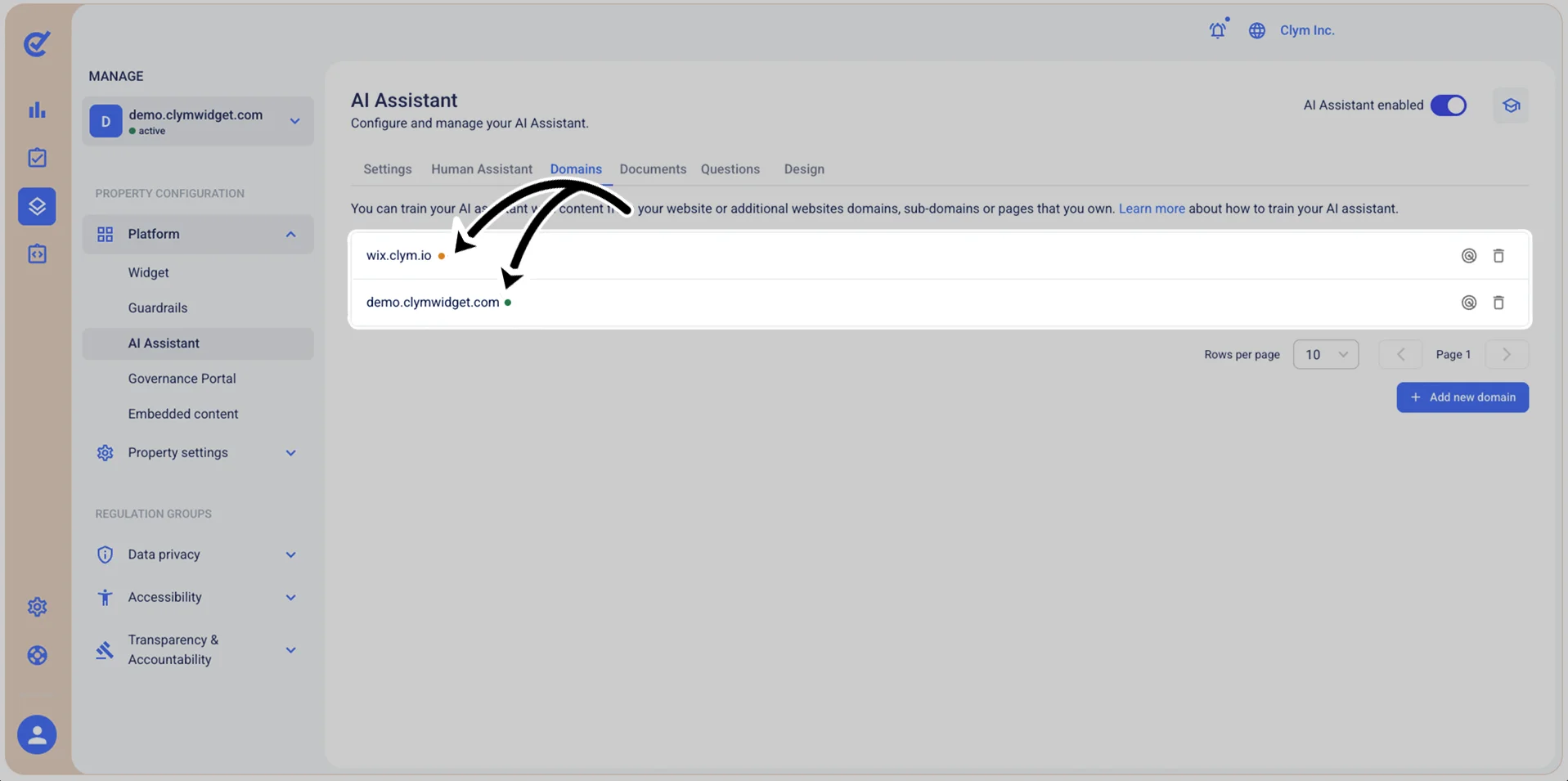
You can determine which sources contain the updated information by checking the colored bubble next to them:
- Orange bubble: The scanning/analysis process of the domain has been queued but hasn't completed yet.
- Green bubble: The scanning/analysis process of the domain is completed.
To rescan the available domains and bring your AI Assistant up to date:
- Go to
 Manage>Platform>AI Assistant.
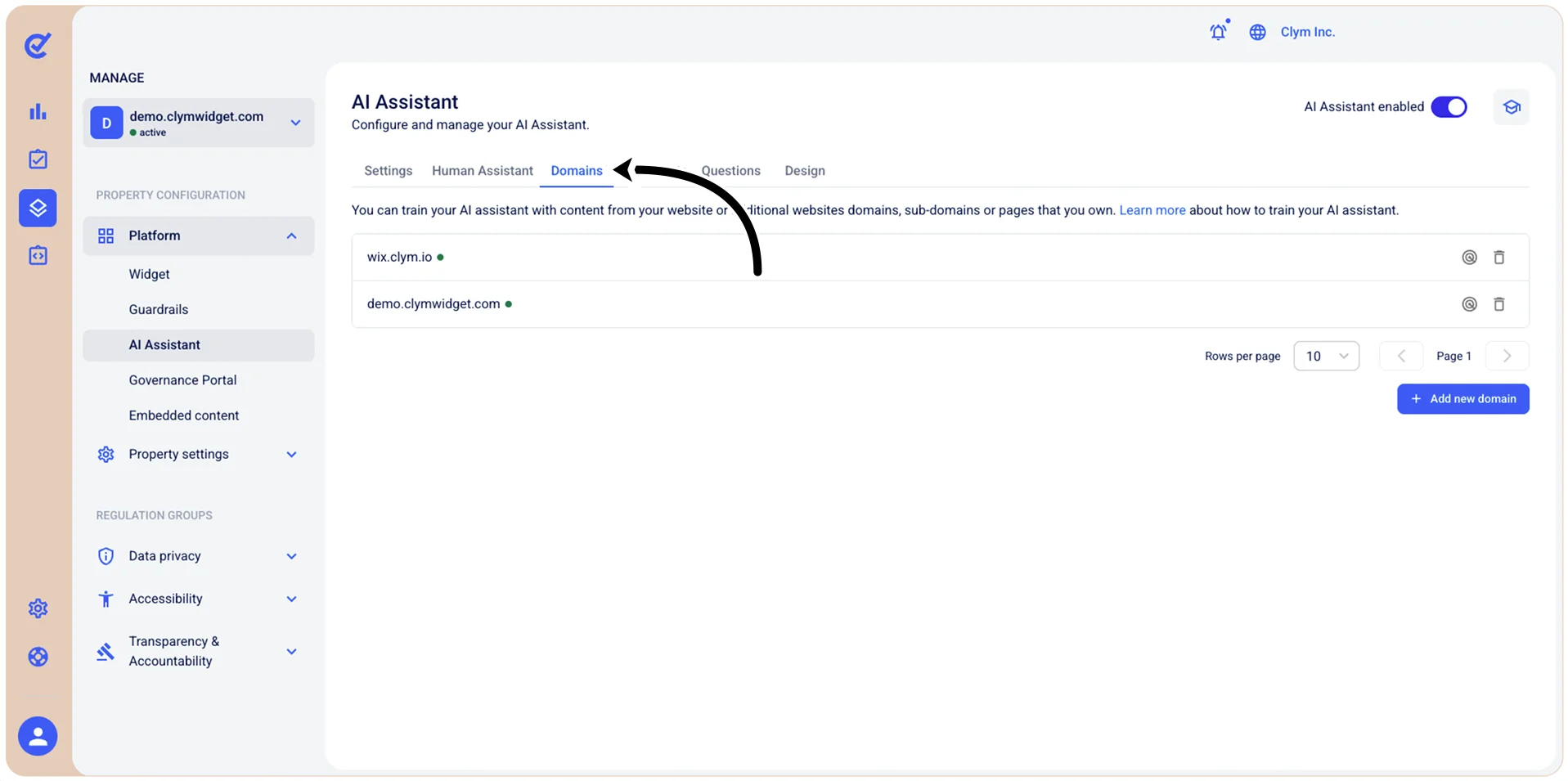
- In the Documents section, select
 Re-scan next to the desired domain.
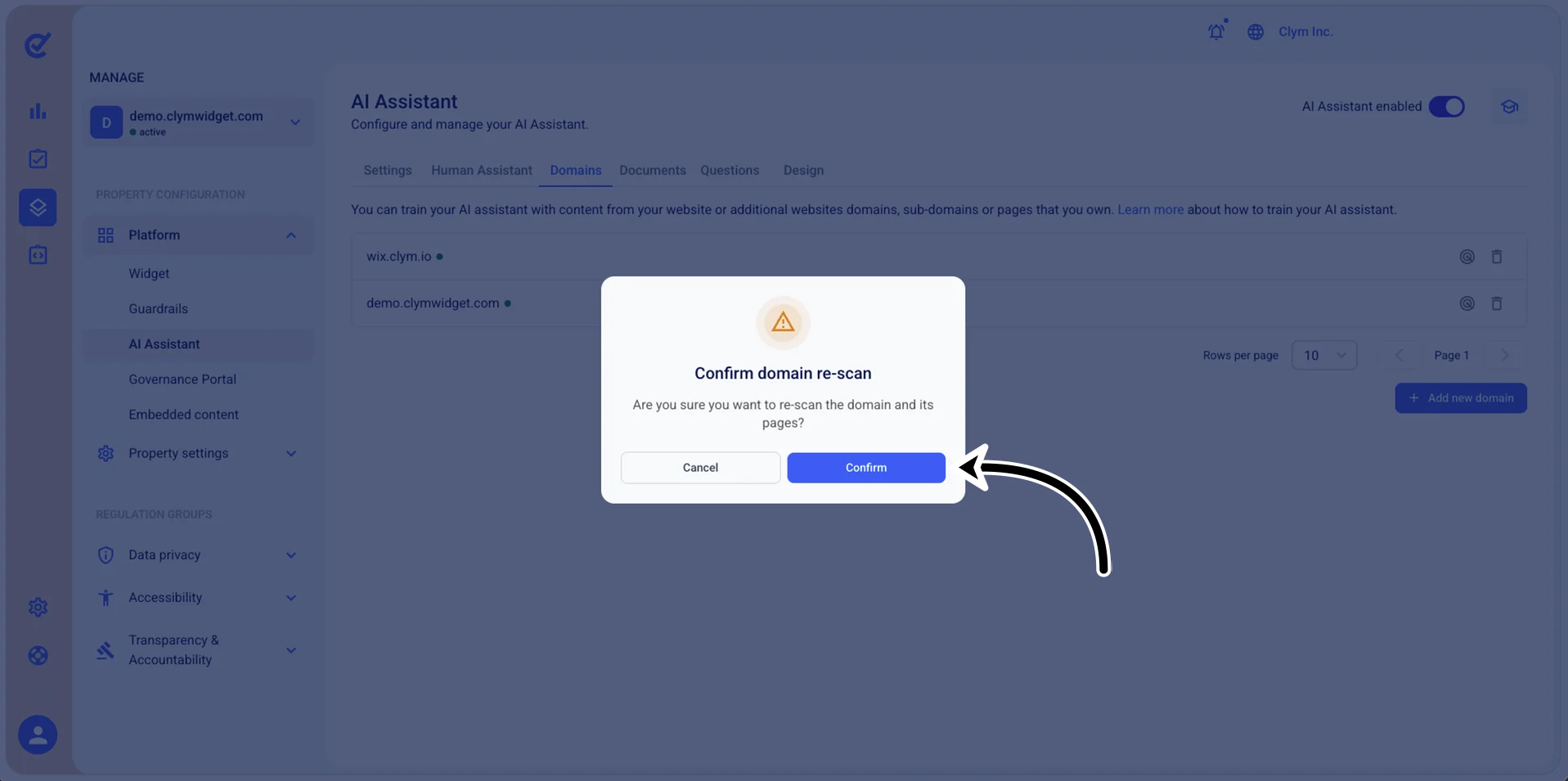
 - In the confirmation message, select Confirm.
- If successful, the bubble next to the rescanned, valid domain becomes green.