Manage data privacy: Manage signals
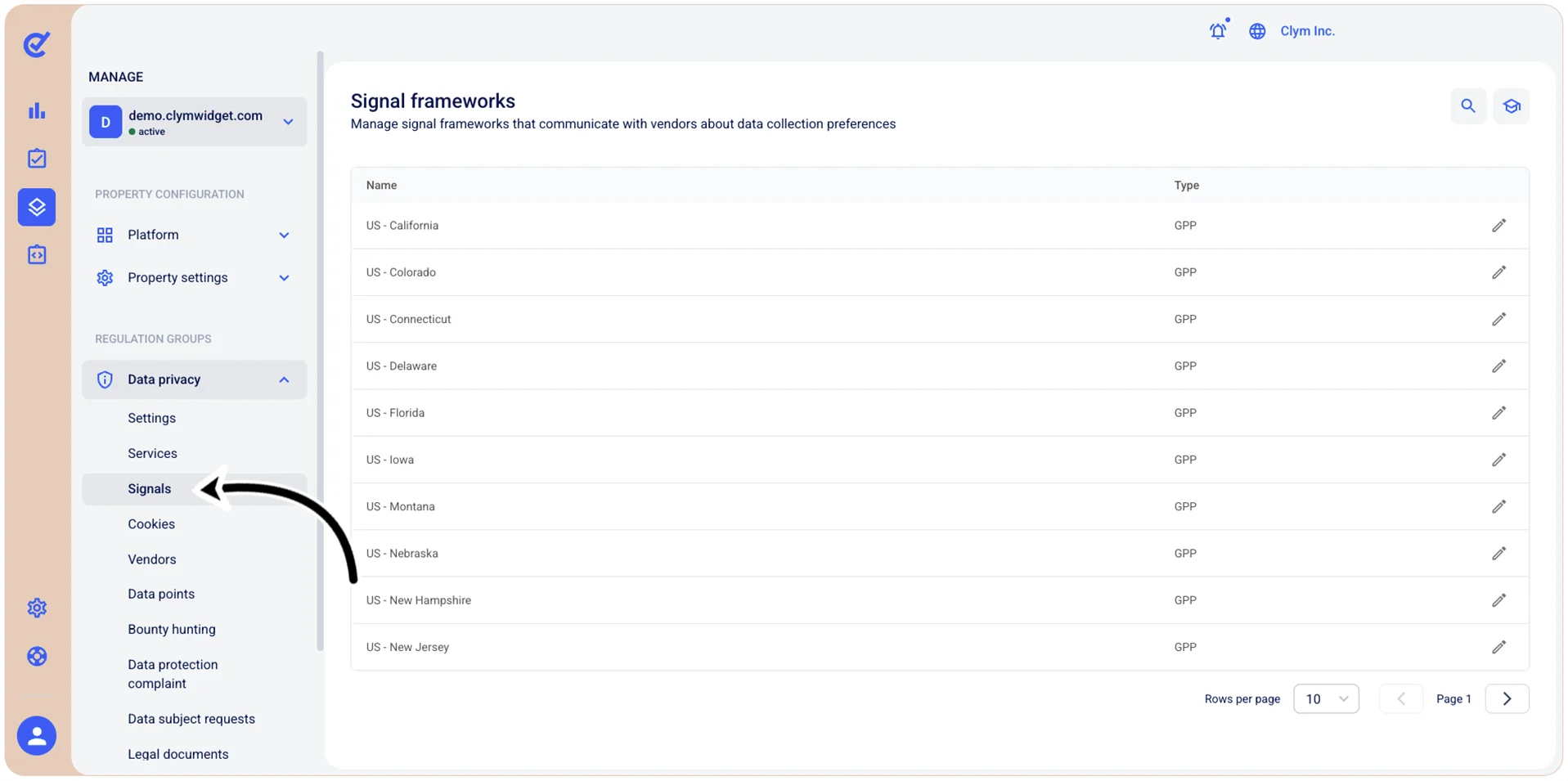
In the Control Center, you can manage signal frameworks that communicate with vendors about your users’ data collection preferences, as they have been configured in their web browsers. Depending on your jurisdiction, some regulations apply as to how these signals should work. The parameters that you can configure are mostly country and state dependent (for example, GPP and TCF - see the Terminology and Glossary of this publication).
You can activate/deactivate and you can modify signals, depending on certain parameters.
To access the available frameworks in the Signals section, go to  Manage>Data privacy>Signals.