
Manage data privacy: Configure settings
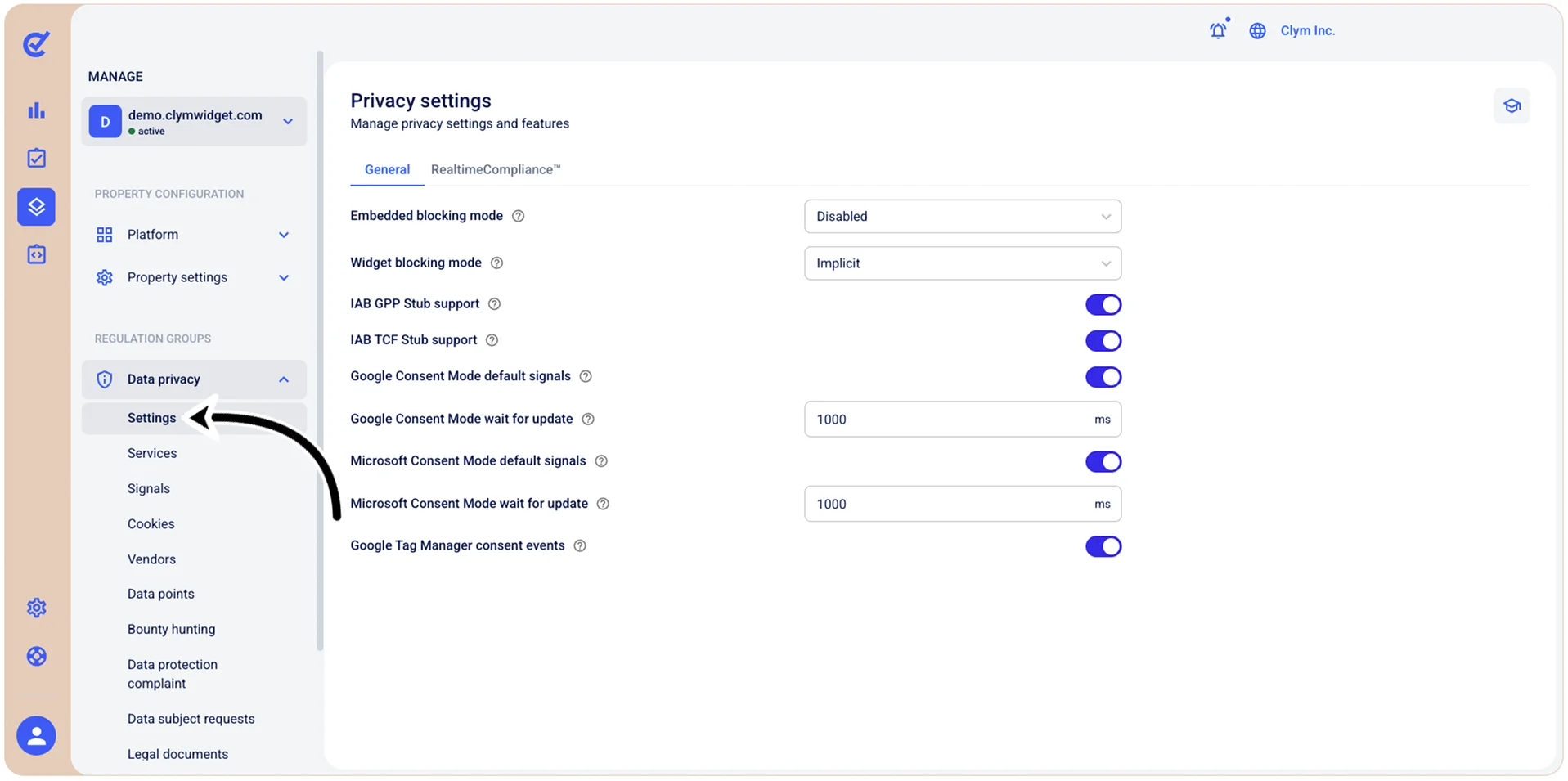
In the Control Center, you can manage the details of privacy settings and features in the gata privacy section. Here you can configure GPP Stub and TCF support, Google and Microsoft consent modes, as well as the settings of RealtimeCompliance™, a feature that enhances your real-time compliance capabilities.
Important! When you are finished with this configuration, make sure to select Save before moving on to configure another tab, otherwise your changes will not be saved.
To access the privacy general settings, go to  Manage>Property Settings>Settings.
Important! When you are finished with this configuration, make sure to select Save before moving on to configure another tab, otherwise your changes will not be saved.