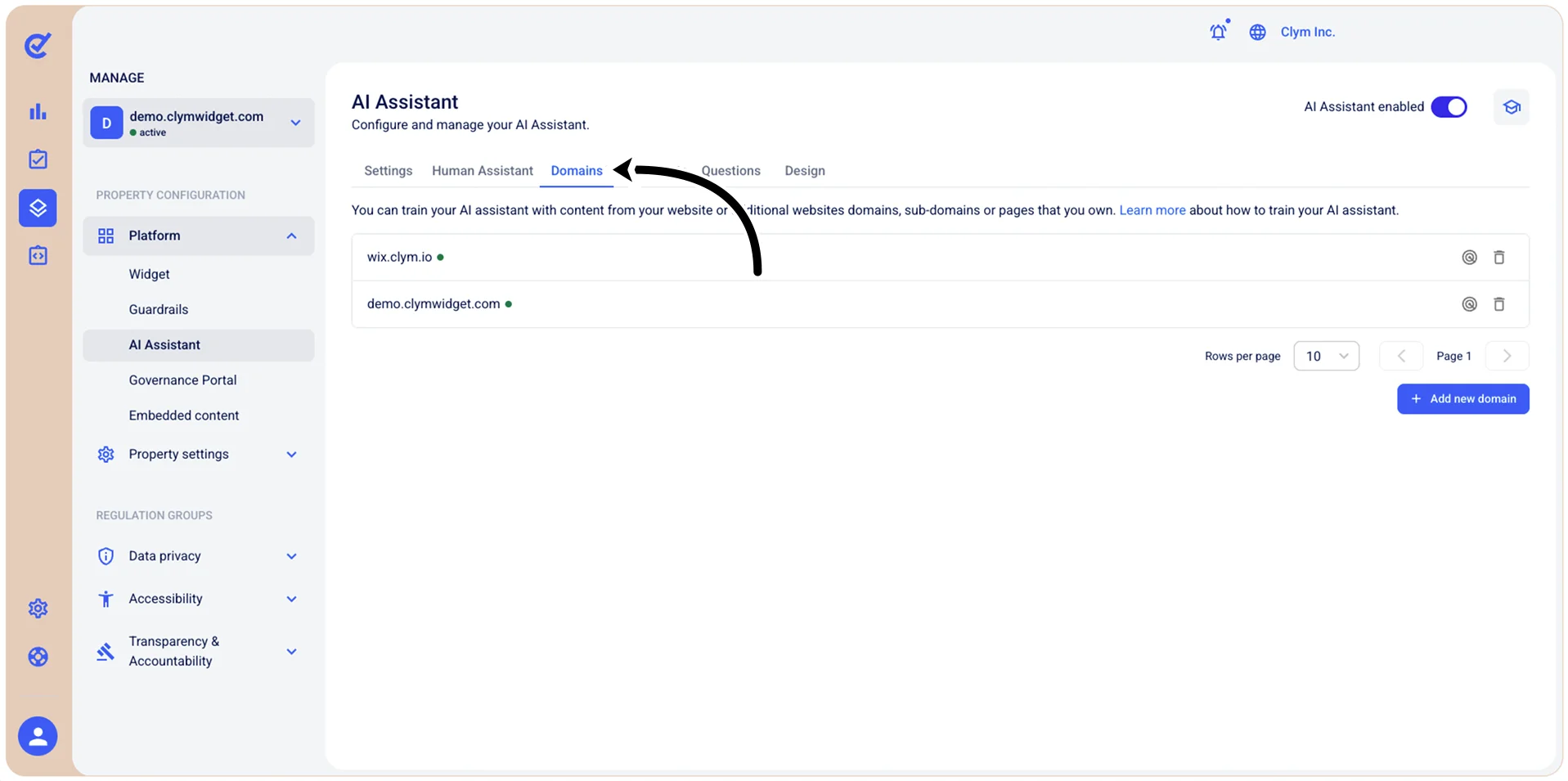
Manage which domains will train your AI Assistant
Within the Control Center, you can train your AI Assistant on specific topics (such as, GDPR/Data Privacy/Accessibility and so on) by using the websites or domains, sub-domains or pages that you desire, proprietary or third-party. All these websites are managed in the Domains section. You can view existing domains and add new ones to train your AI Assistant and you can make sure your AI Assistant is updated with the latest changes from these domains: When adding a domain, the AI Assistant performs a scan of the domain. If any changes occur on the websites used to train your AI Assistant, you can rescan the domain to train your AI Assistant with the latest content.
Note: After editing any parameters in this section, select Save on the tab you just configured before moving on to another tab, otherwise the updated parameters will not be saved.
To access the Domains configuration section, go to  Manage>Platform>AI Assistant and select the Domains tab.