Manage data privacy: manage cookies
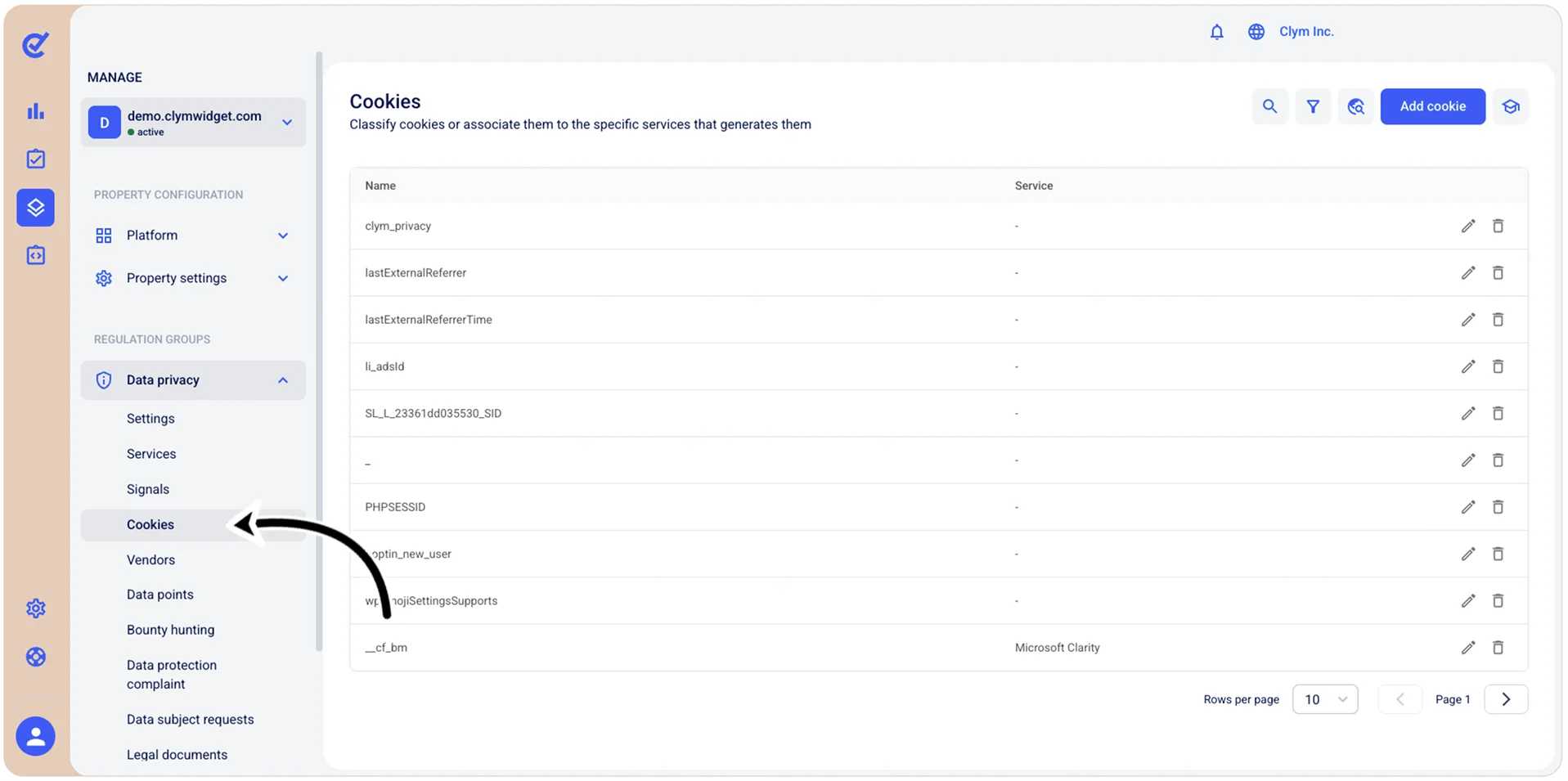
Continuous Scanning detects new cookies and scripts as users navigate your website, and automatically adds classifications and descriptions when available. If you ever need to make manual modifications to the cookies saved in your account, you can assign cookies to services, add new cookies, or delete existing cookies at any time.
To access the Cookies section, go to  Manage>Data privacy>Cookies. All the cookies identified by the scanning service are displayed in the Cookies screen.