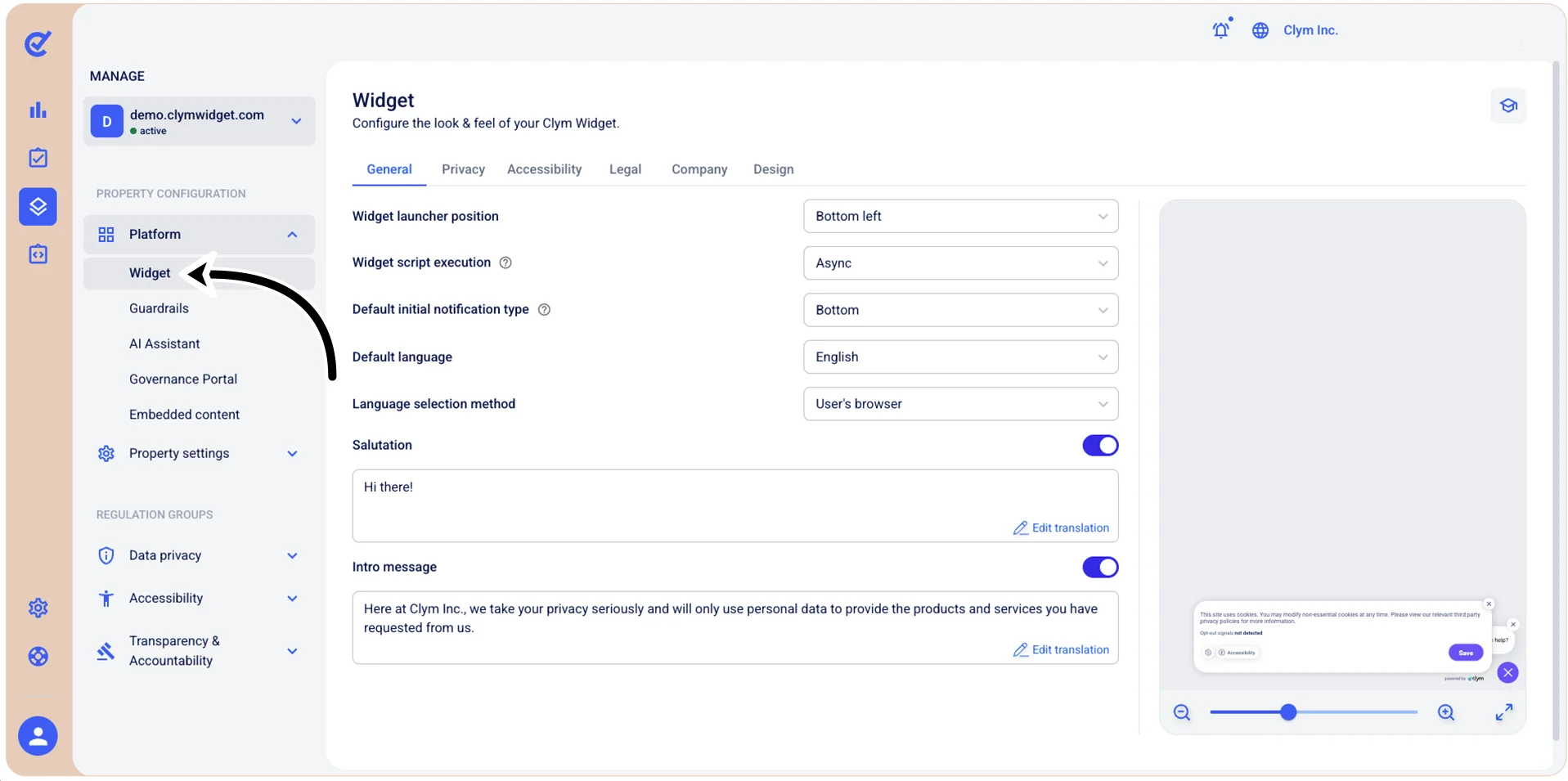
Manage Platform: Configure the Widget settings
There are several parameters that you can customize for your widget, such as the position of the widget on your website, the default language, the privacy and accessibility settings and so on.
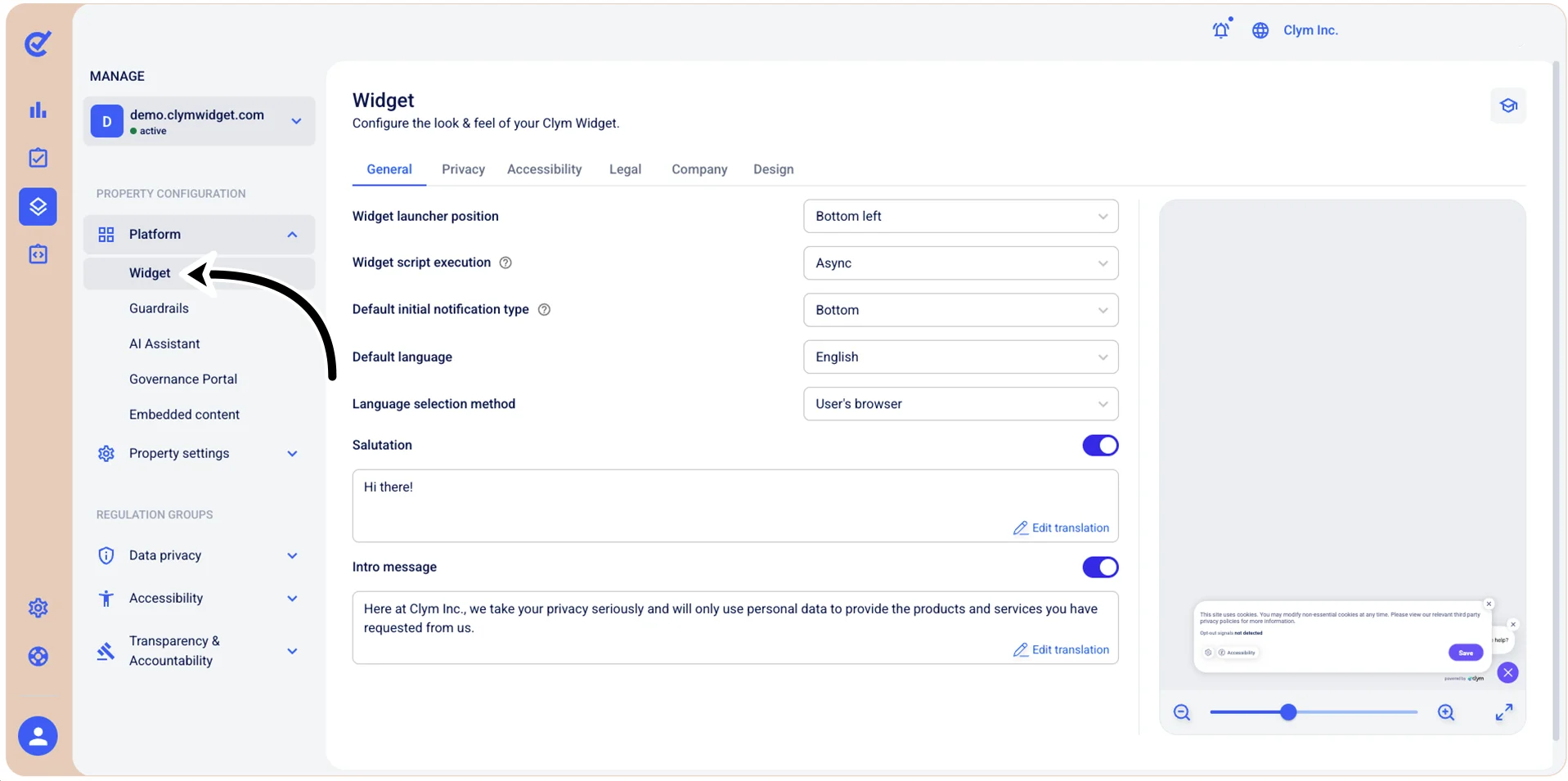
To access the widget configuration section, go to  Manage>Platform>Widget.
Notes:
- After editing any parameters in this section, select Save on the tab you just configured before moving on to another tab, otherwise the updated parameters will not be saved.
- In the Manage>Platform>Widget and Manage>Platform>Guardrails sections, you can preview the look-and-feel of the Widget by using the slider bar under the Widget preview section, on the right-side section.