Manage Property settings: Manage the Languages in which the Control Center is available
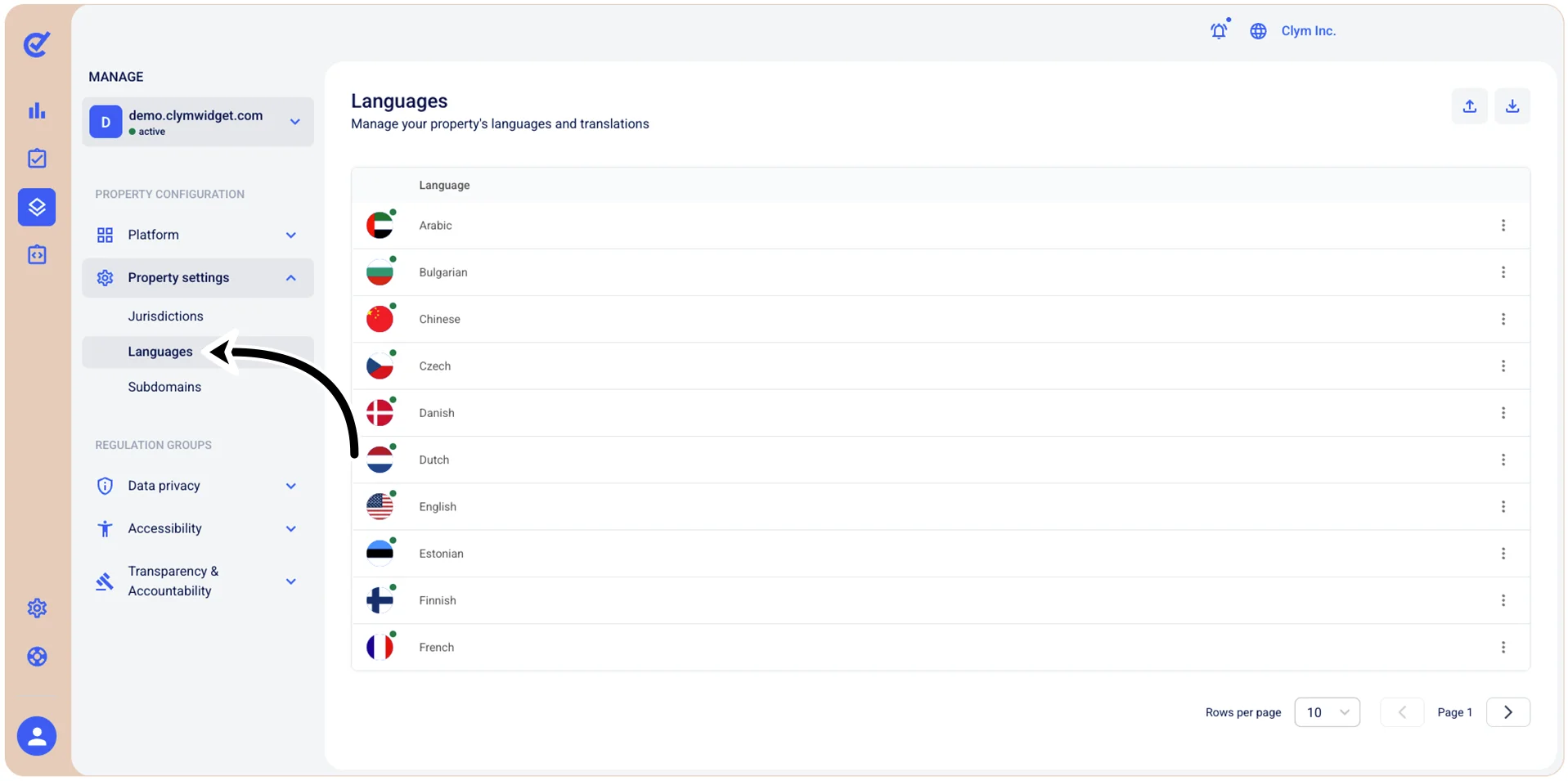
To facilitate your local and regional needs, the Control Center comes with a large variety of built-in languages that you can use to change the language of the Widget and the Governance Portal. Moreover, if you have better alternatives to existing UI strings, you can update them using the simple built-in translation tool.
To access the Languages section in the Control Center, go to  Manage>Property Settings>Languages.