
Compass: Find which regulations apply to you
Compass is a free regulatory discovery tool that identifies the digital compliance obligations your organization may be subject to. Simply enter your business details, domain, location, industry, size and data practices, and Compass determines the data privacy, digital accessibility, and transparency and accountability regulations, drawn from the global frameworks it tracks, that your business may be subject to.
To run an assessment:
- Go to Compass at clym.io/products/compass and select Start your assessment.
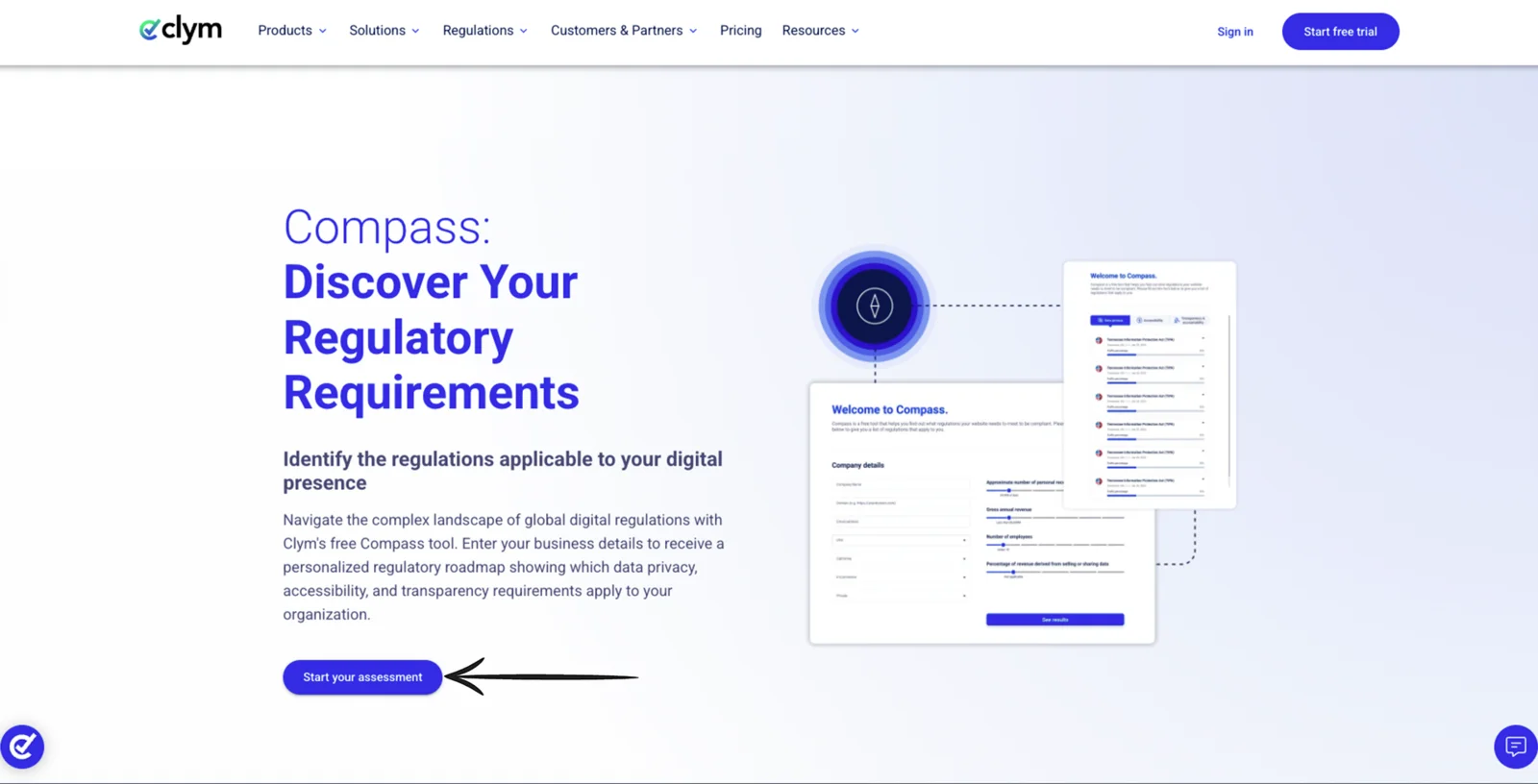
- Fill in your organization's details:
- Company name
- Domain
- Email address
- Country
- State/Province, if applicable
- Sector
- Industry
- Set the four sliders:
- Approximate number of personal records processed
- Gross annual revenue
- Number of employees
- Percentage of revenue derived from selling or sharing data
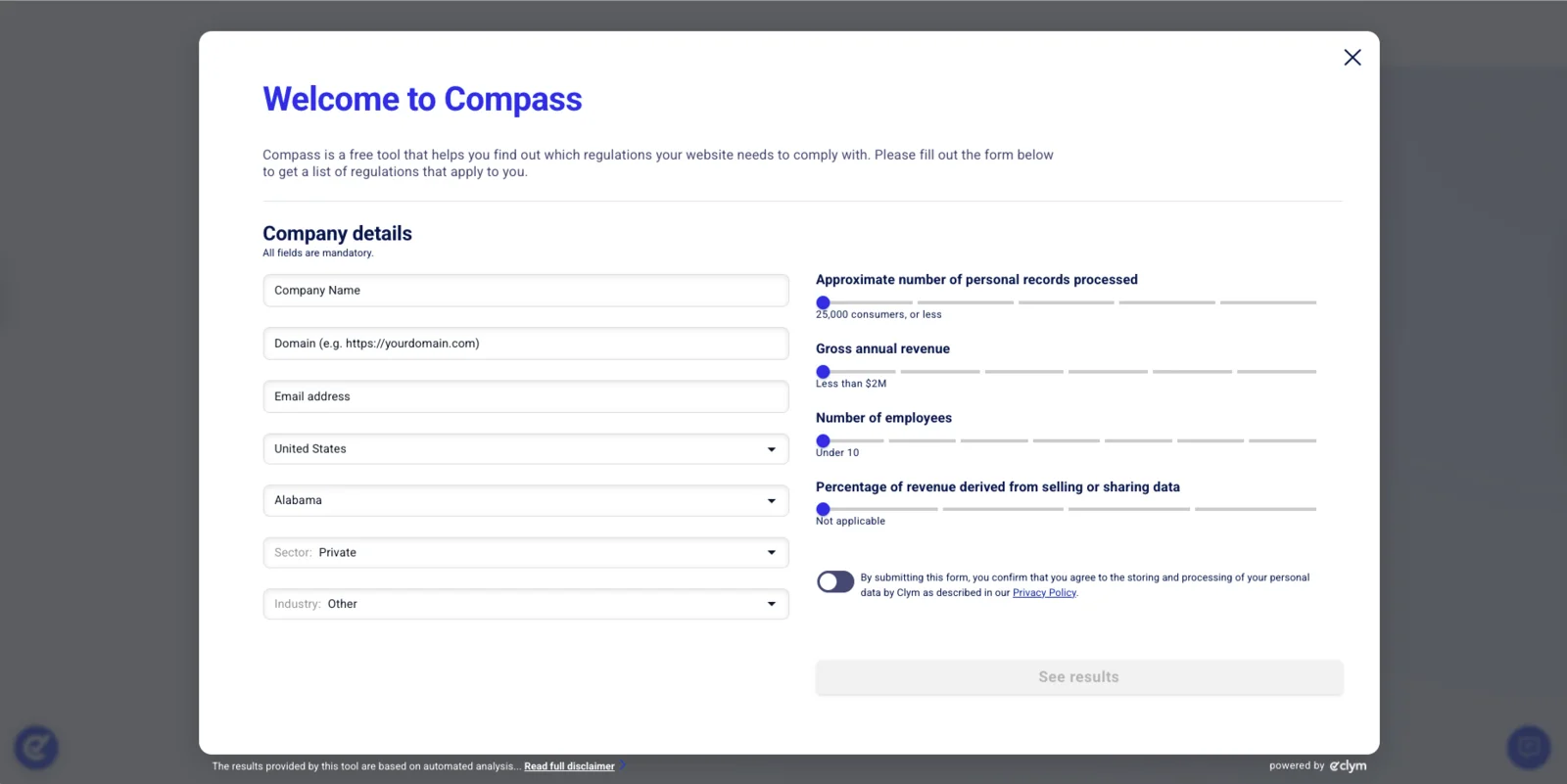
- Select See results and allow a moment for Compass to analyze your input.
- Review the results, which appear in three tabs: Data privacy, Accessibility, and Transparency & accountability.
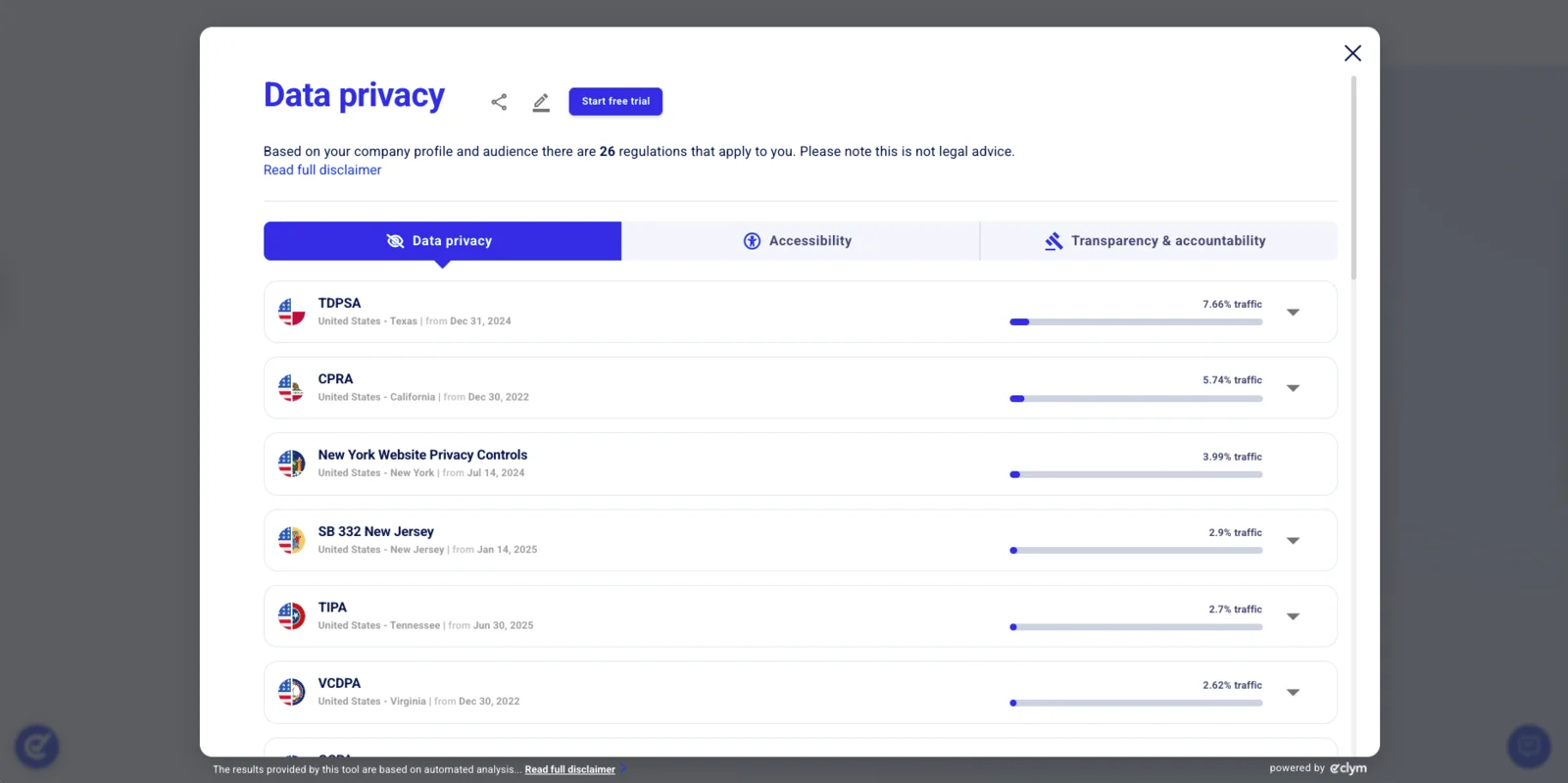
- Select the drop-down arrow next to any regulation to expand it, and Read more for a full breakdown of that regulation.
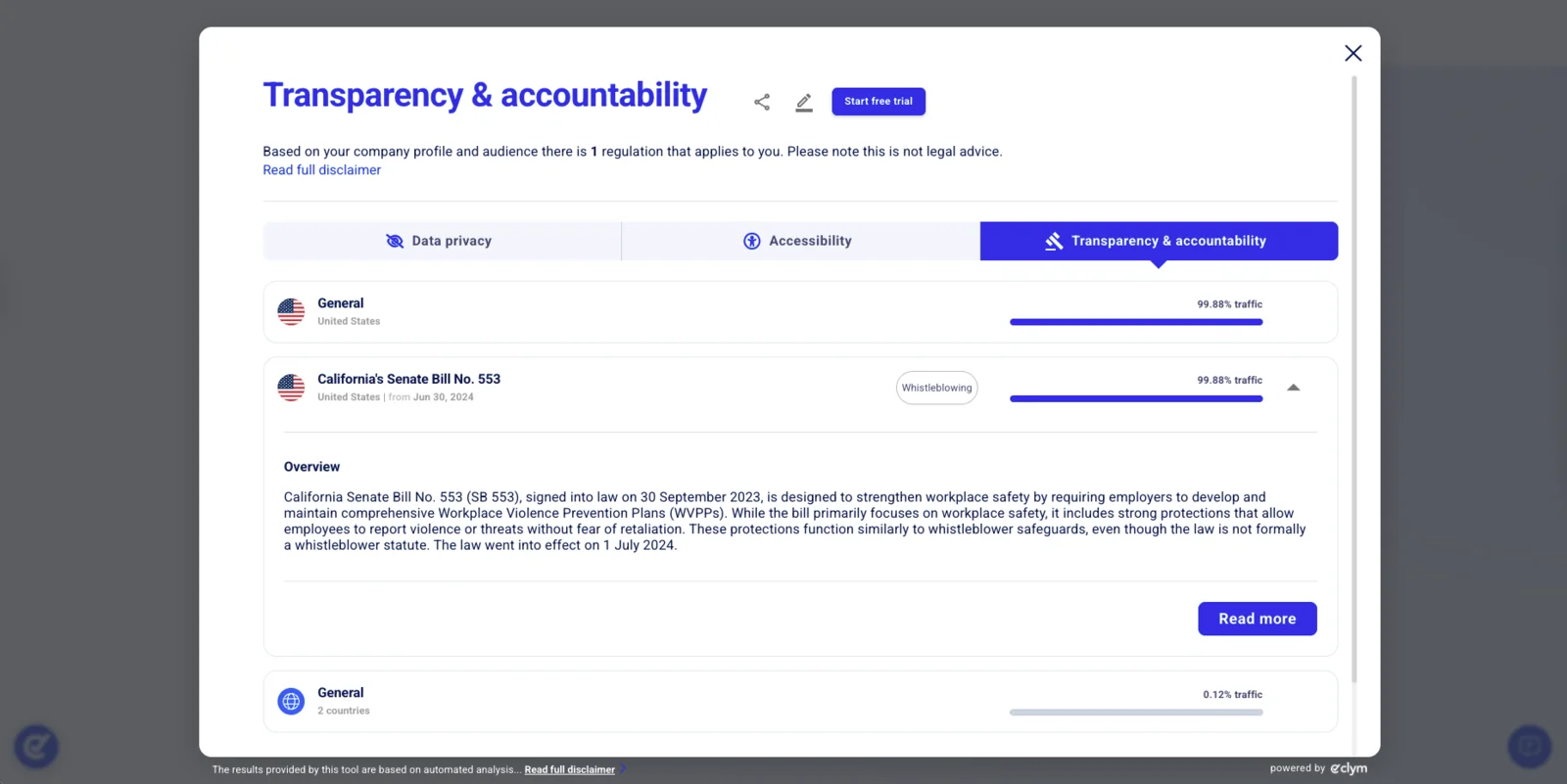
Note: The four sliders set the threshold conditions many regulations use to decide whether they apply to an organization: records processed, revenue, headcount, and revenue from selling or sharing data. The same thresholds drive your account's regulatory settings once you have one.