
Configure the security settings of your new jurisdiction
If applicable to your business, you can configure security settings in your jurisdictions.
To configure security settings:
- Go to
 Manage>Property Settings>Jurisdictions.
- In the Jurisdictions section, select either Add Rule or
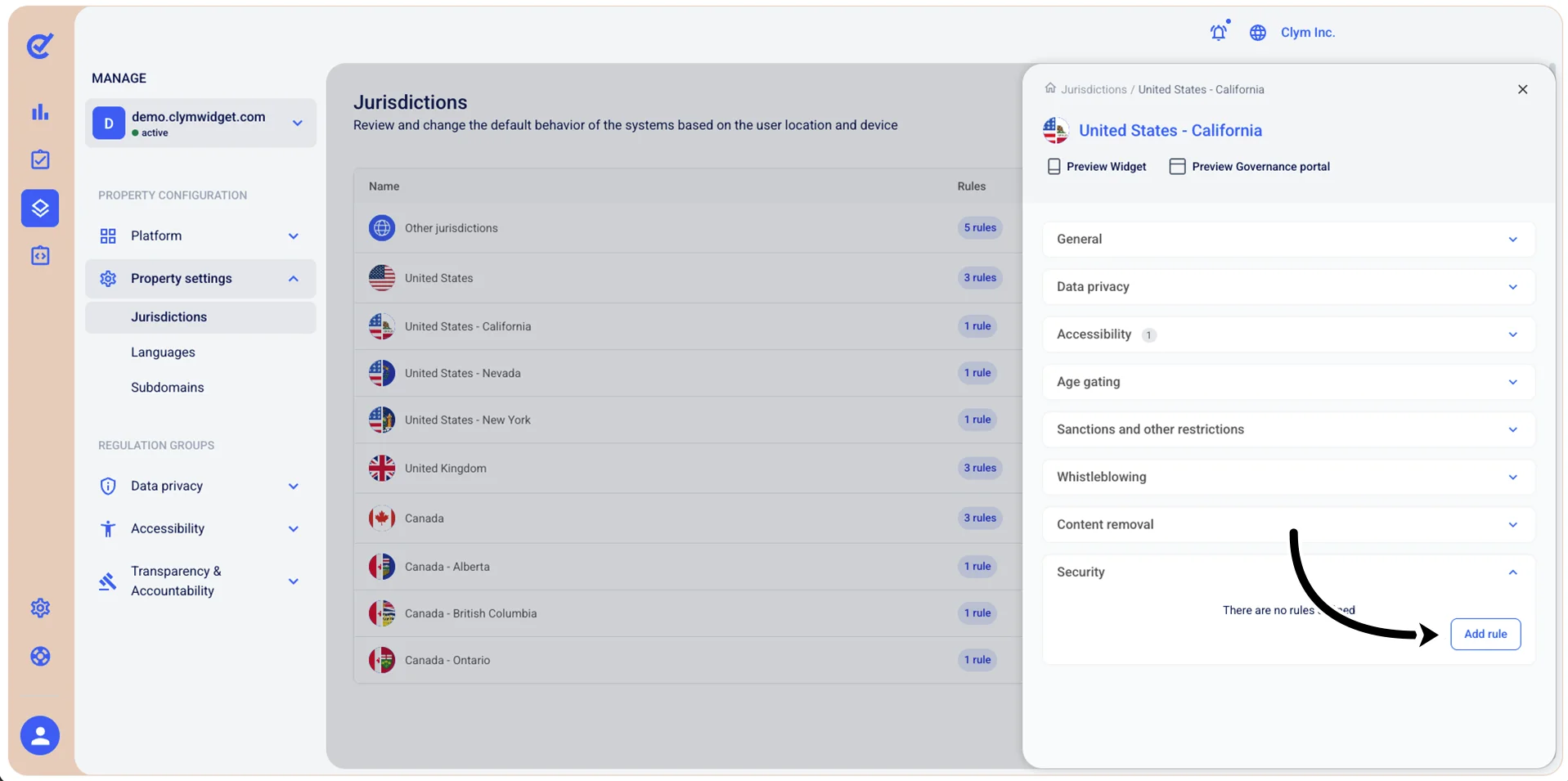
 Edit next to the desired existing rule. Then, expand Security and select Add rule.
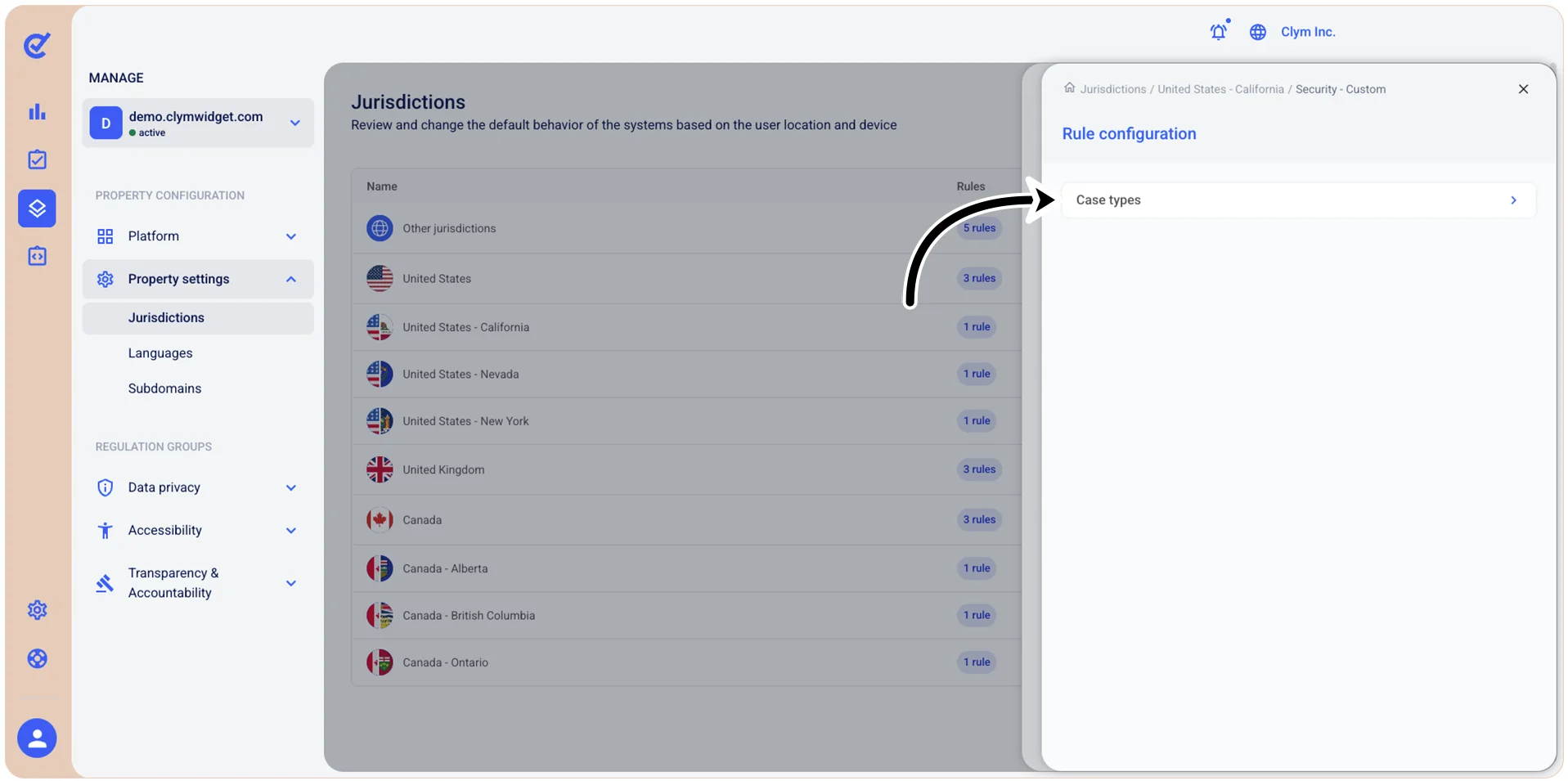
- Under Rule configuration, select Case types.
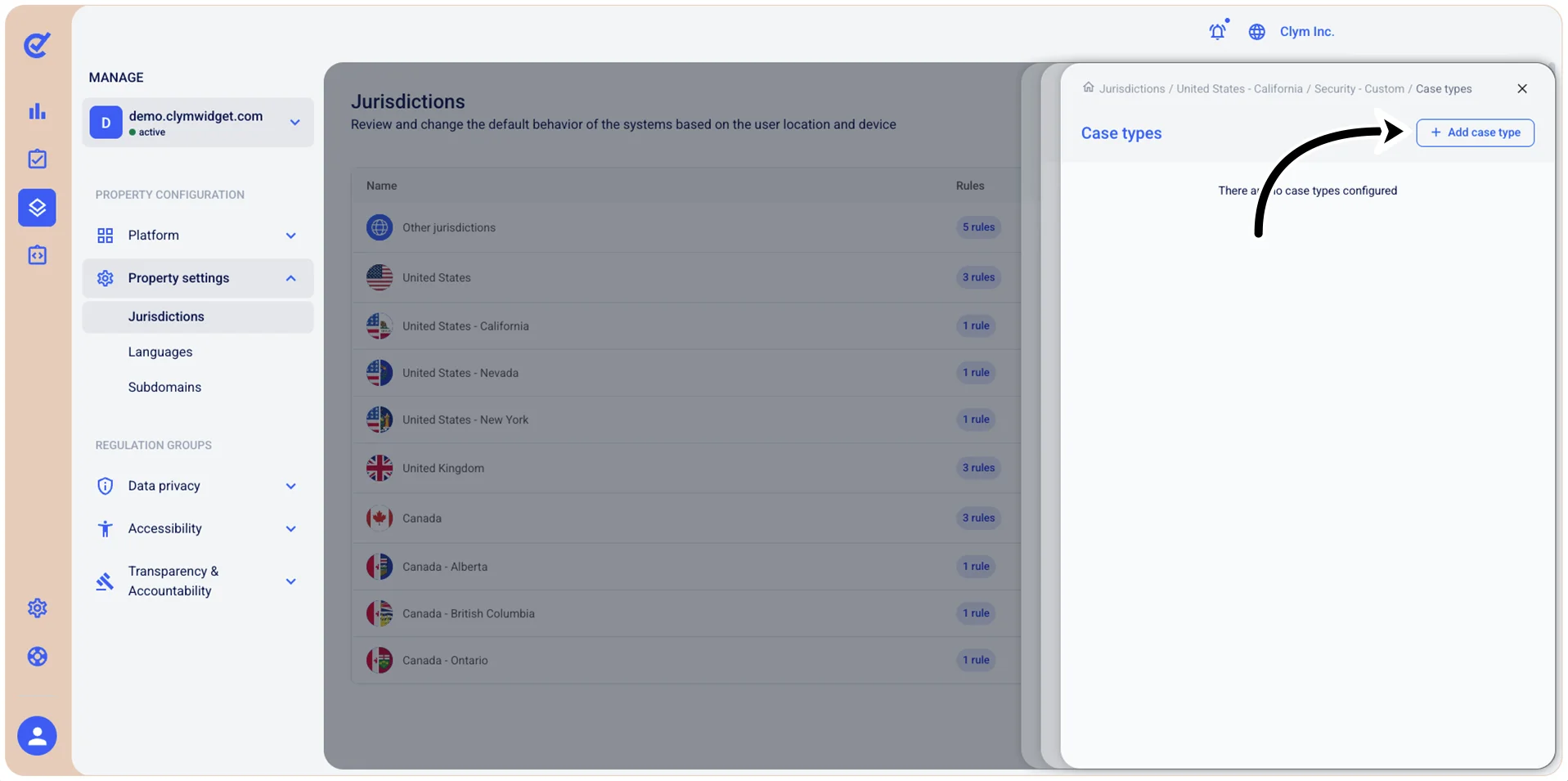
- Under Case types, select Add case type.
- Under Add case type, select Bounty hunting program from the list.
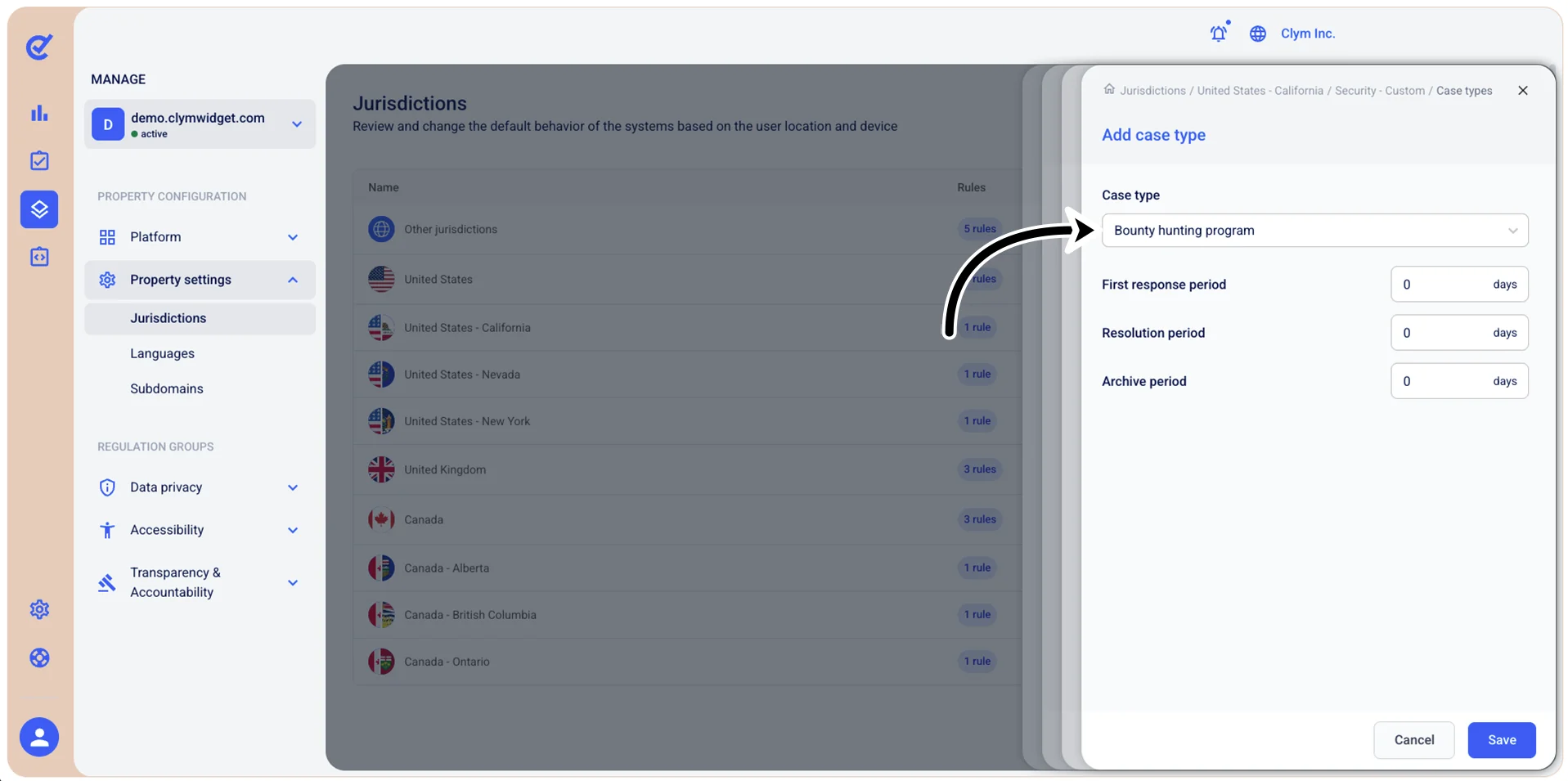
- Next, configure the parameters of the security case type, such as the First response period, Resolution period, and Archive period.
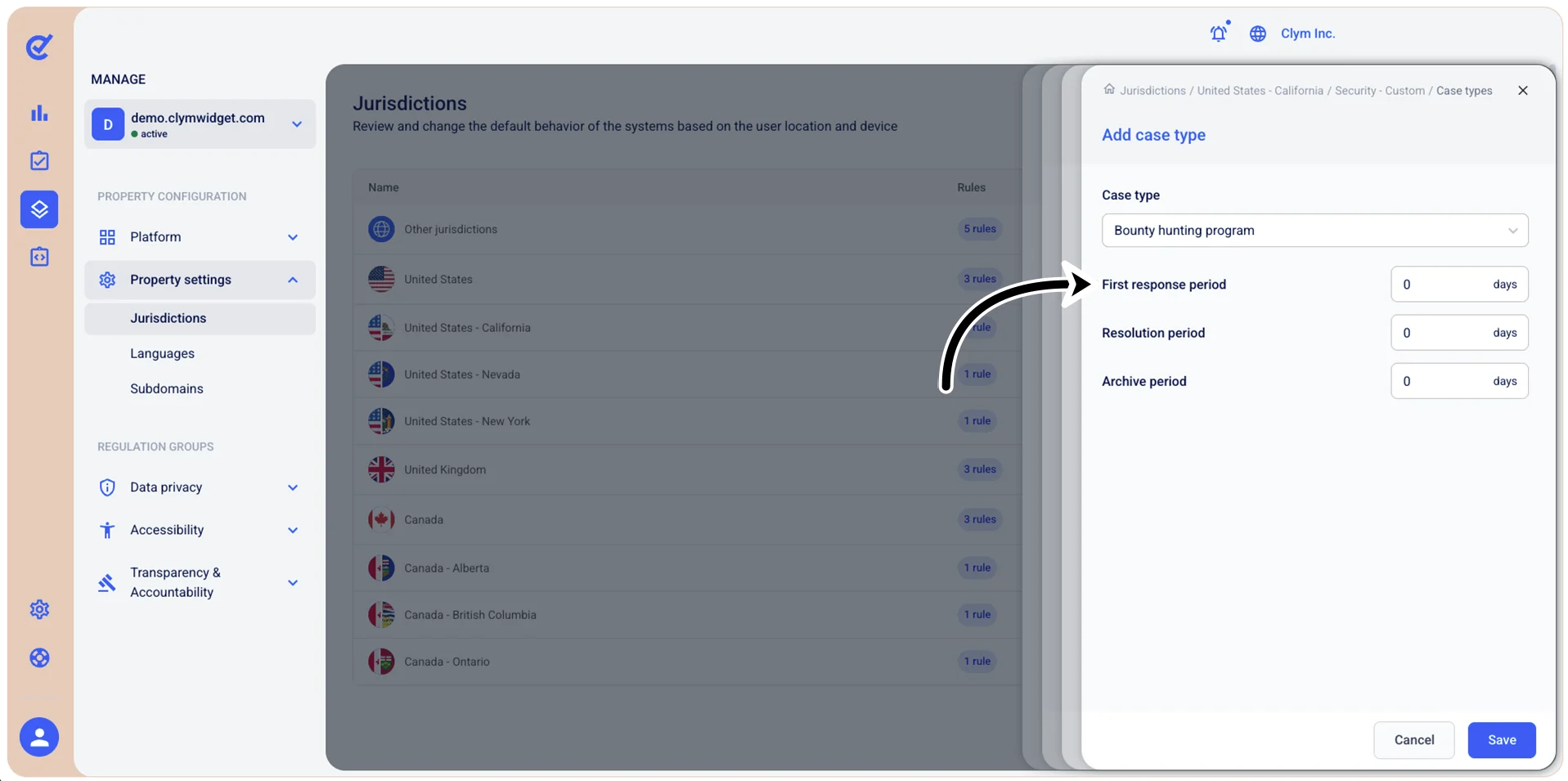
- When finished, select Save.