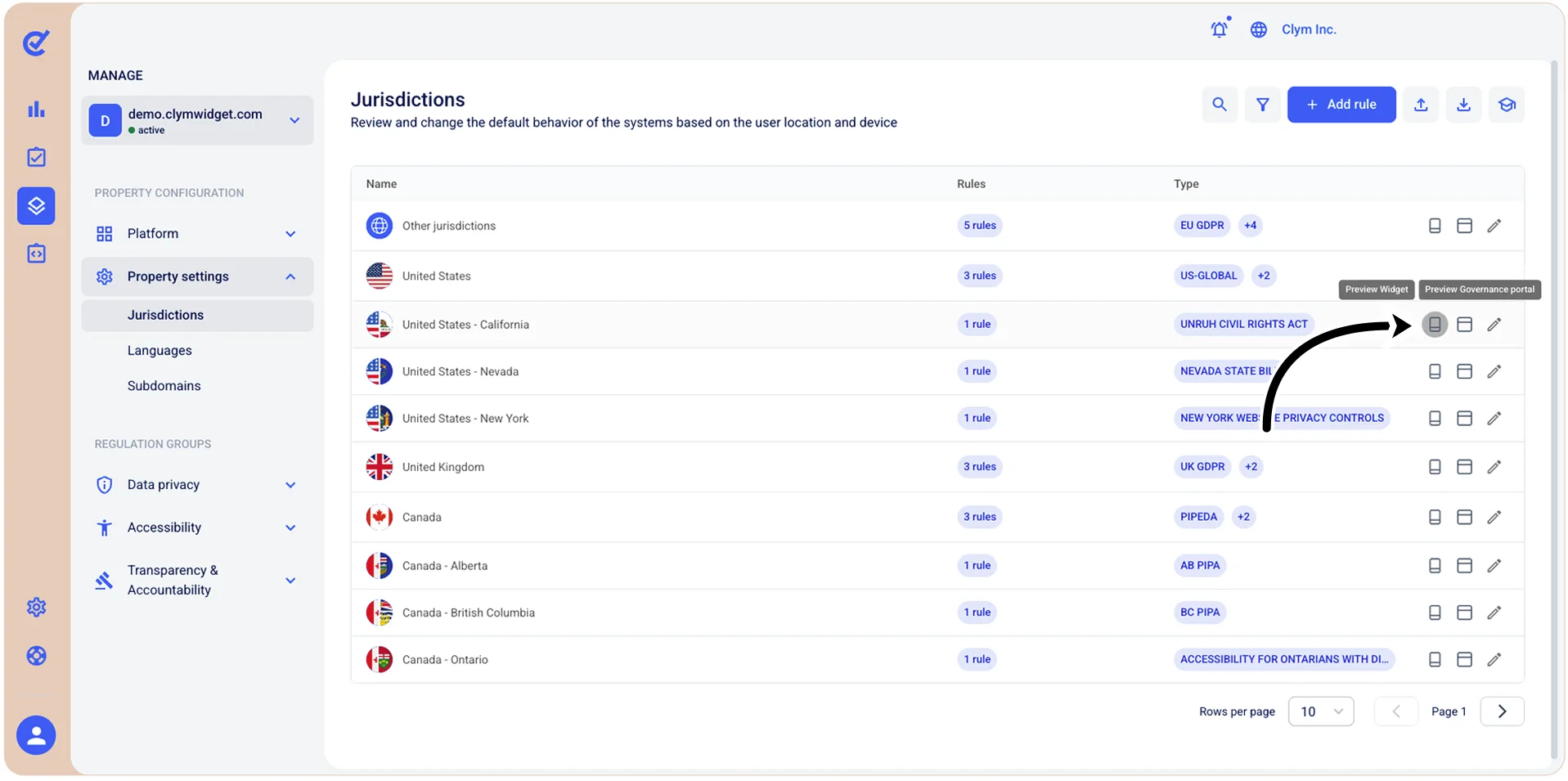
Preview the jurisdiction Widget/Governance Portal
In the Jurisdictions section, you can preview the Widget or Governance Portal experience from a specific jurisdiction at any time.
To see a preview:
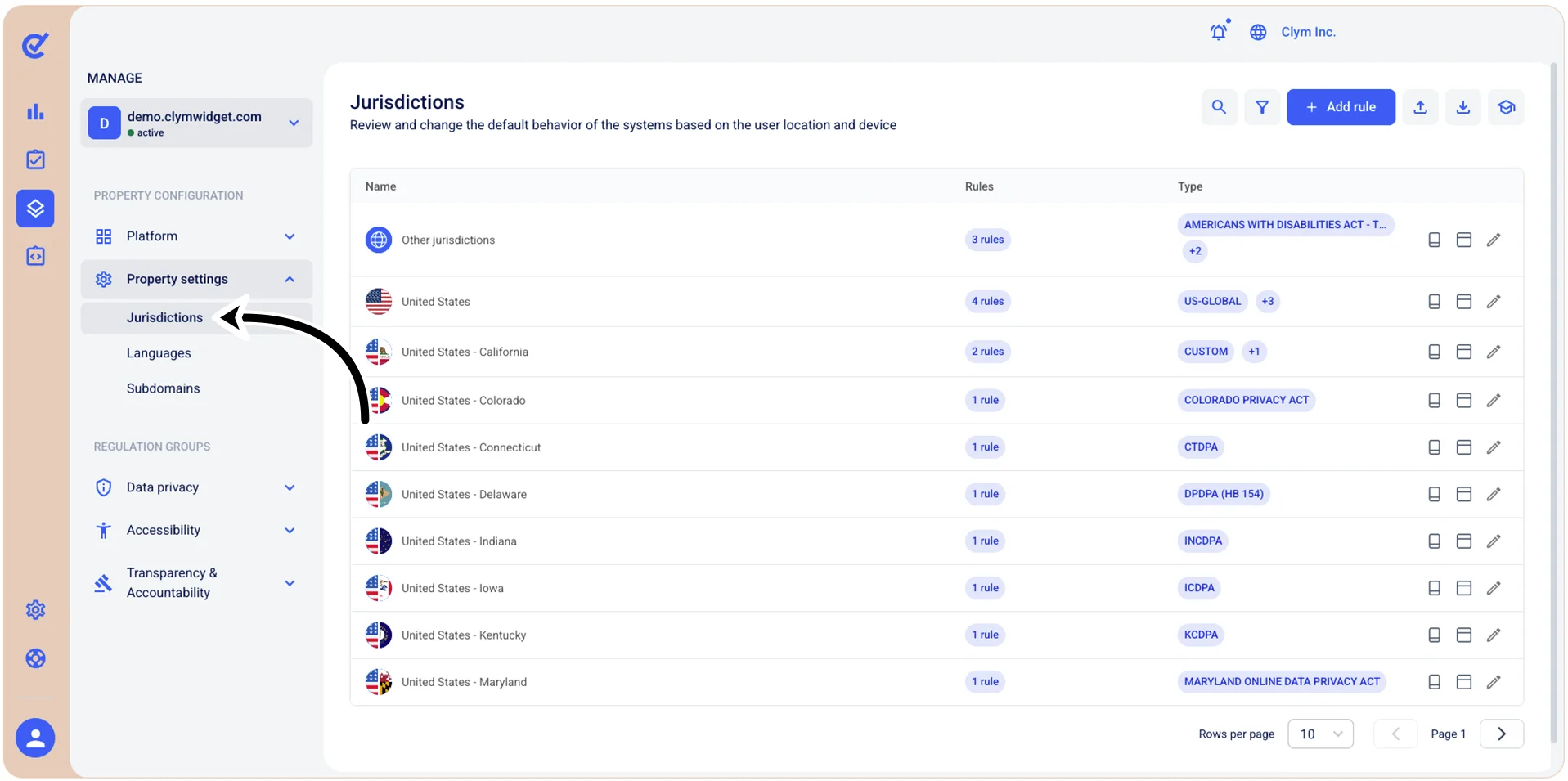
- Go to
 Manage>Property Settings>Jurisdictions.
- In the Jurisdictions section, select Preview Widget or Preview Governance Portal next to the jurisdiction you would like to preview.