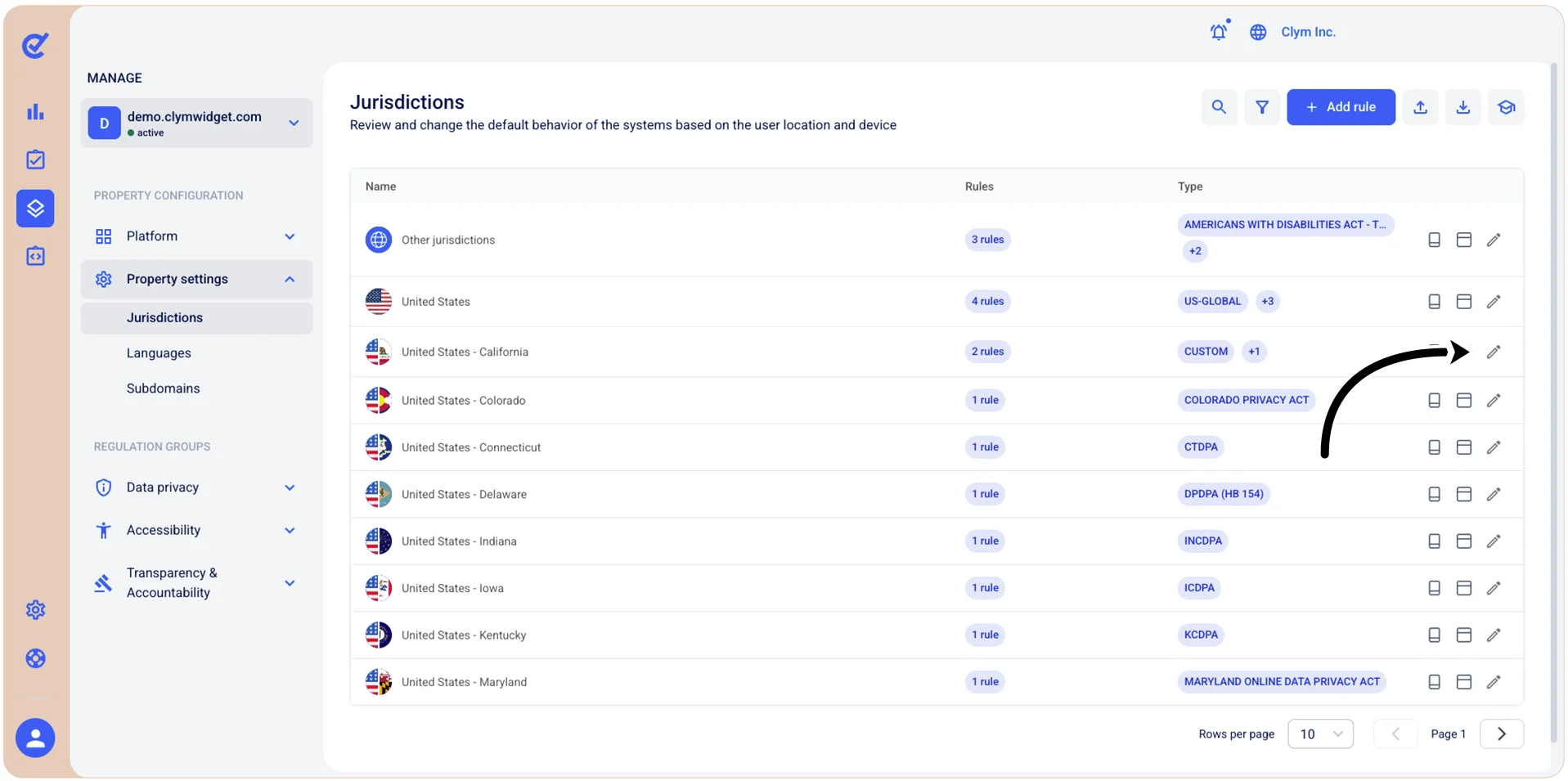
Edit jurisdictions
To modify a jurisdiction, you need to change the individual configurations of its parameters.
Note: Changing the jurisdiction settings is generally not recommended as it could risk noncompliance, we recommend consulting with your legal counsel before making modifications.
To change a jurisdiction:
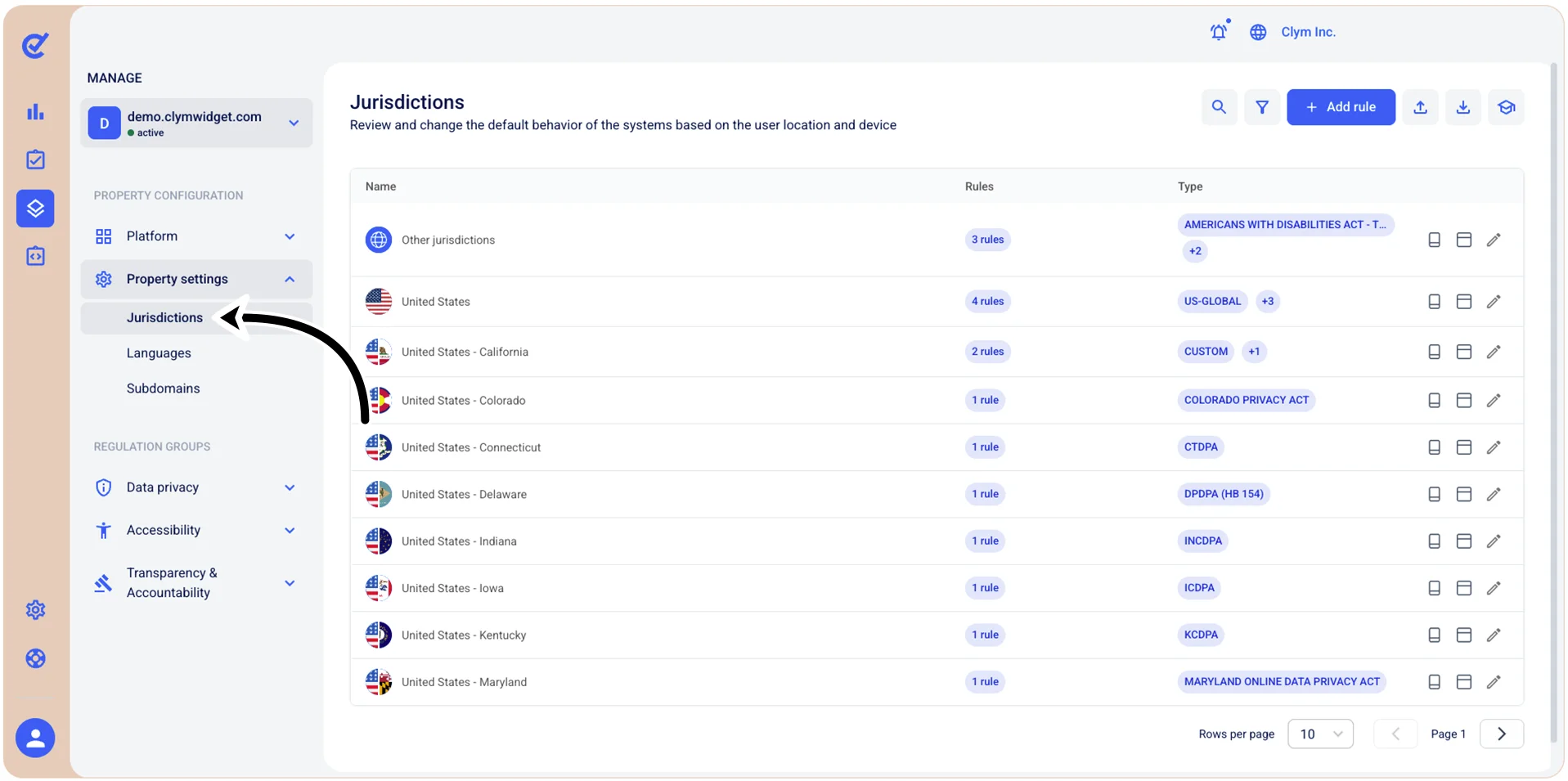
- Go to
 Manage>Property Settings>Jurisdictions.
- In the Jurisdictions section, select
 Edit next to the jurisdiction that you want to modify. Then, expand the regulation category that you want to modify and then, next to the existing rule, select Edit. From the Rule configuration window, select the section where you want to make changes.
 - After updating te desired settings, select Save.
Important! Any change to a jurisdiction will apply the "CUSTOM" tag to the jurisdiction, which will no longer use the default settings. When a jurisdiction is set as "CUSTOM," it will not receive automatic updates to avoid overwriting the custom settings. This may result in a risk of noncompliance, so we recommend legal counsel before changing default regulatory settings.