
Search for a Transparency & Accountability legal document
In the Control Center, you can search for legal documents based on the name of the document.
To search for documents:
- Go to
 Manage>Transparency & Accountability>Legal documents.
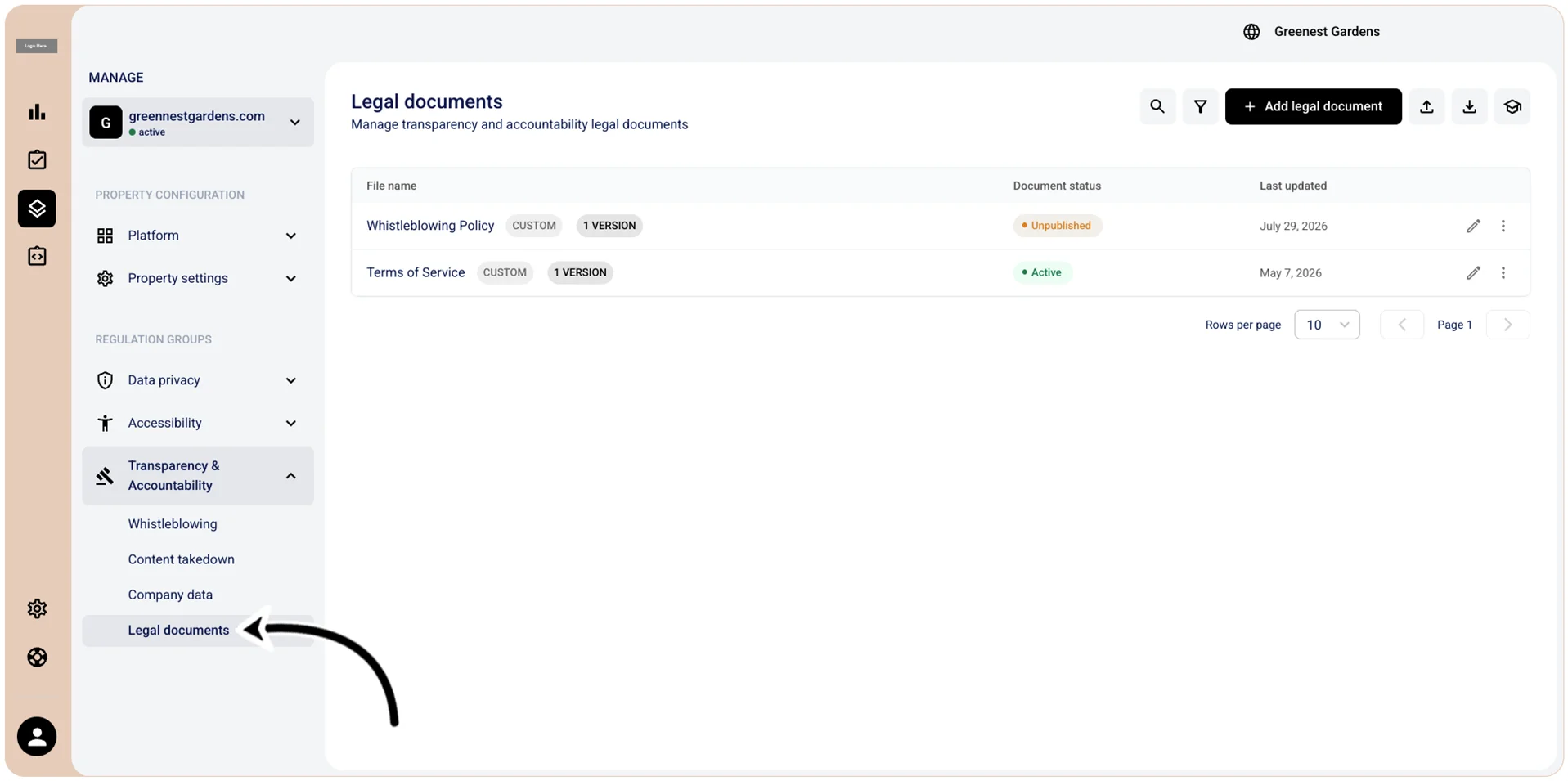
- In the Legal documents section, select
 Search.
 - In the Search field, enter the desired search parameter. The results of your query are displayed in the Legal documents section in real-time, but you can also select Search or press Enter.