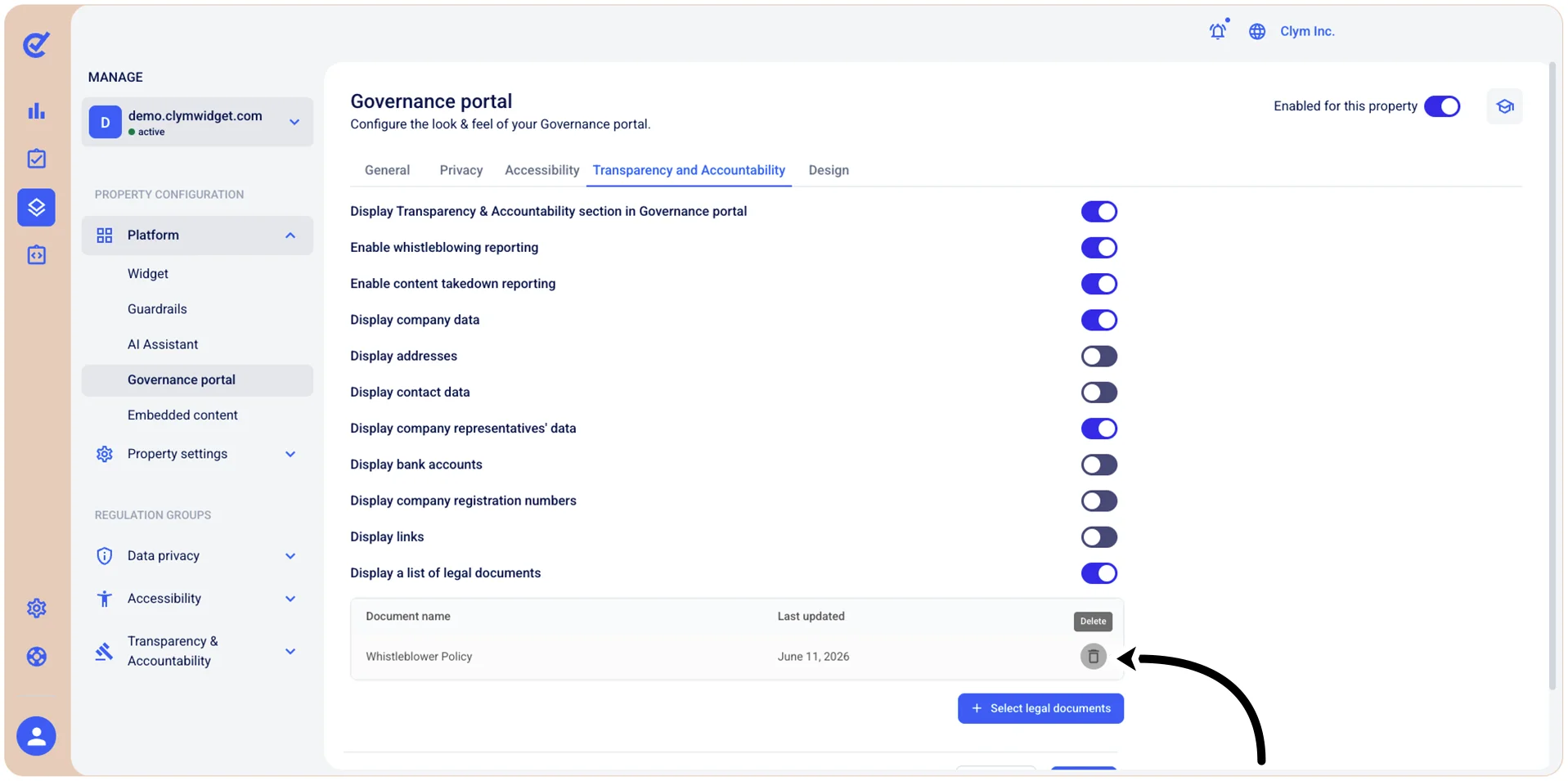
Remove Transparency and Accountability legal documents
You can remove existing Transparency and Accountability-related documents from your Governance Portal if your policy has changed or if the documents need updating. This feature is activated if you toggled on the Display a list of legal documents - for more information, see Configure the Governance Portal Transparency and Accountability settings.
Important! When configuring the Governance Portal settings, make sure that you select Save on the page you just configured before moving on to configure the Governance Portal parameters in another tab.
To remove existing Transparency and Accountability legal documents from the Governance Portal:
- Go to
 Manage>Platform>Governance Portal.
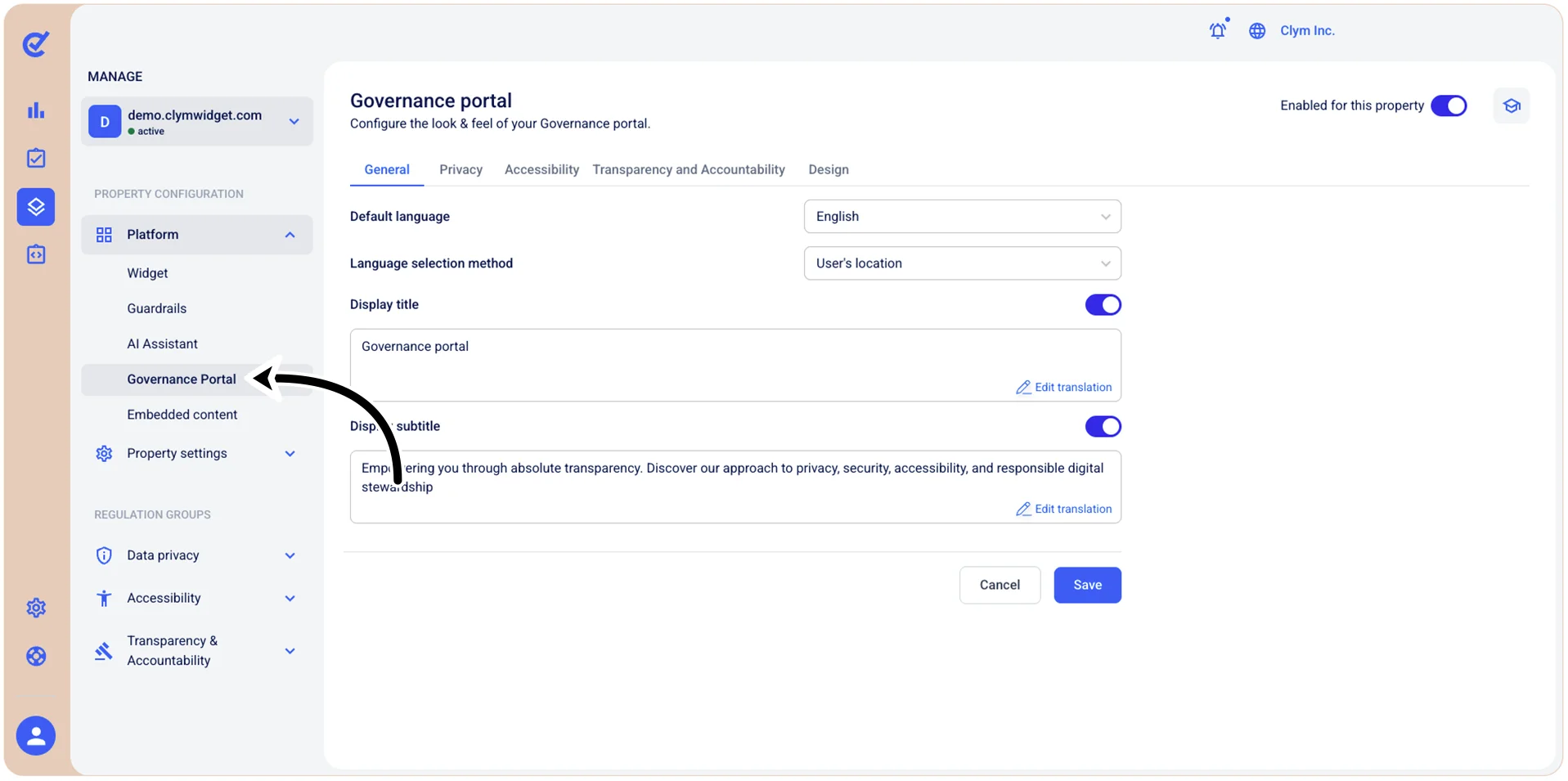
- In the Governance Portal section, go to the Transparency and Accountability tab and then select
 Delete next to the document that you want to remove.