
Add Transparency and Accountability legal documents
You can add Transparency and Accountability-related documents to your Governance Portal to inform your users about your policies.
Important! When configuring this section, make sure that you select Save on the tab you just configured before moving on to another tab/section.
To add Transparency and Accountability documents to the Governance Portal:
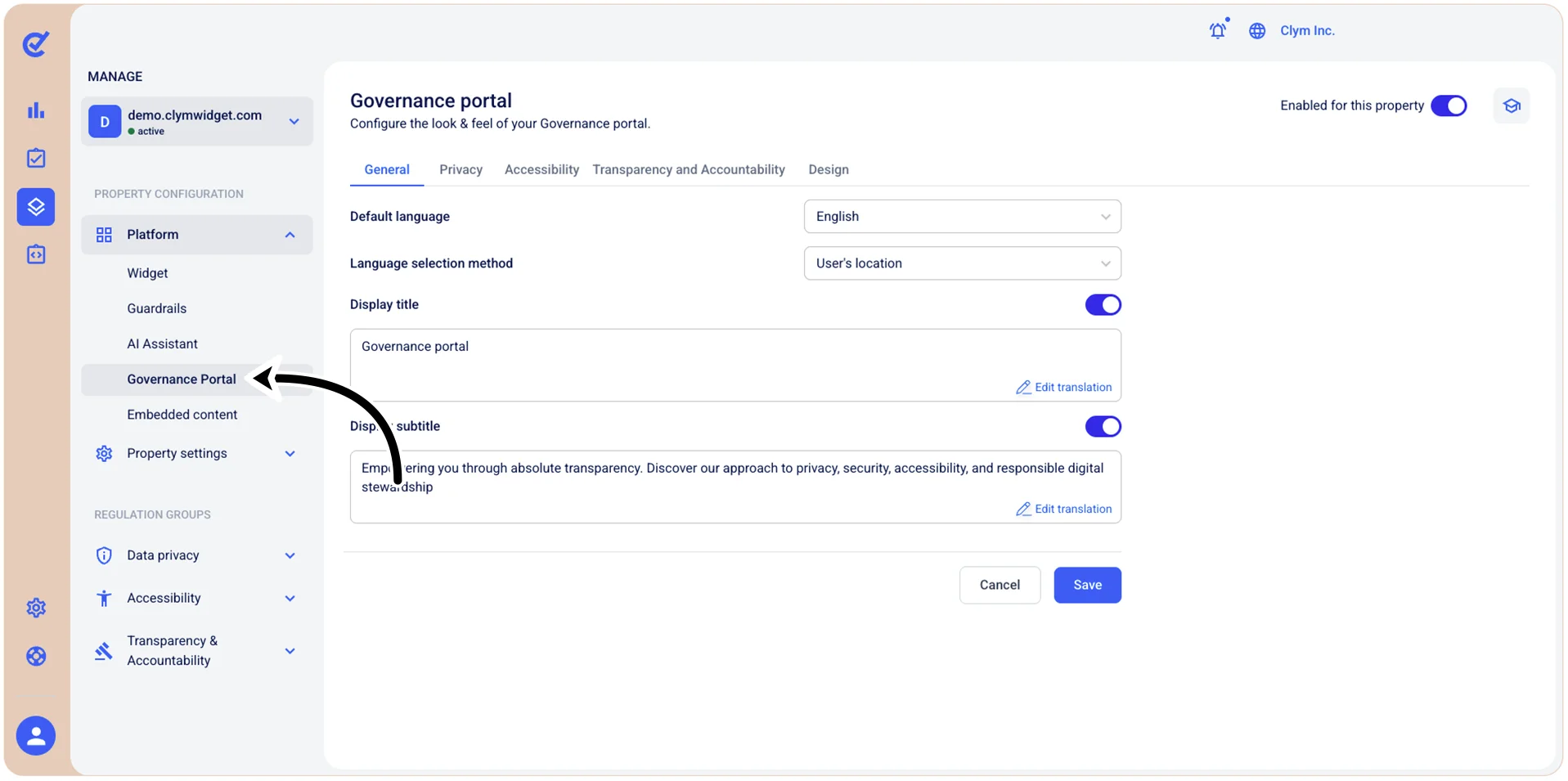
- Go to
 Manage>Platform>Governance Portal.
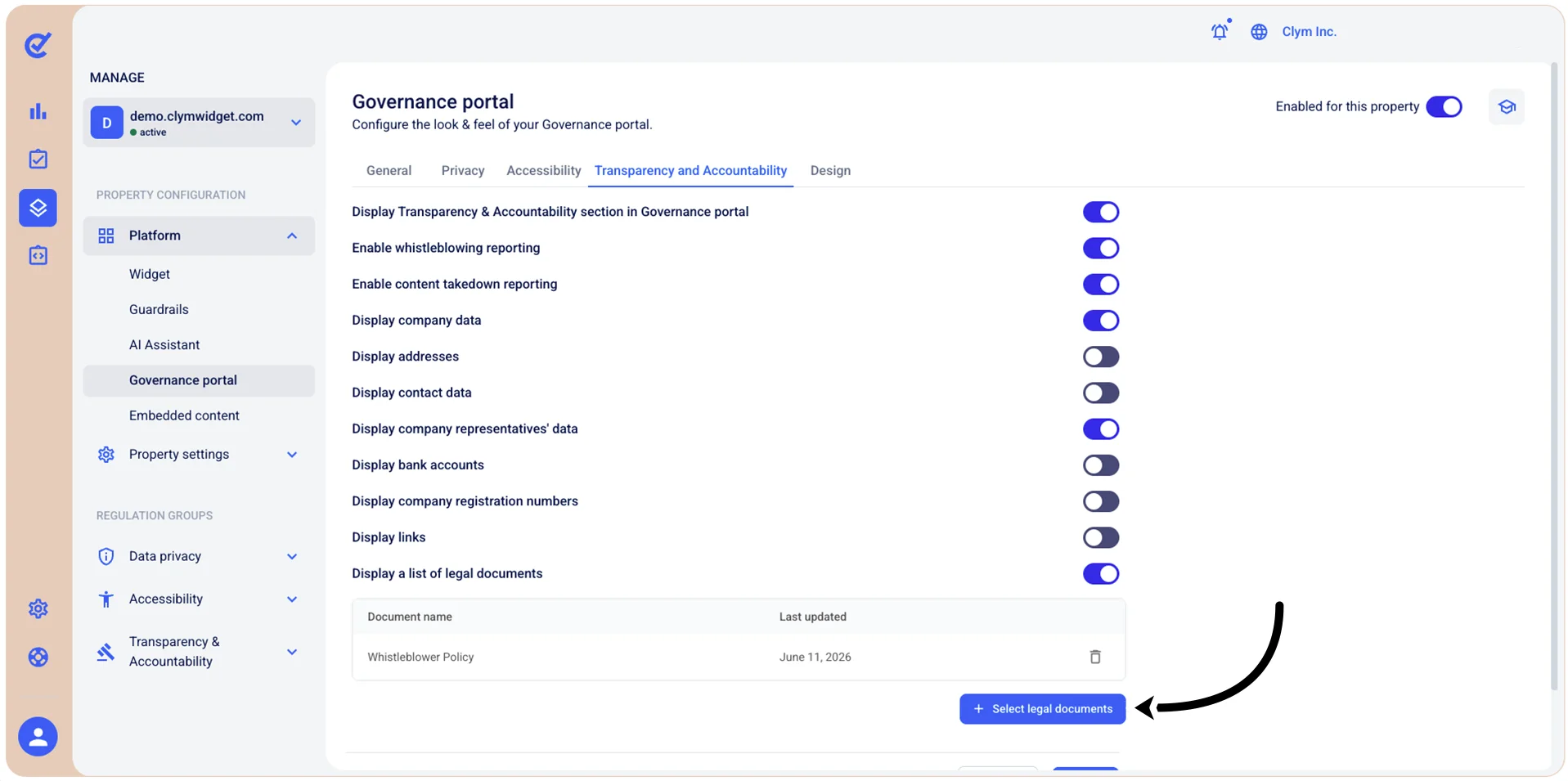
- In the Governance Portal section, go to the Transparency and Accountability tab and select +Select legal documents. Note: If all the available documents have been added, this button is deactivated.
- In the Select legal documents section, in the Documents list, select one or more of the desired Transparency and Accountability documents that are available and then select Add.
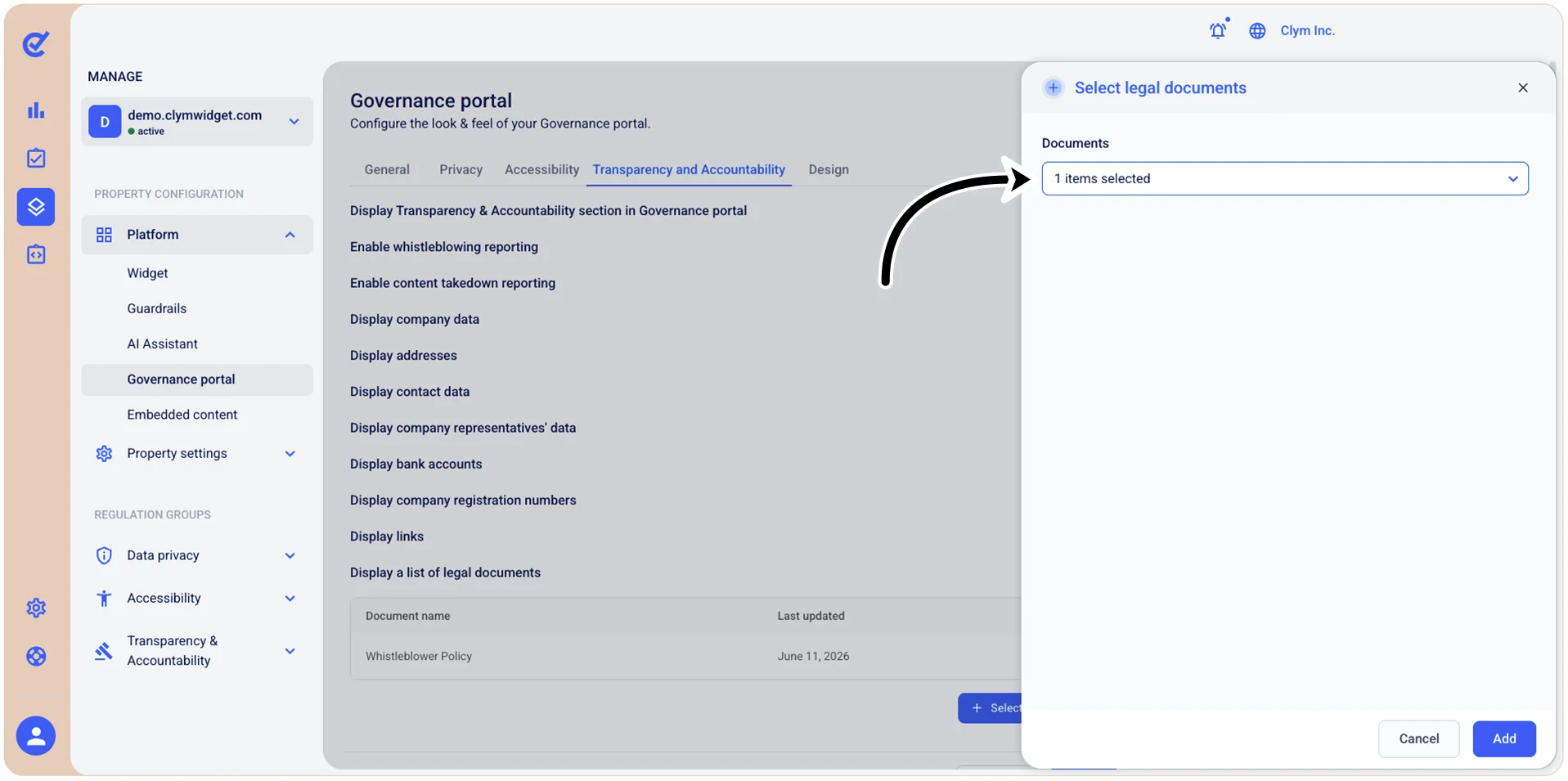
The newly-added documents are displayed in the Transparency and Accountability tab.