
Configure the Governance Portal's general settings
There are several parameters that you can configure in the General tab of the Governance Portal, for example, the default language and the display title and subtitle.
Important! When configuring the Governance Portal settings, make sure that you select Save on the page you just configured before moving on to configure the Governance Portal parameters in another tab.
To configure the general settings of the Governance Portal:
- Go to
 Manage>Platform>Governance Portal.
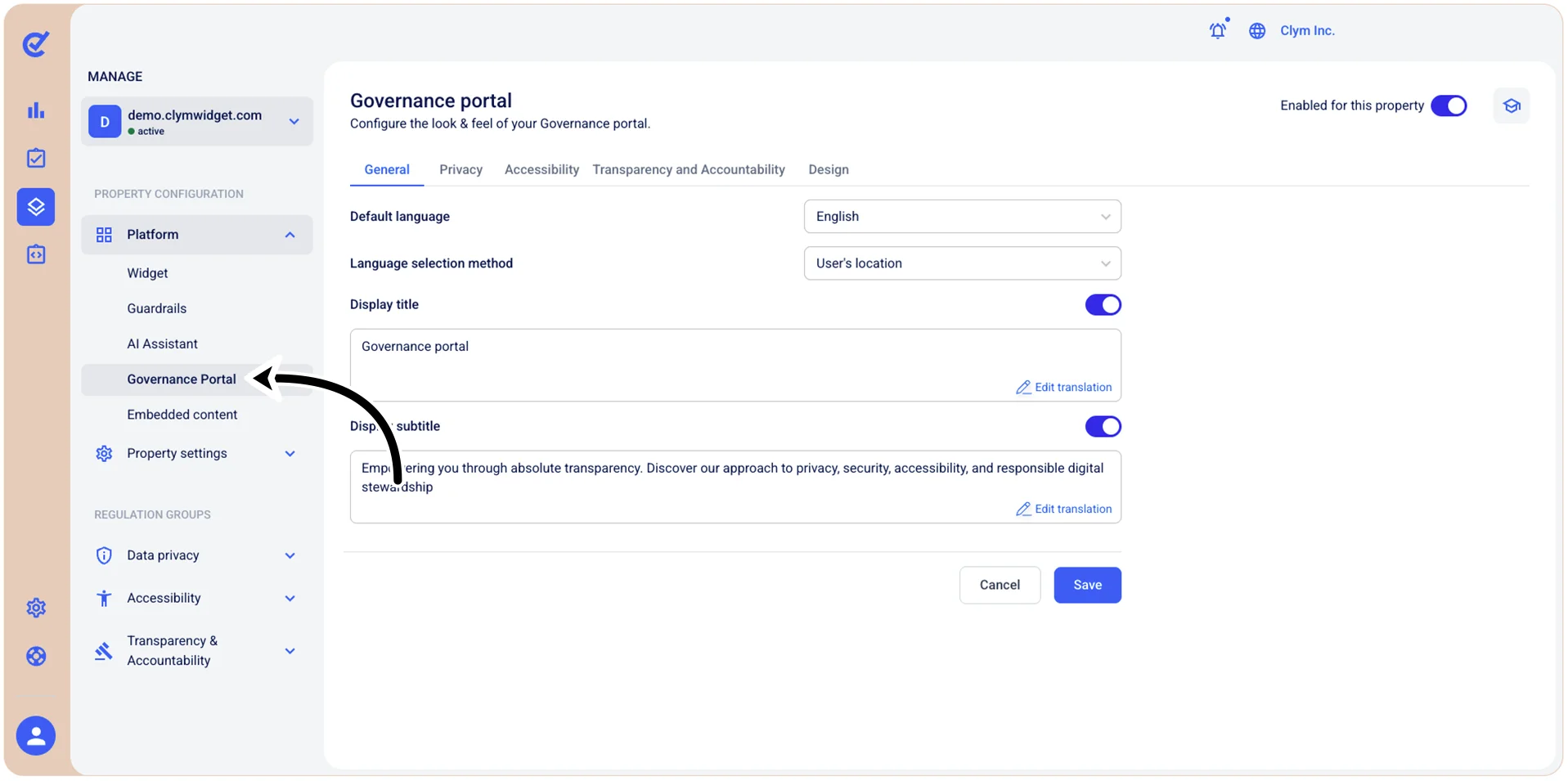
- In the Governance Portal section, go to the General tab and configure the parameters, as follows:
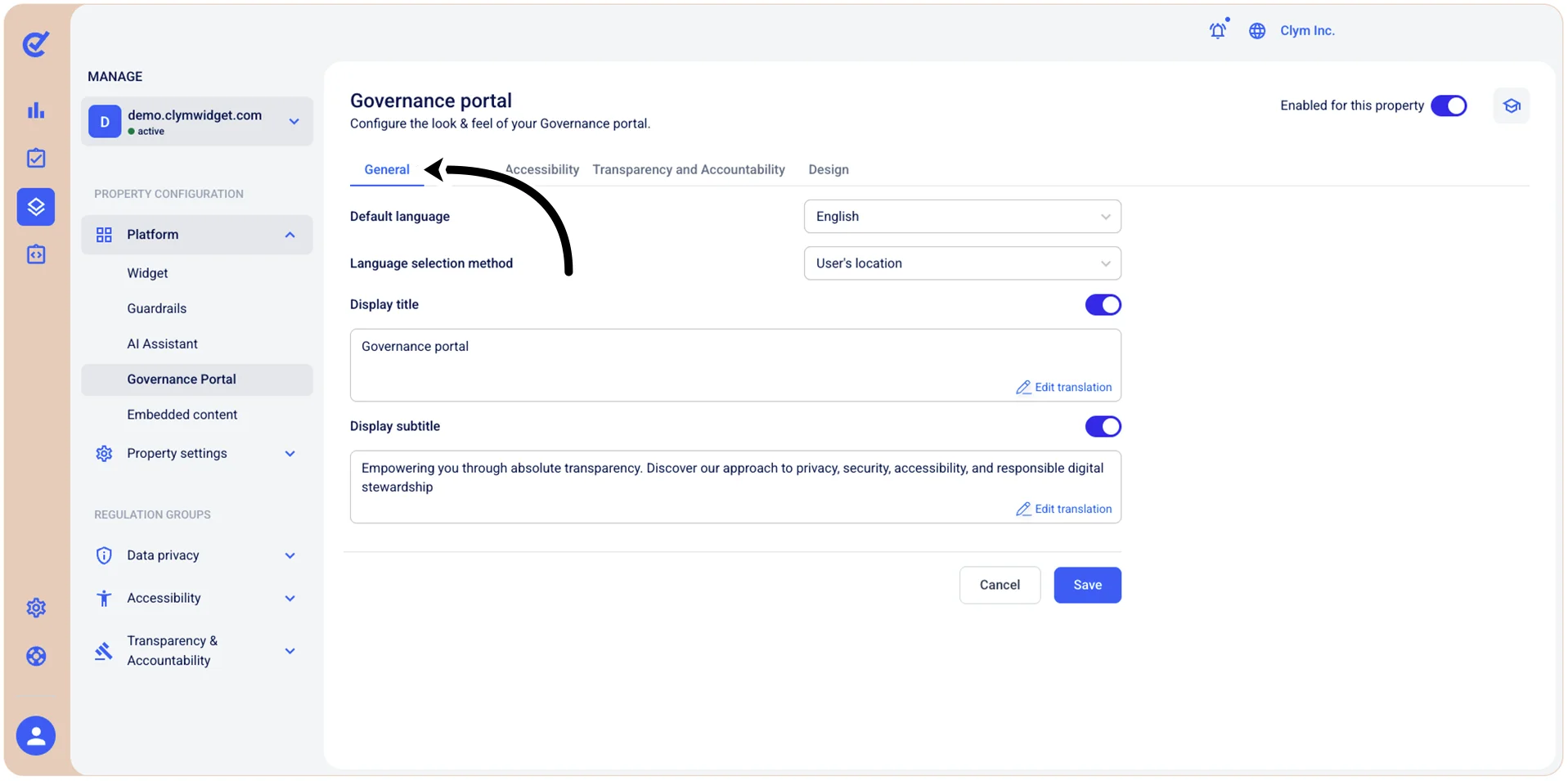
- Default language: Select the default display language of the Governance Portal.
- Language selection method: Select how you want the system to determine which language to use when communicating with users:
- User's browser: Automatically uses the language detected in the user's web browser
- Default language: Uses the predefined default language
- User’s location: Uses the language based on the user's geographic location which will be displayed to users by default when they first interact with the widget, unless overridden by the language selection method (see below) or user preferences.
- Display title: Enter the desired title displayed at the top of your Governance Portal.
- Display sub-title: Enter the desired display subtitle for the Governance Portal.
- When finished, select Save.