
Configure the Governance Portal’s data privacy settings
In the Privacy tab, you can configure how you want the privacy settings displayed in the Governance Portal.
Note: After editing any parameters in this section, select Save on the tab you just configured before moving on to another tab, otherwise the updated parameters will not be saved.
To configure the data privacy settings:
- Go to
 Manage>Platform>Governance Portal.
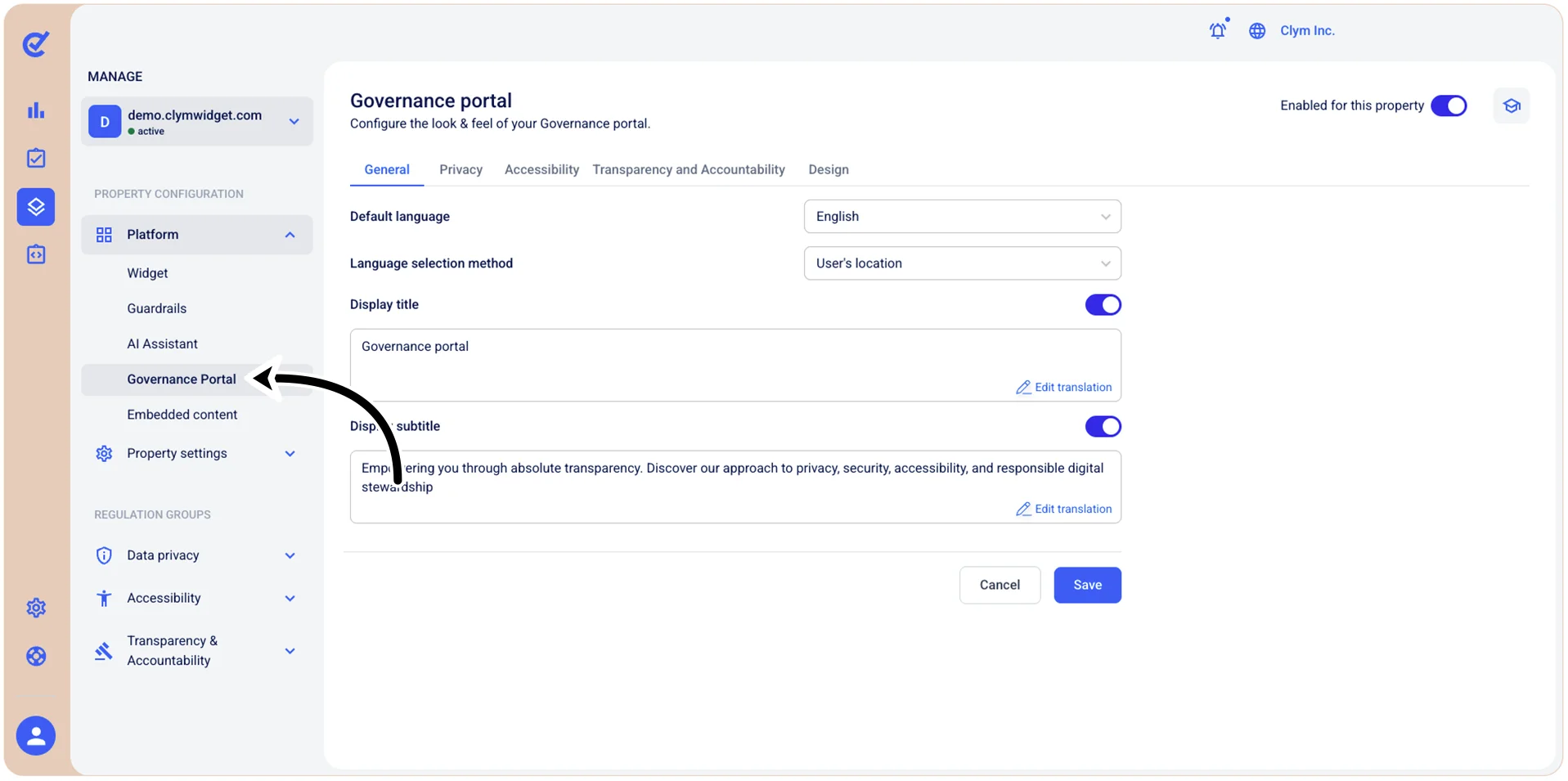
- In the Privacy tab, configure the parameters, as follows:
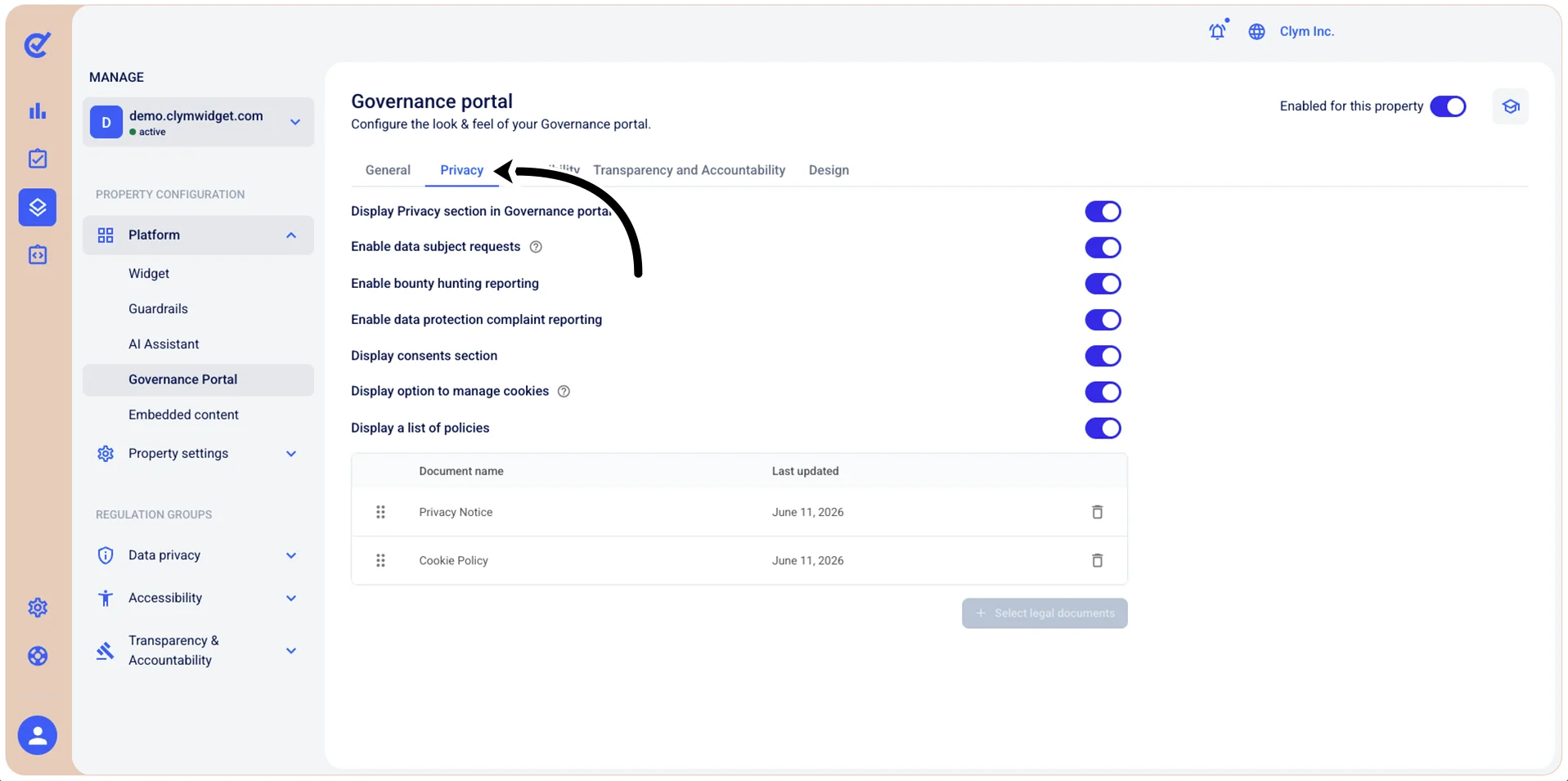
- Display Privacy section in Governance portal: Toggle on to display the privacy section within the Governance Portal.
- Enable data subject requests: Toggle on to activate the data subject request functionality so that users can submit privacy requests (such as access, deletion, correction, or opt-out requests) through the Governance Portal.
- Enable bounty hunting reporting: Toggle to activate the security bounty hunting reporting feature so that security researchers and users can submit vulnerability reports through the Governance Portal.
- Display consents section: Toggle on to display the consents section in the Governance Portal so that users can view and manage their consent preferences and history.
- Display option to manage cookies: Toggle on to display cookie management options in the Governance Portal so that users can access controls to view, modify, or withdraw their cookie consent preferences.
- Display a list of policies: Toggle on to display the list of privacy policies and legal documents in the Governance Portal so that users can view and access available policy documents (for example, Cookie Policy, Privacy Notice, and other legal documents).
- When finished, select Save.