Delete an embedded content service provider
To remove an embedded content service provider:
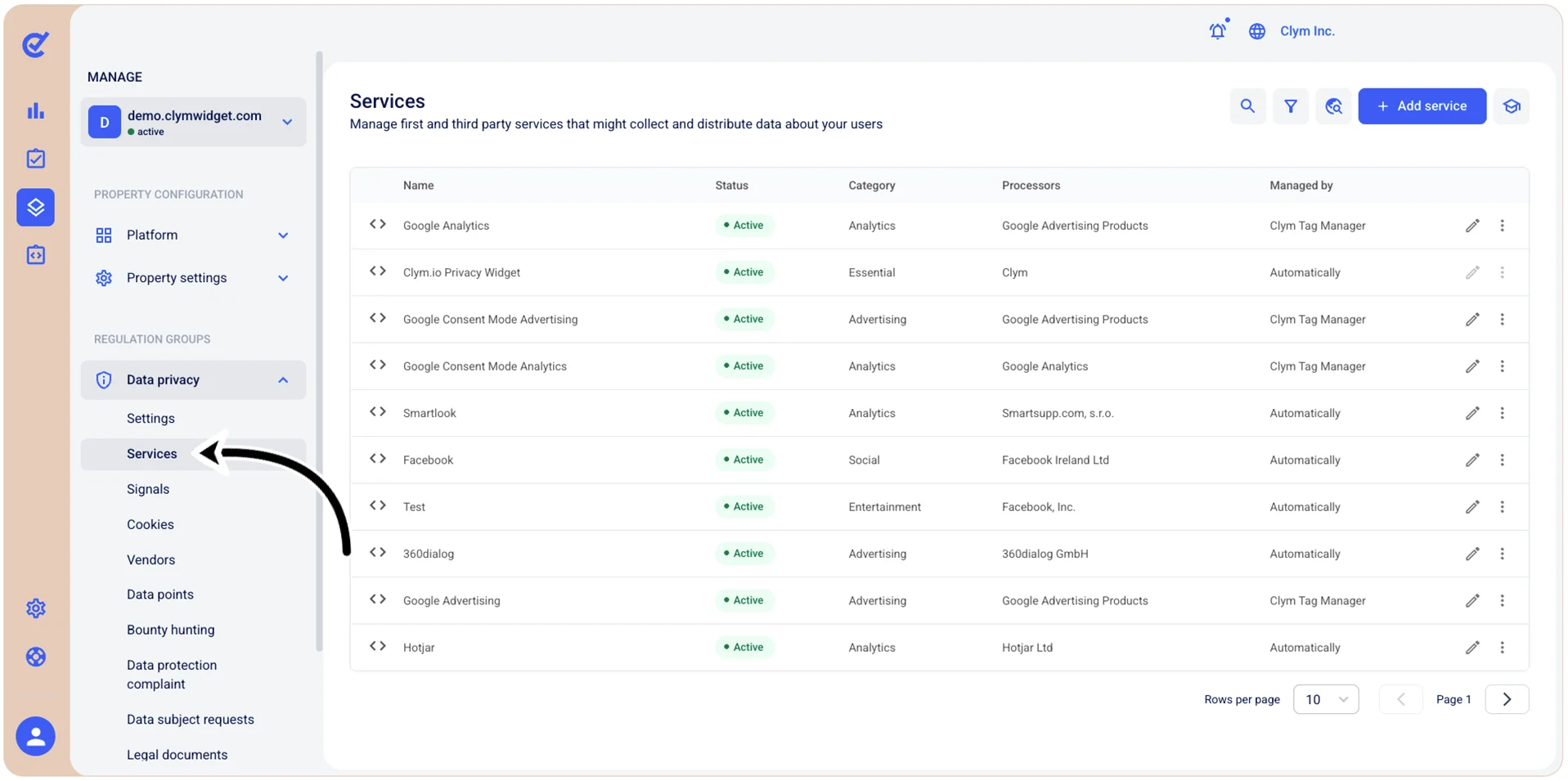
- Go to
 Manage>Data privacy>Services.
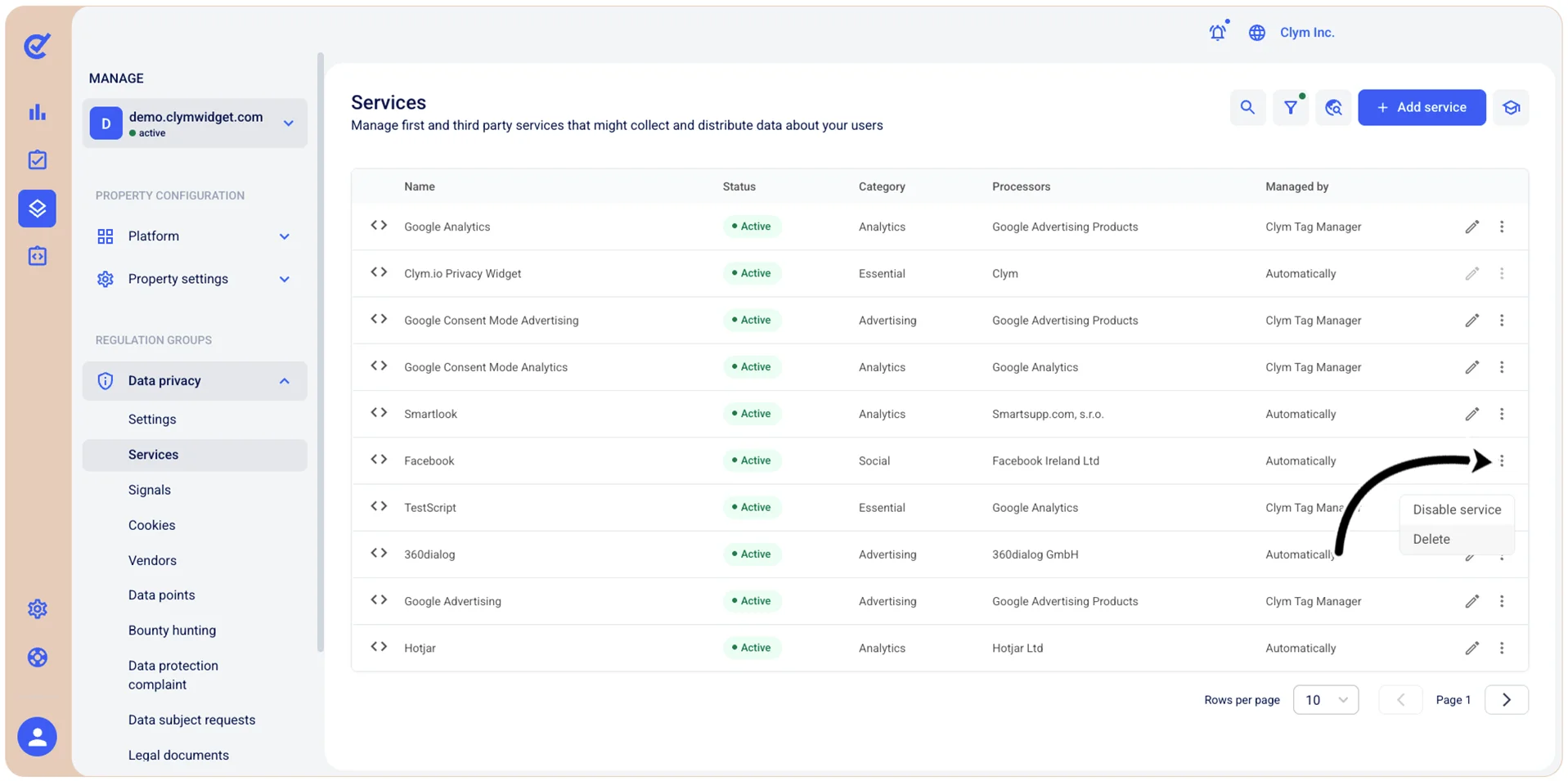
- In the Services section, select ⋮ Settings next to the desired service and then select Delete.
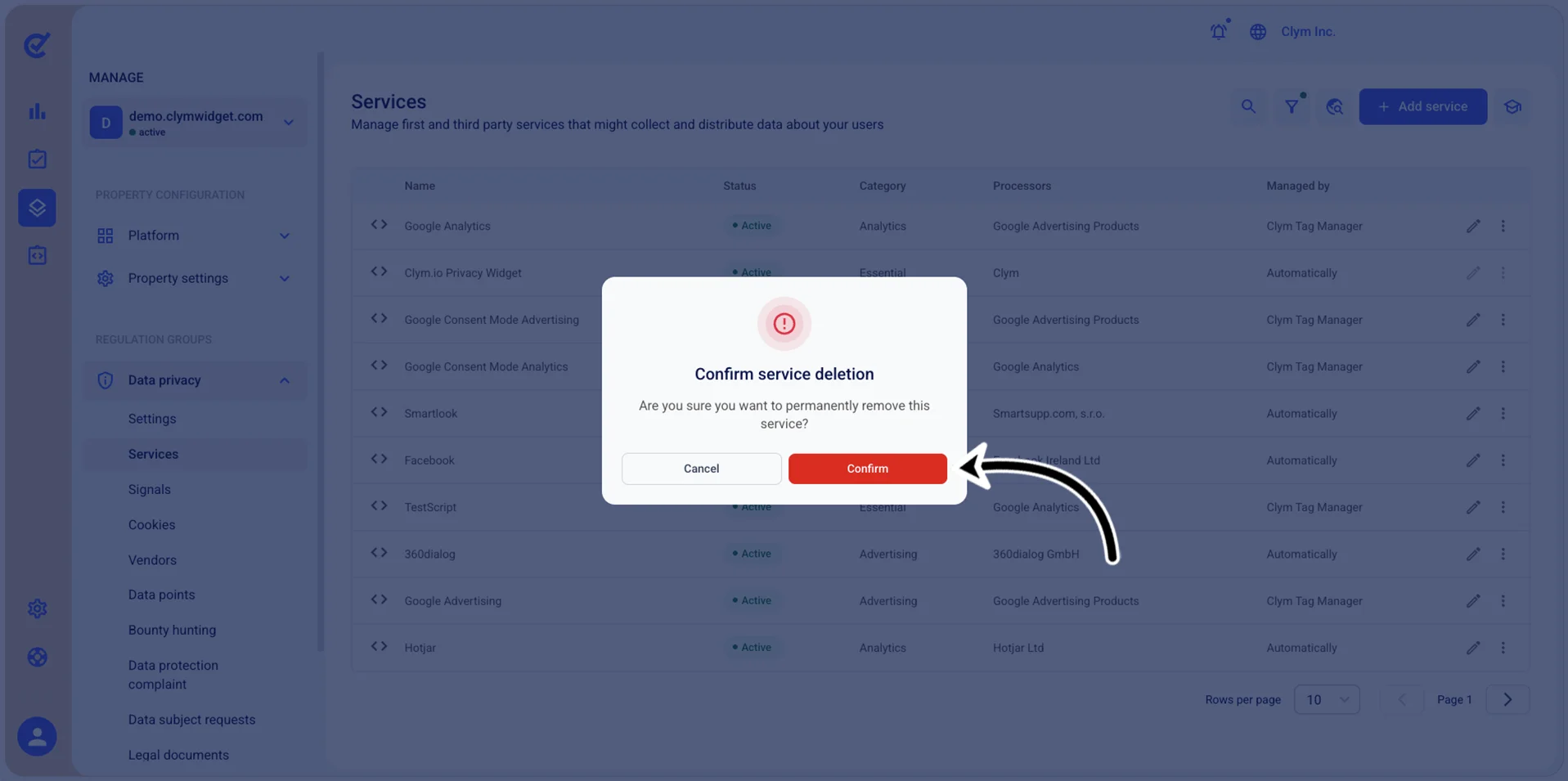
- In the confirmation message, select Confirm.