Add a new embedded content third-party services provider
To add a new embedded content third-party services provider:
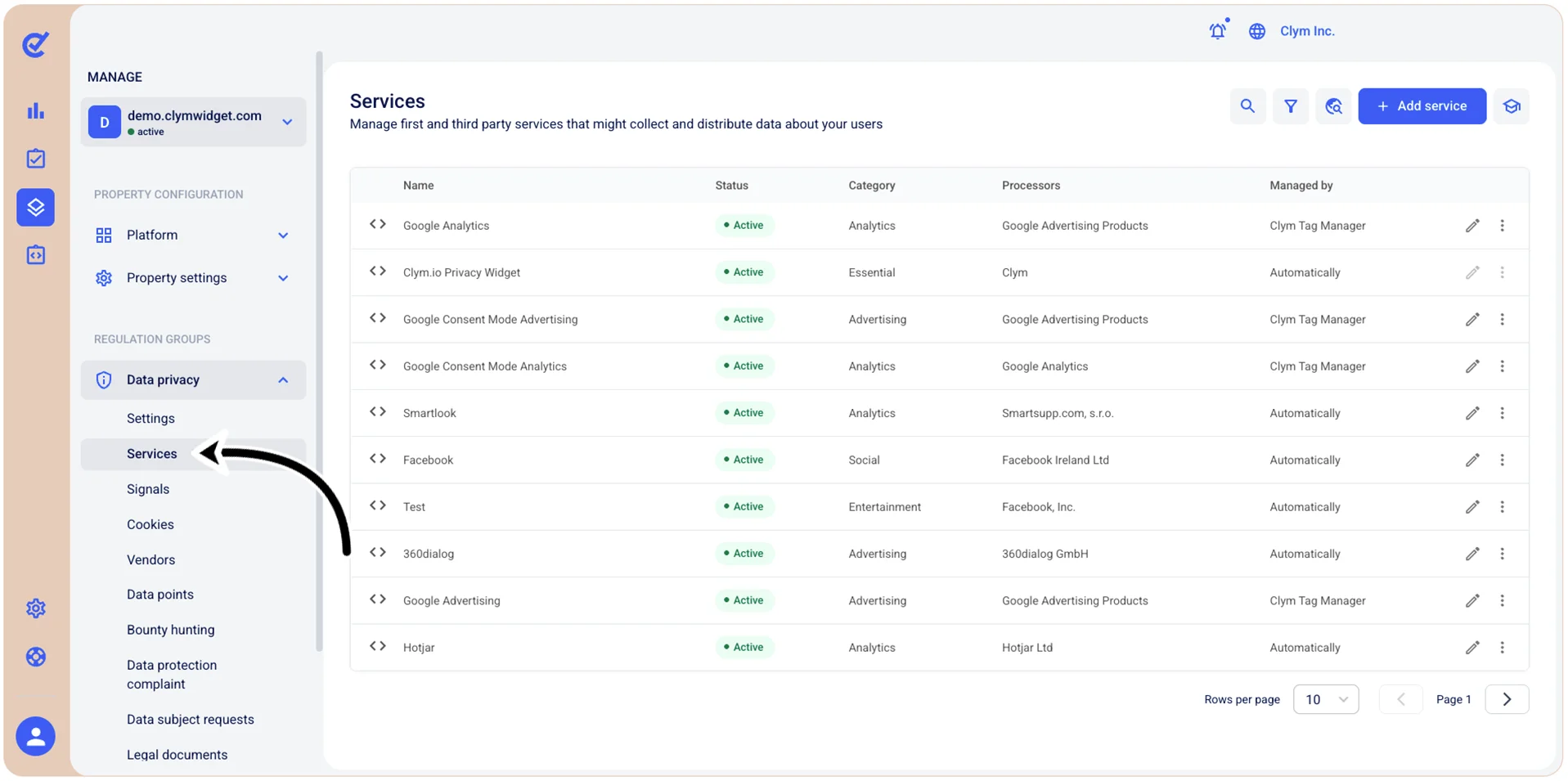
- Go to
 Manage>Data privacy>Services.
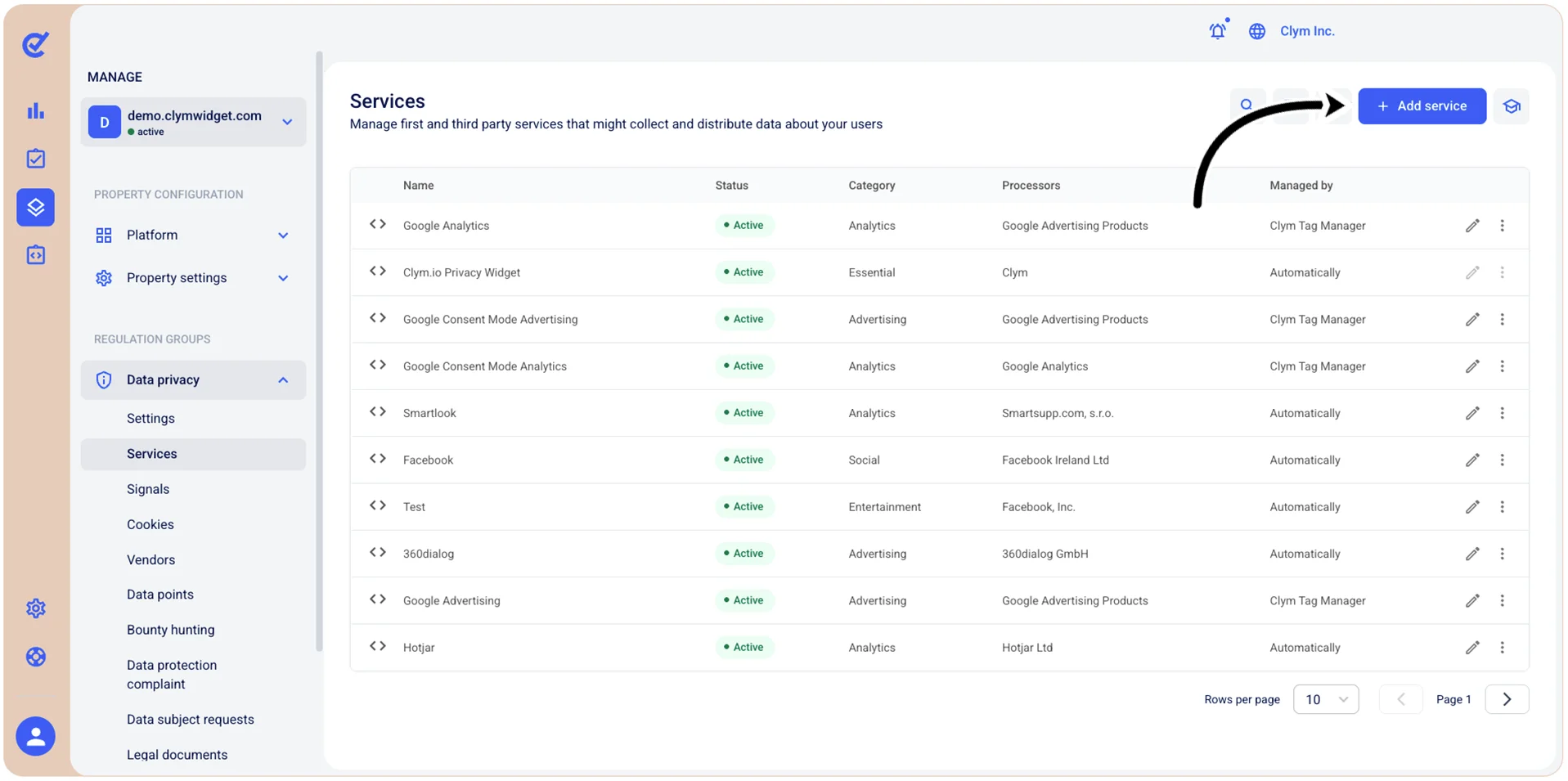
- In the Services section, select +Add service.
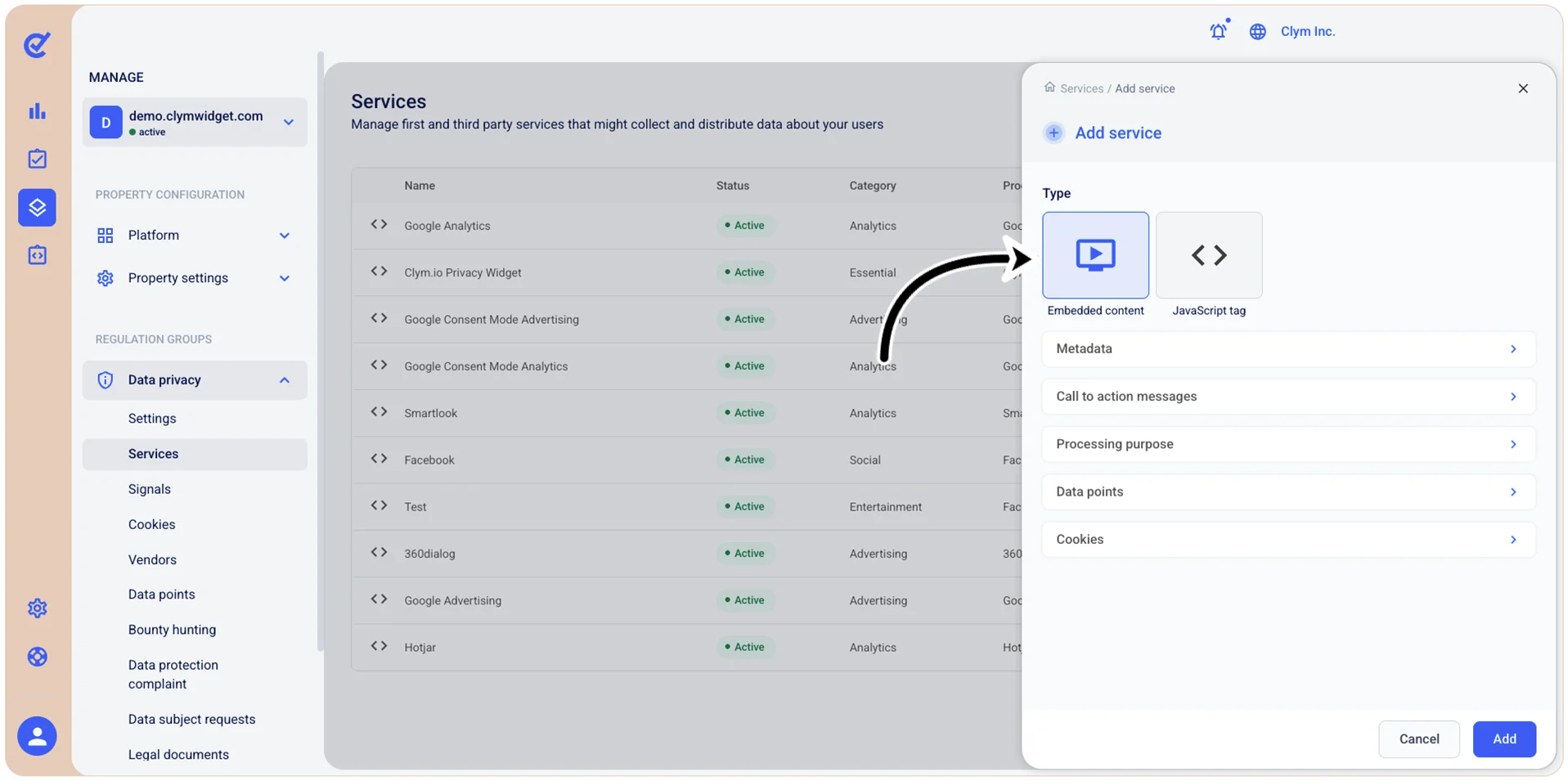
- Under Add service, select Embedded content and then select Add.
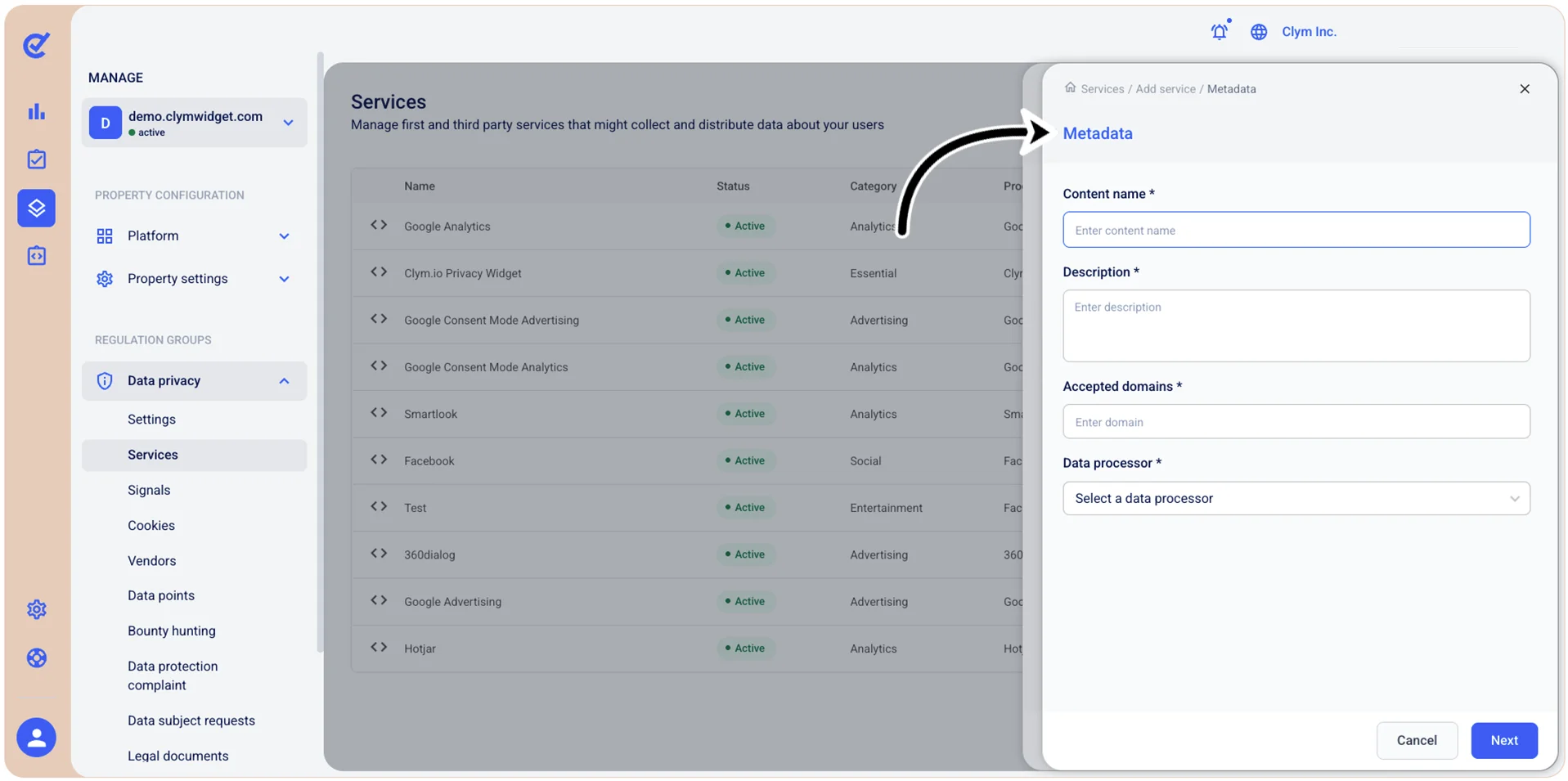
- Next, select Metadata and configure the Content name, add a meaningful Description, the Accepted domains that provide the services and select the desired Data processor. When finished, select Save.
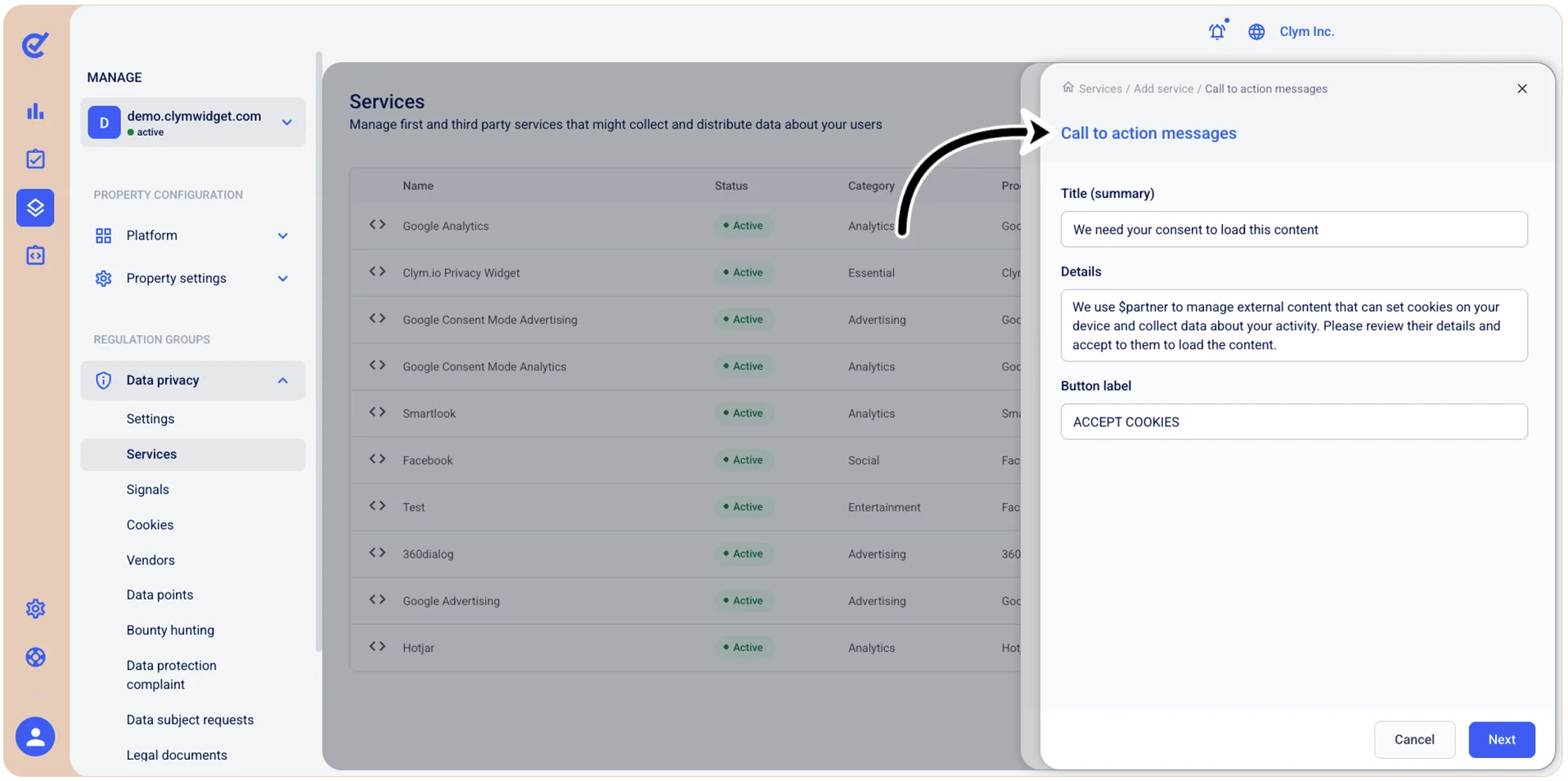
- Then, select Call to action messages and configure the notification to the users that their consent is required to play the embedded content and user data can be collected. You can also change the Accept Cookies button label into a more meaningful alternative. When finished, select Save.
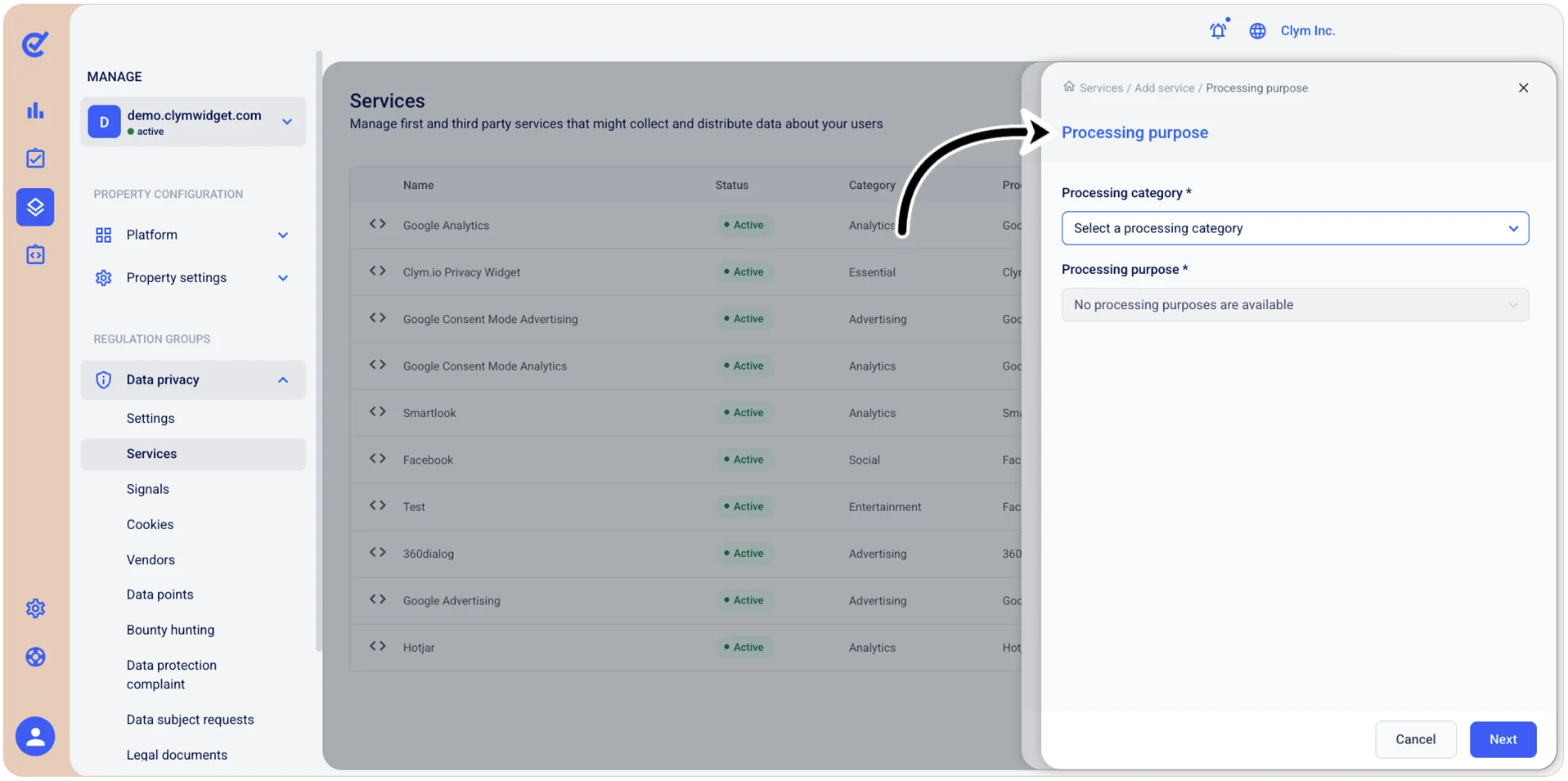
- Next, select Processing purpose and configure the stated purpose of user data collection, such as Processing category (Advertising, Sale and sharing, Sensitive data processing and so on) and Processing purpose (such as, the data can be processed for Advertising, Analytics, Entertainment and so on).
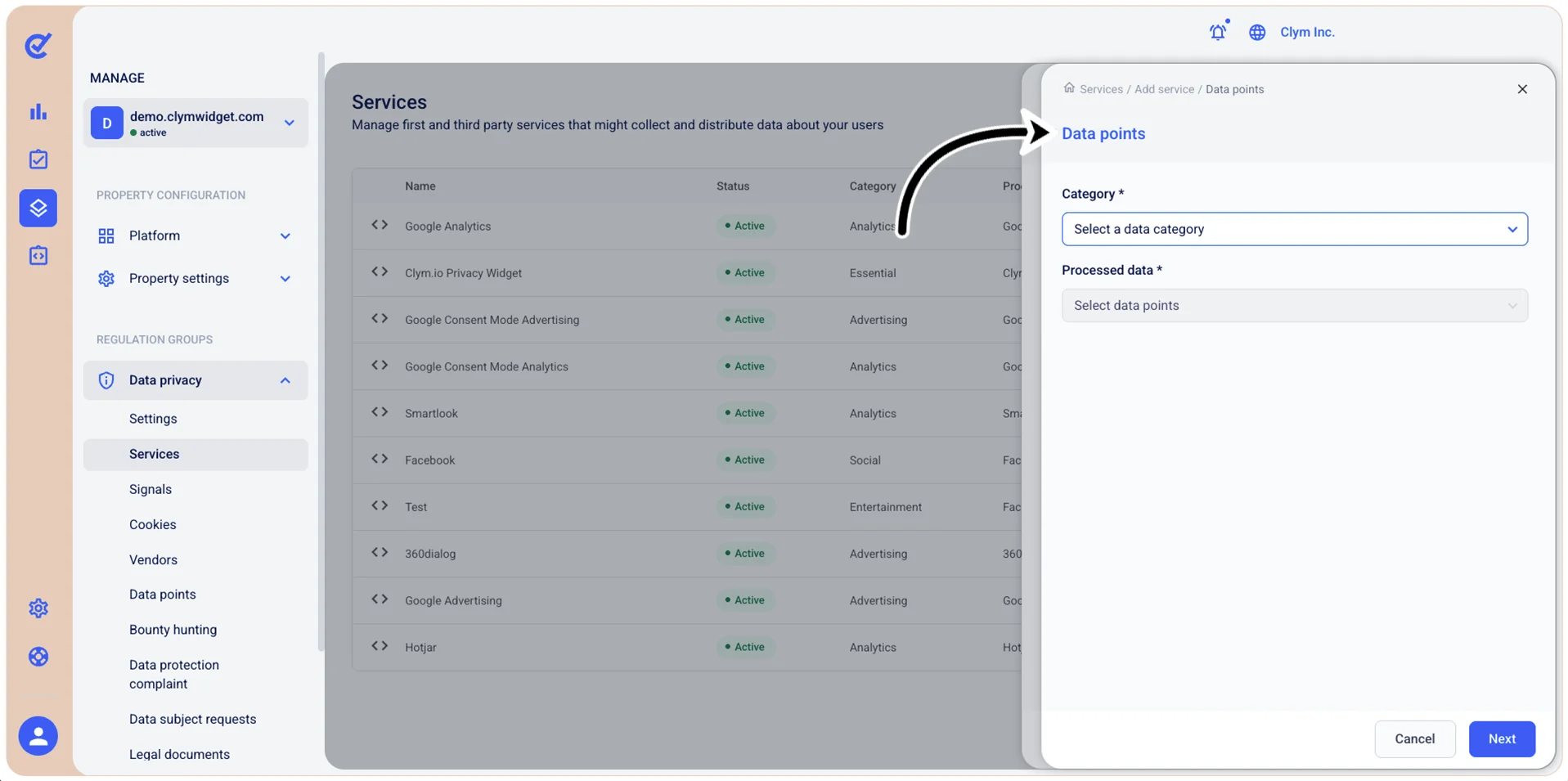
- Then, select Data points and configure the Data points Category and the Processed data that you want to capture from users. Note that you have a large variety of options at your disposal, so we recommend that you proceed with care. When finished, select Save.
- Next, select Cookies and define your Cookies policy.
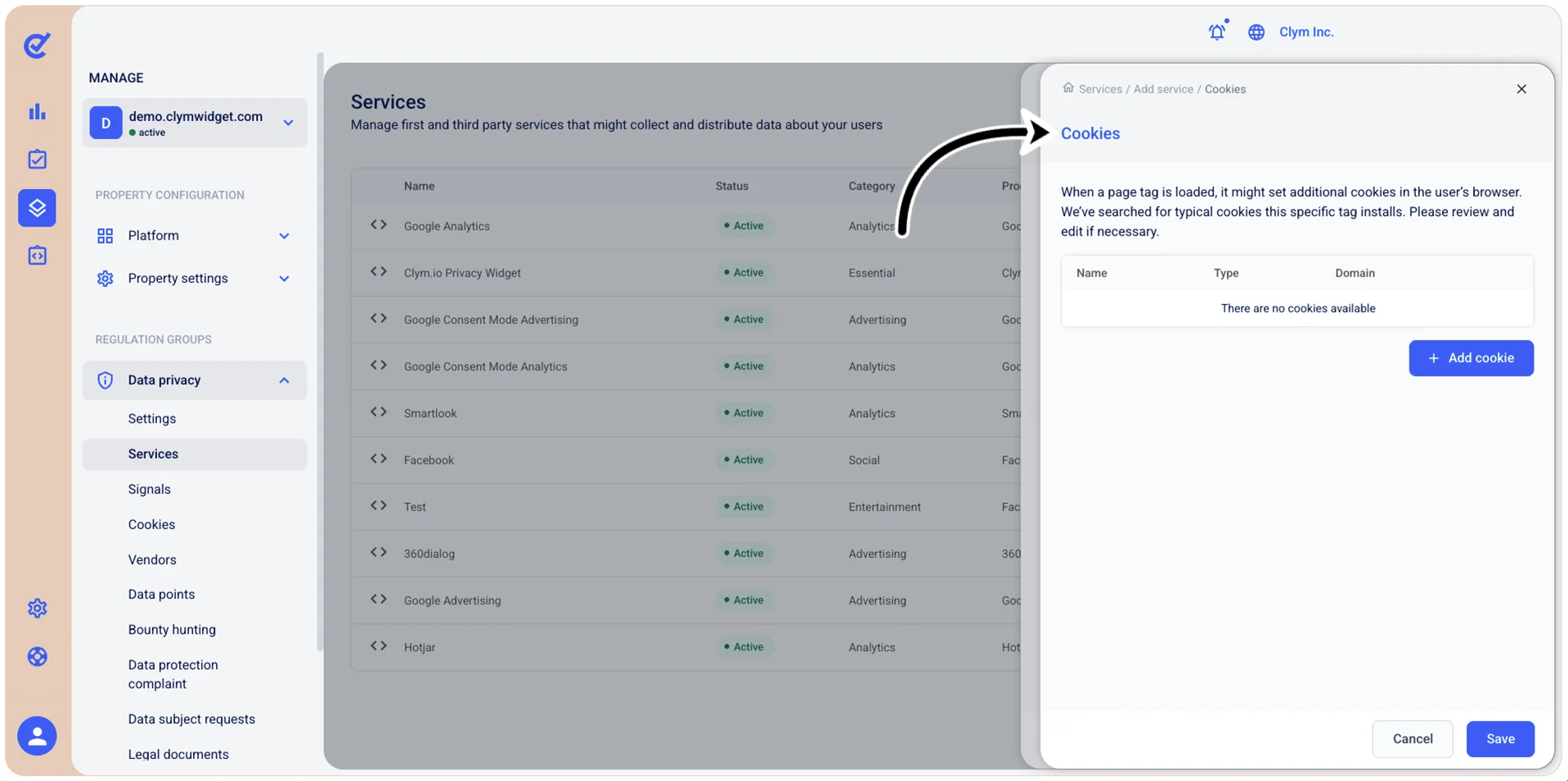
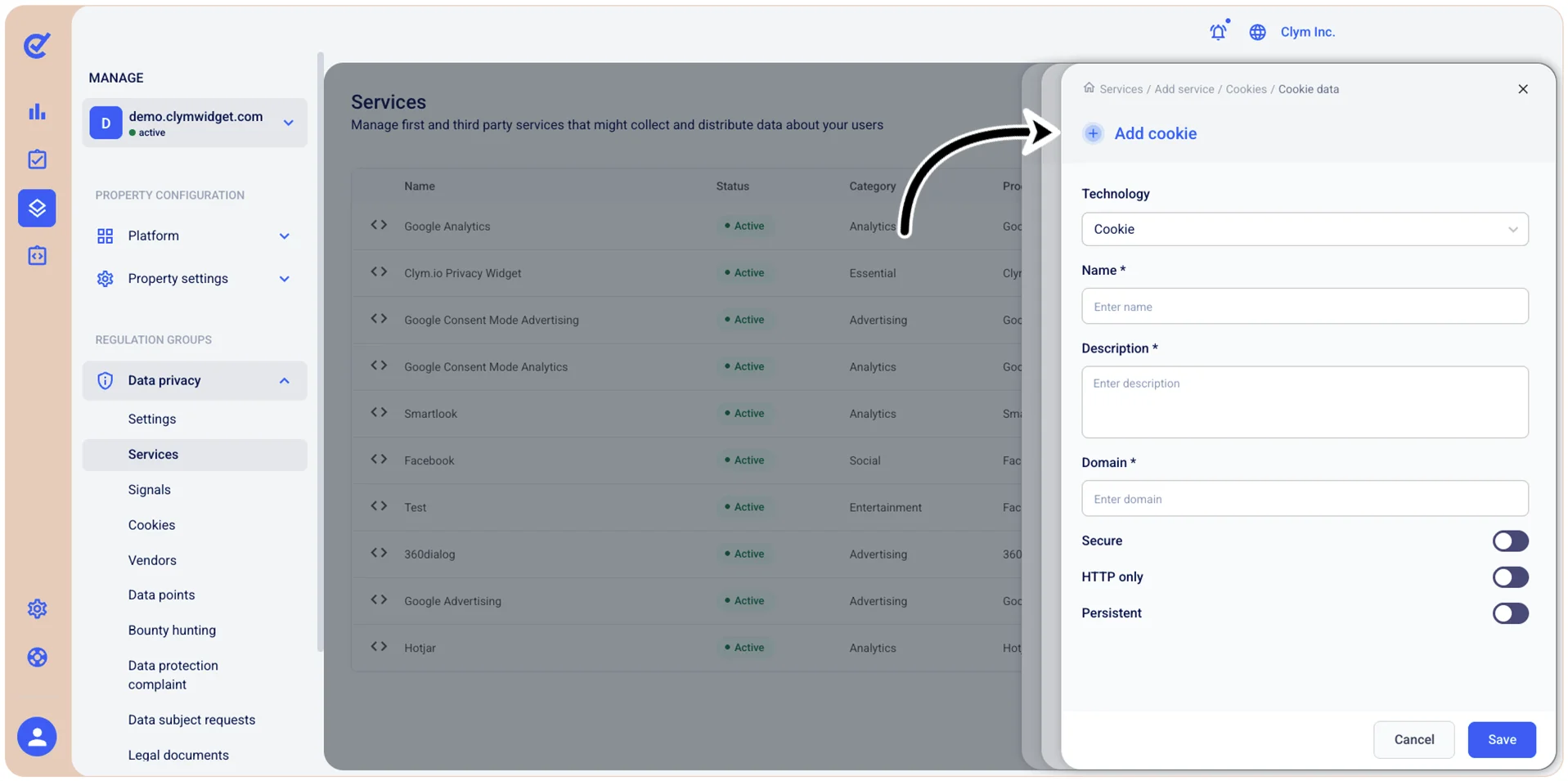
- If no cookies are defined, select +Add cookie and configure the desired technology, Name, Description and Domain, then toggle whether the cookie(s) will be Secure, HTTP only or Persistent. When finished, select Save.