
Configure the Widget's legal settings
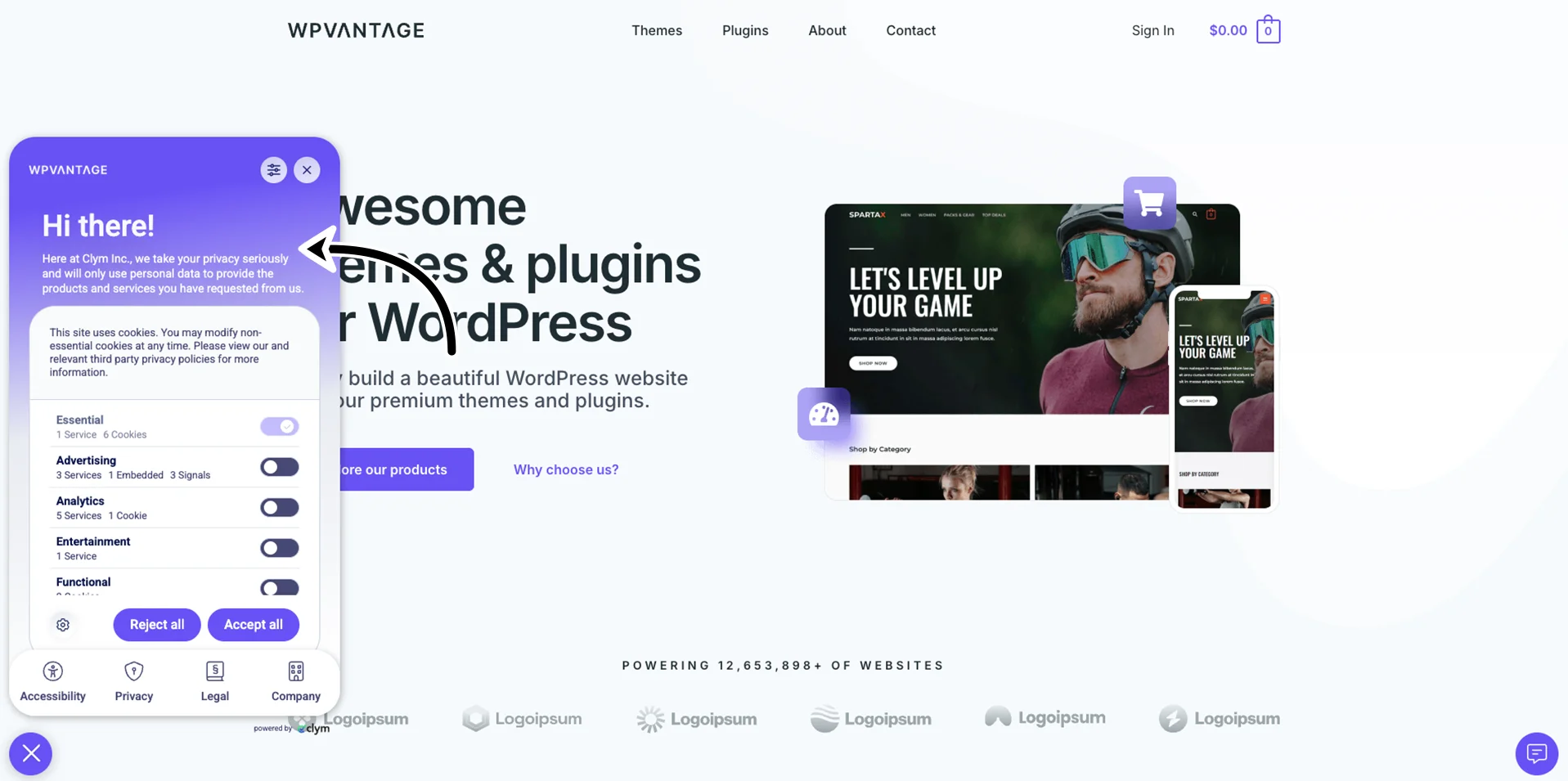
In the Legal section, you can configure the legal options displayed on your Widget.
Important! When configuring the Widget settings, make sure that you select Save on the page you just configured before moving on to configure the Widget parameters in another tab.
To configure the legal settings section on your Widget:
- Go to
 Manage>Platform>Widget.
 - In the Widget section, go to the Legal tab and configure the parameters, as follows:
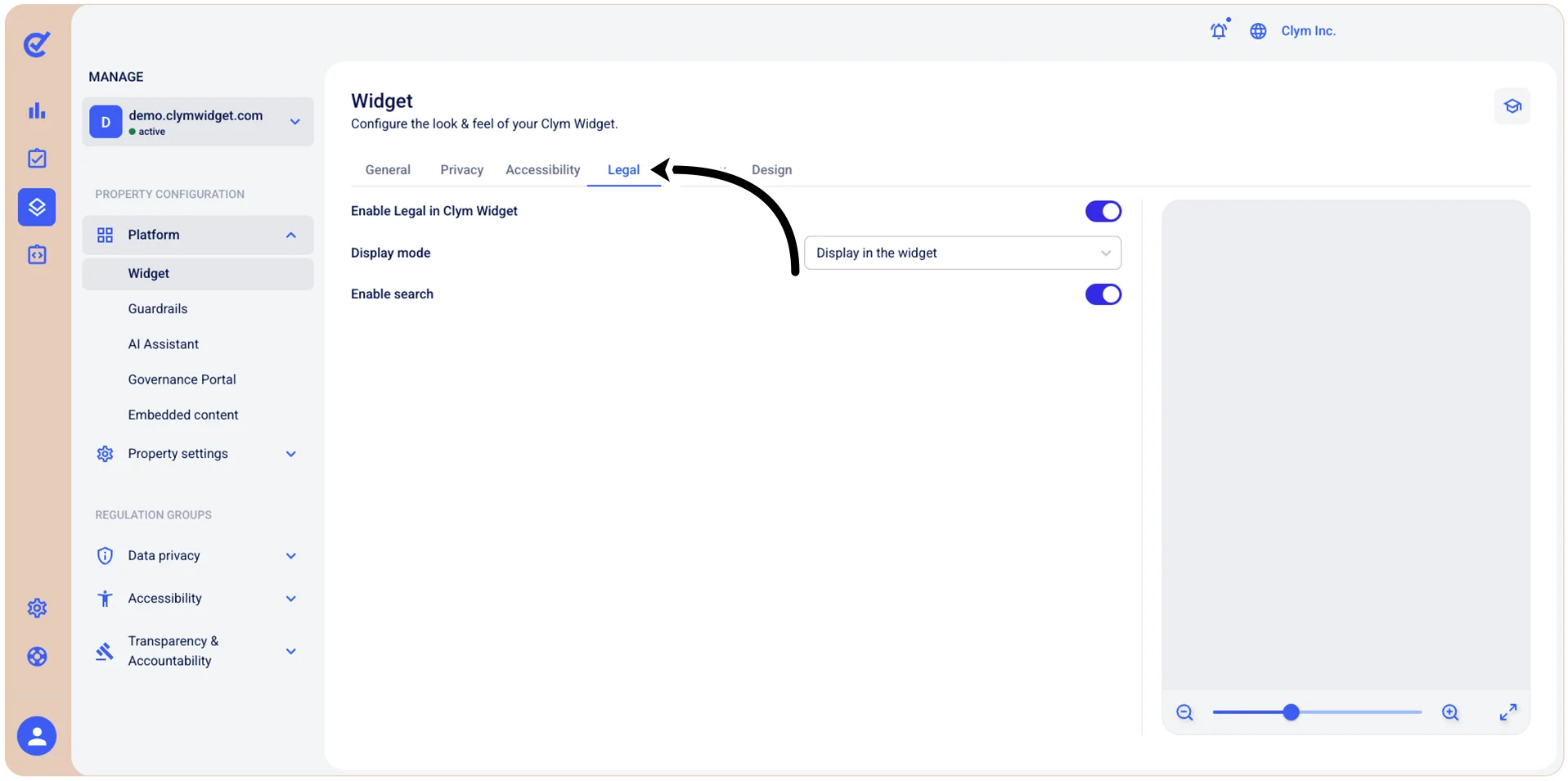
- Enable Legal in Widget: Toggle on to display the Legal option in the Widget.
- Display mode: Select whether you want the legal documents considerations to be displayed inside the widget or as a link to the Governance Portal.
Enable search: Toggle on to enable users to search for specific legal documents they may need to find.
- When finished, select Save.
You need to select Save before moving on to other configurations in the same section if you want to preserve your parameters.
Next, you can move on to other configurations in the Widget section.