
Configure the details of your company
In the Company section, you can toggle on/off which company-related fields you would like to display in the Widget.
Important! When configuring these settings, make sure that you select Save on the tab you just configured before moving on to configure the Widget parameters in another tab.
To configure the details of your company displayed in the Widget:
- Go to
 Manage>Platform>Widget.
 - In the Widget section, go to the Company tab and toggle on which parameters you want displayed in the Widget (for example, the company name, address, contact data and so on).
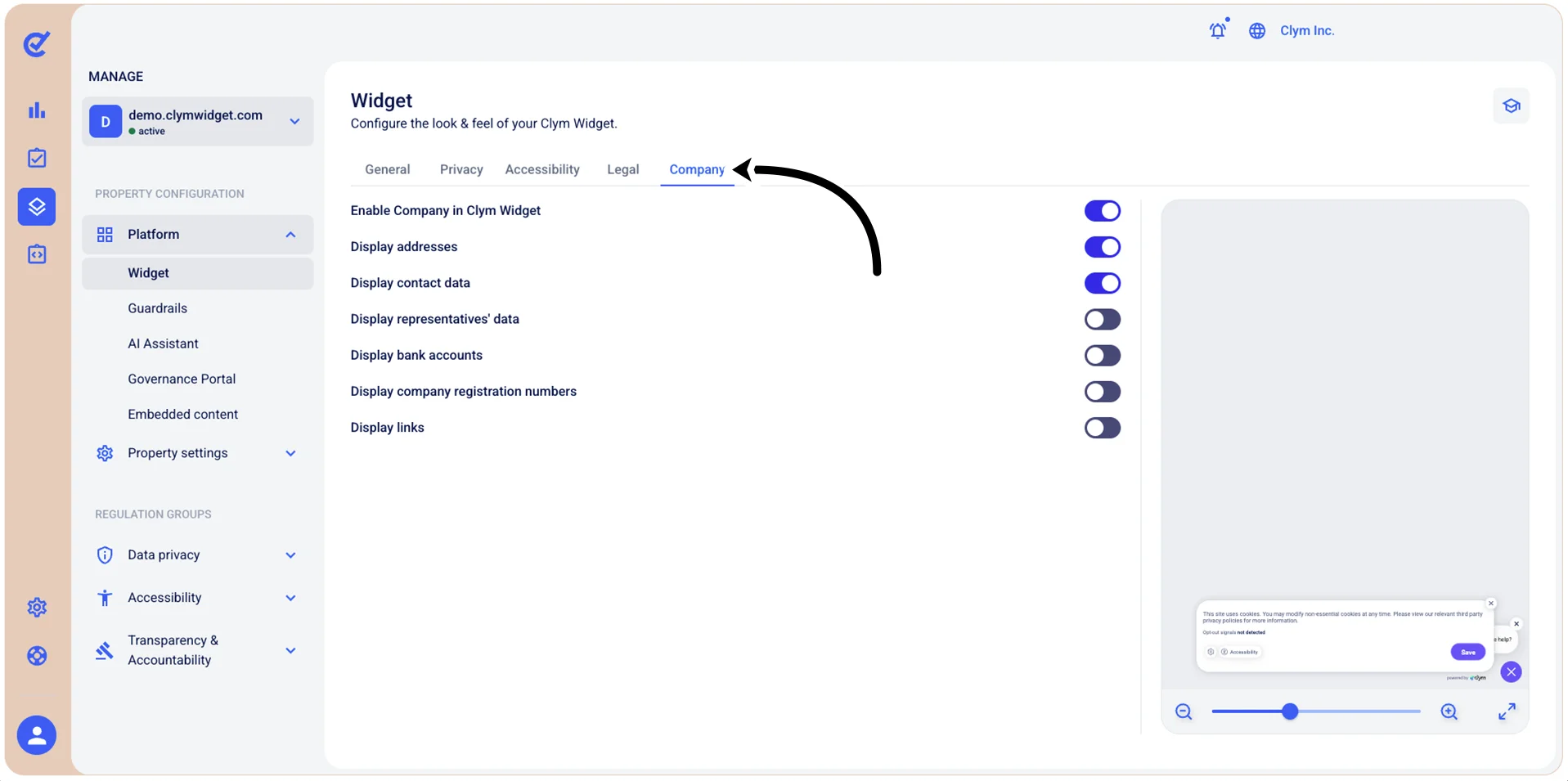
- When finished, select Save.
You need to select Save before moving on to other configurations in the same section if you want to preserve your parameters.
Next, you can move on to other configurations in the Widget section.