Designate case managers for bounty hunting reports
In the Control Center, you can designate bounty hunting case managers, namely the persons who are in charge of handling bounty hunting reports. You can also designate specific people to handle specific bounty hunting reports, depending on the object of these reports: cryptographic failures, insecure design, vulnerable components and so on.
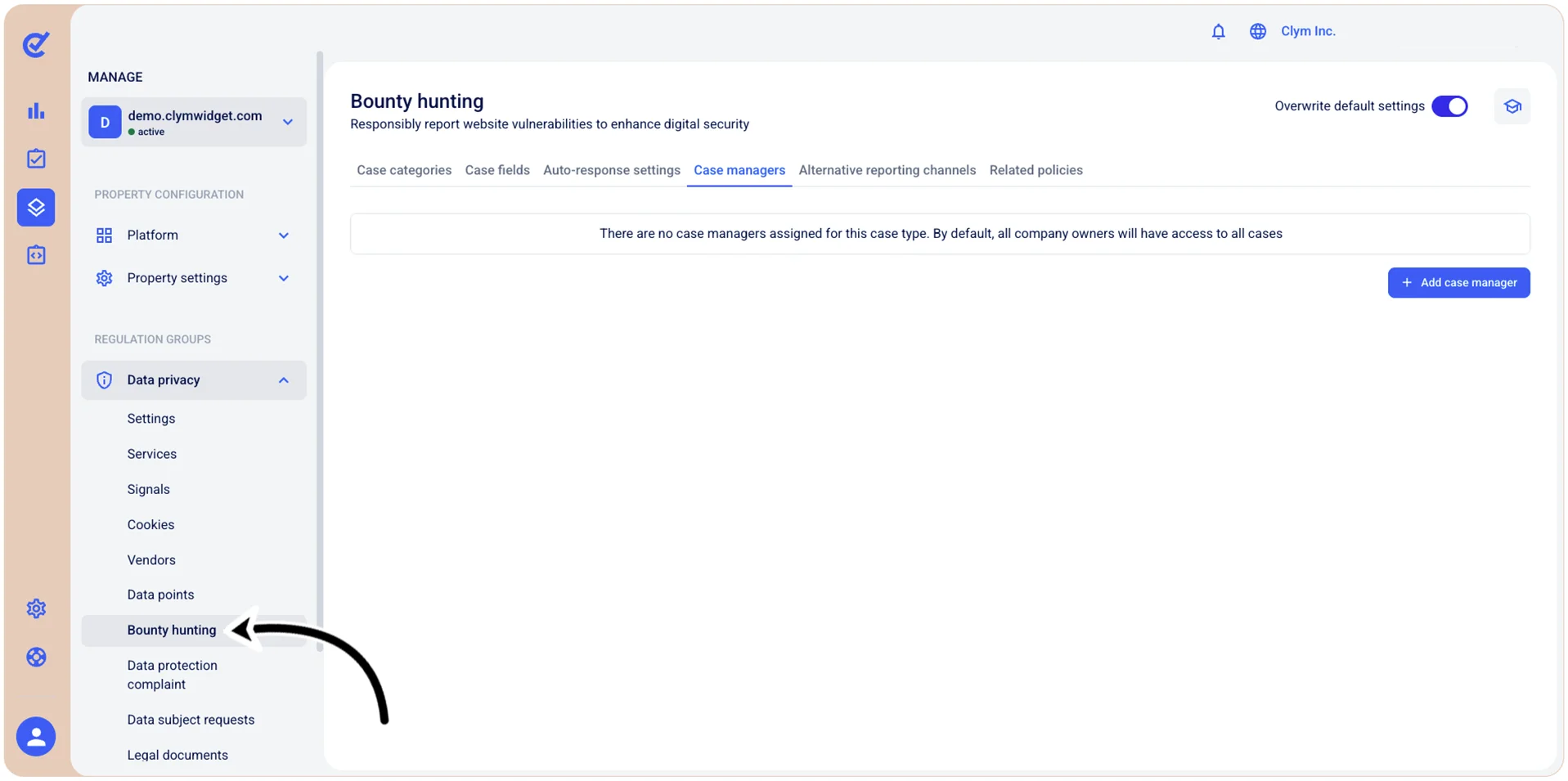
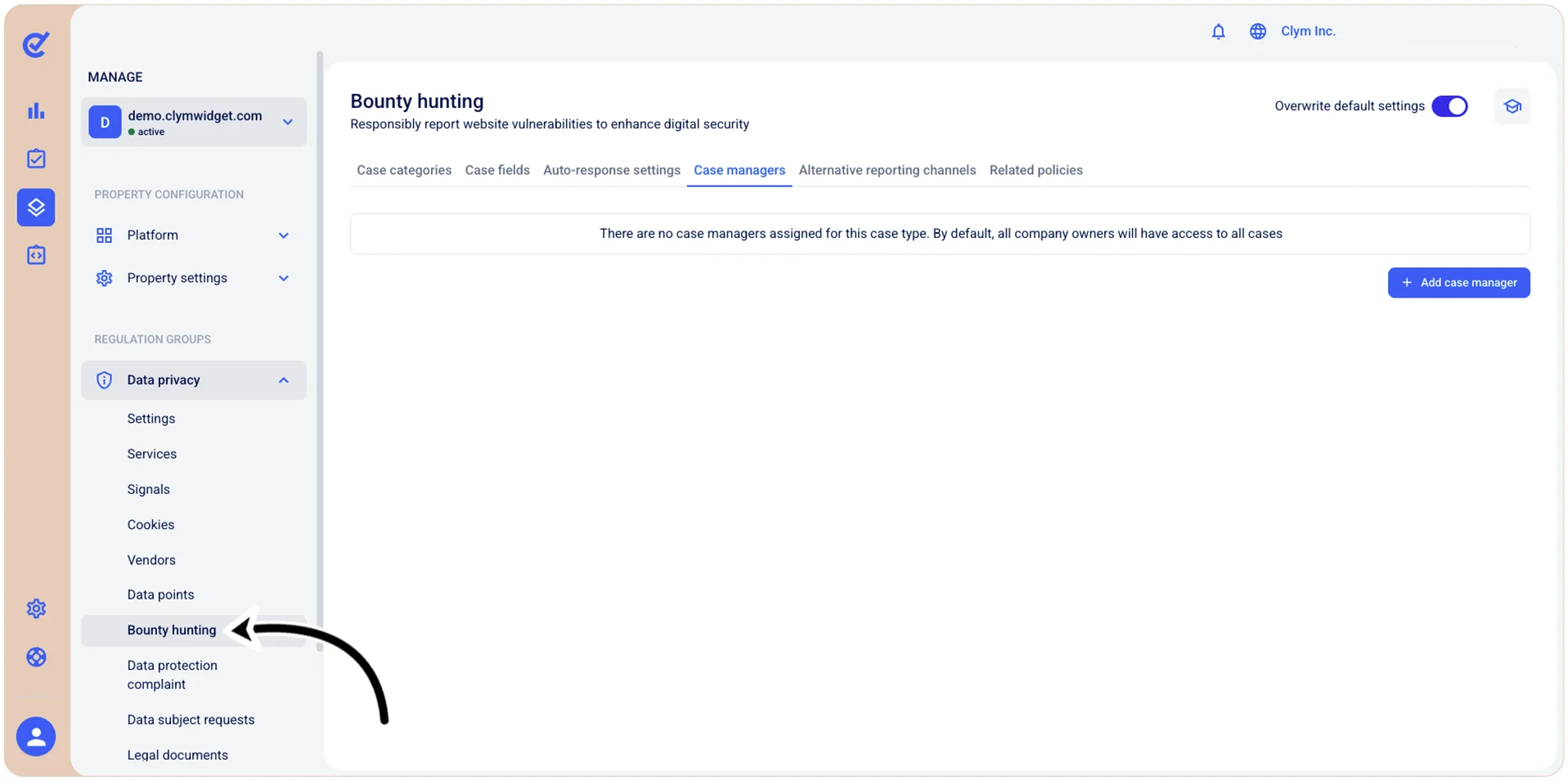
To access the Bounty hunting case managers section, go to  Manage>Data privacy>Bounty hunting and select the Case managers tab.
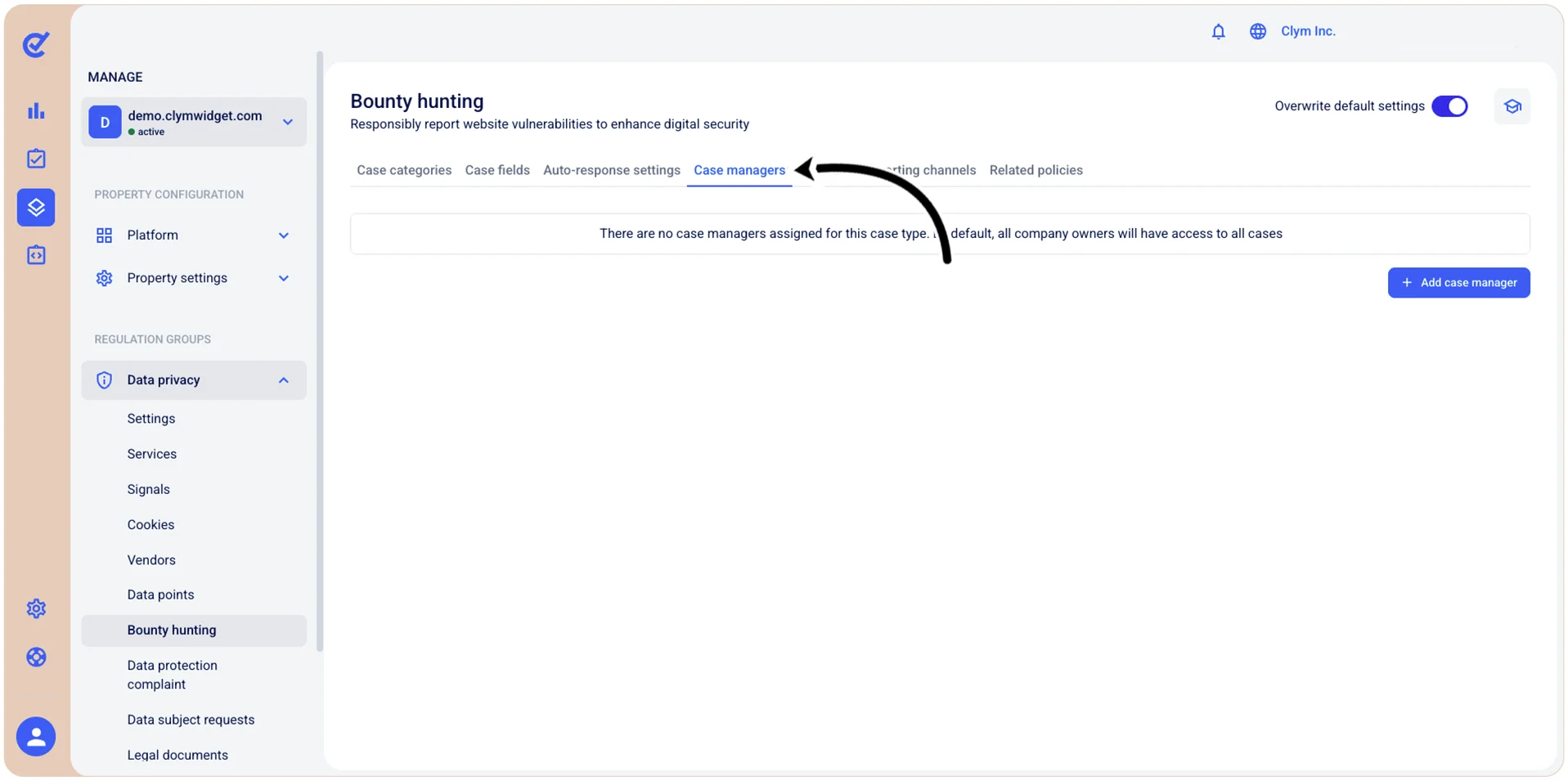
You can add, edit and remove bounty hunting case managers.
Add a bounty hunting case manager
To add a bounty hunting case manager:
- Go to Manage>Data privacy>Bounty hunting.
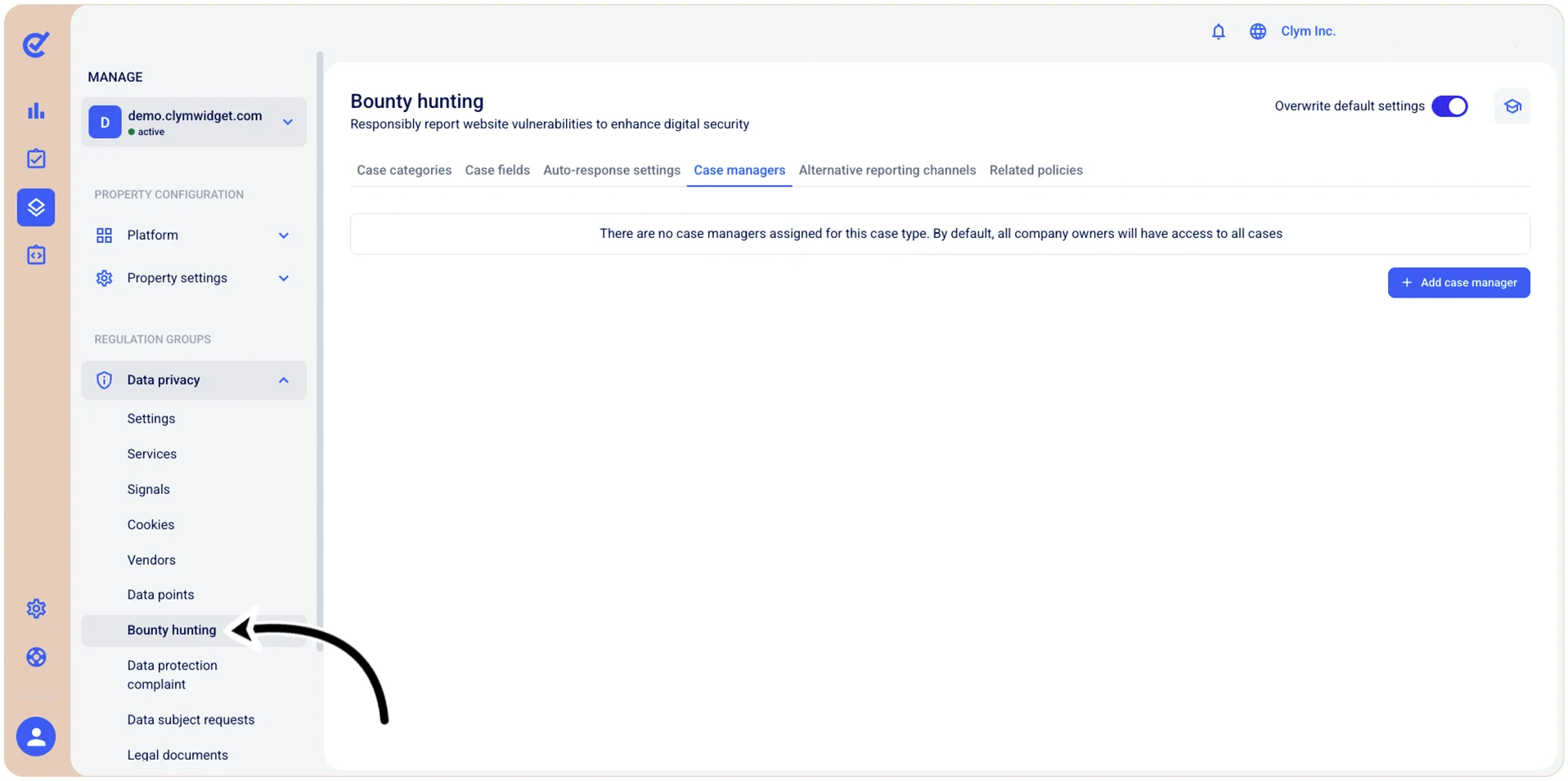
- In the Case managers tab, select +Add case manager.
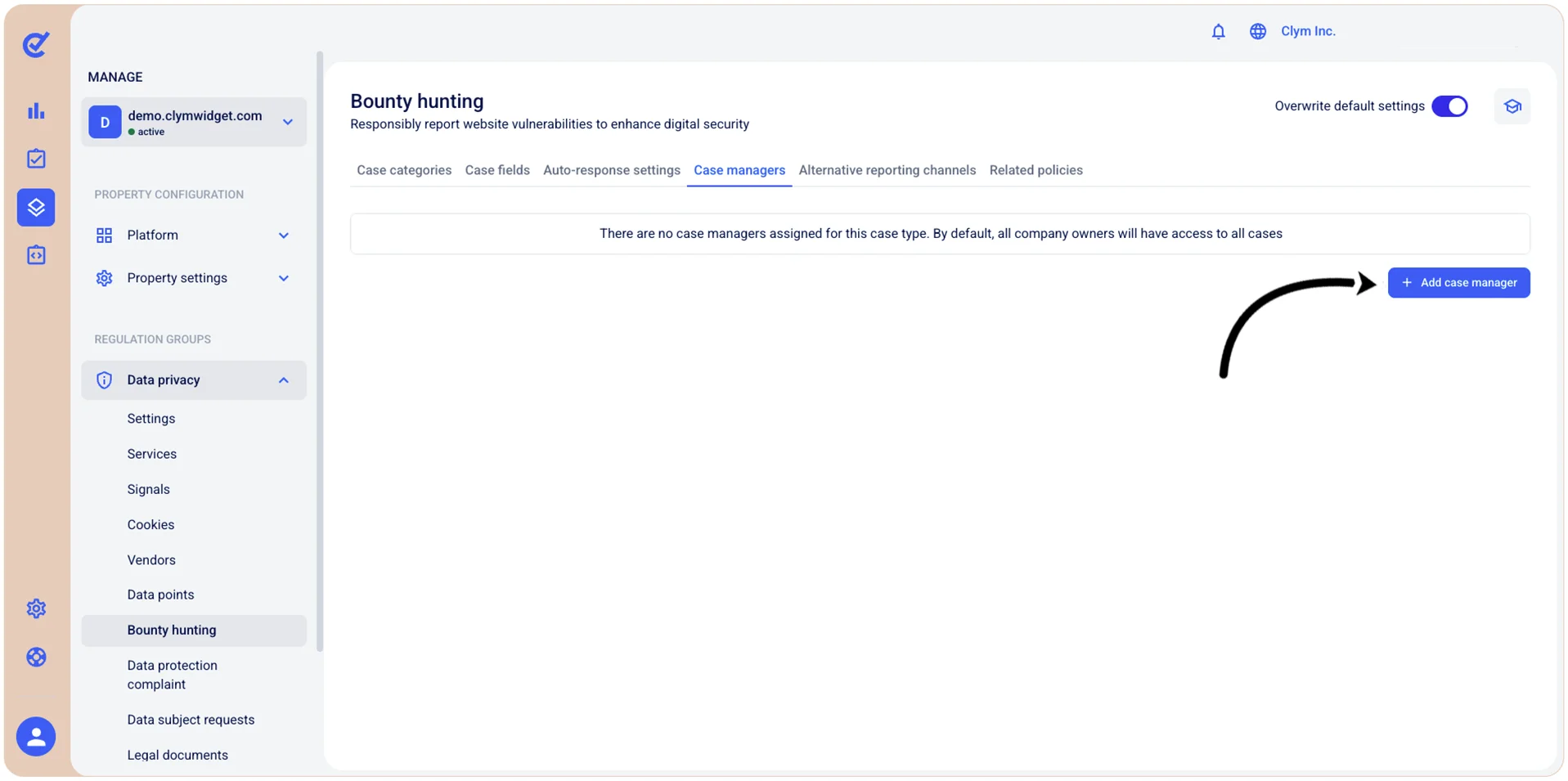
- In the Add case manager section, configure the case manager’s details, as follows:
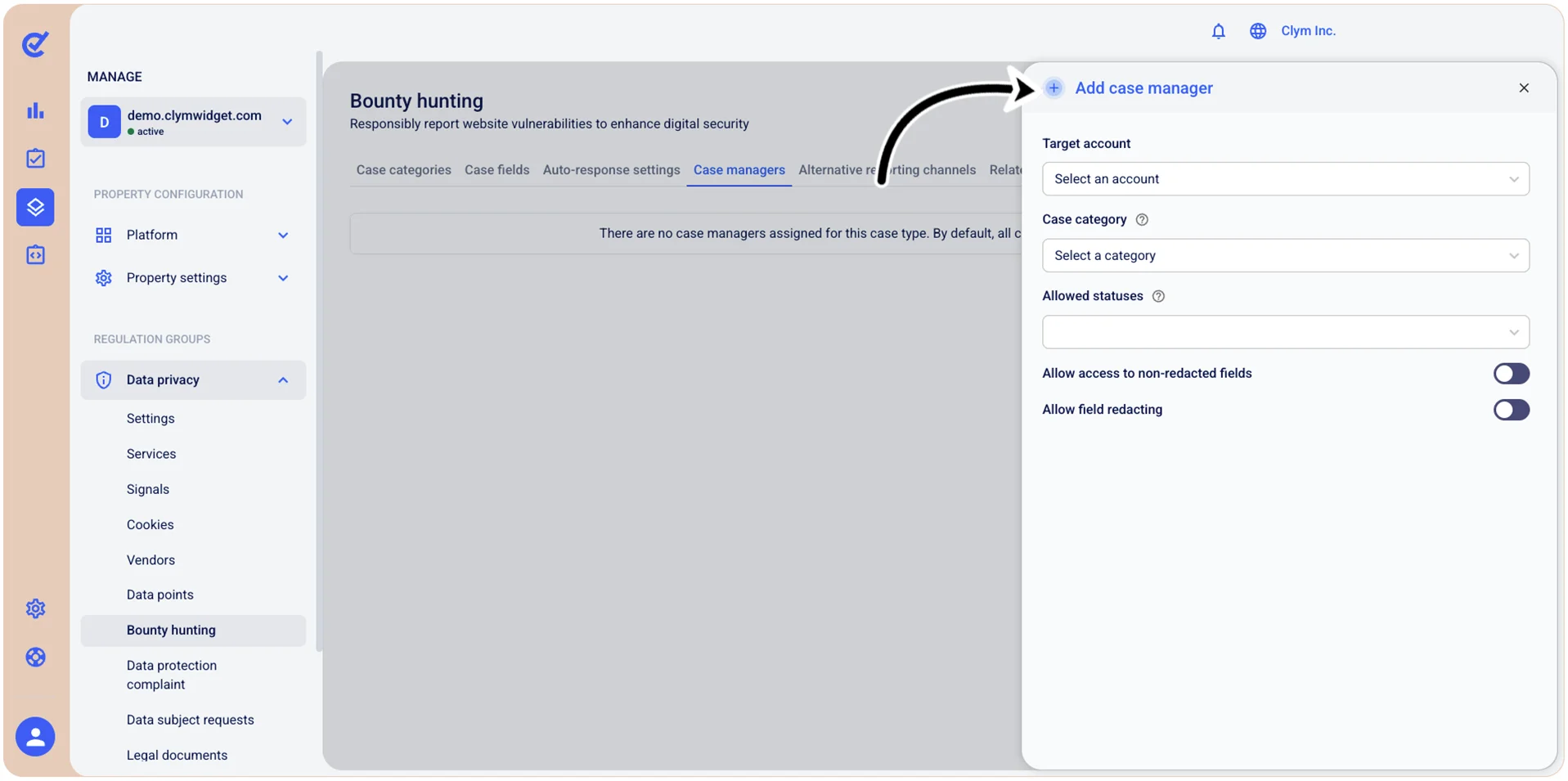
- Target account: Select the user account that you want to designate as bounty hunting report manager for the case category that you select in the subsequent step. This makes sure the reports are assigned to the most experienced case manager in the matter.
- Case category: Select the desired case category that will be handled by the case manager you designated at the previous step.
- Allowed statuses: Select what statuses the bounty hunting report goes through during the investigation (for example, Pending/In progress/Open and so on).
- Allow access to non-redacted fields: Toggle on to enable case managers to view fields that contain unredacted (non-anonymized) information in bounty hunting cases. When activated, case managers can see the original, complete data in all fields, including potentially sensitive information like reporter names, email addresses, or technical details.
- Allow field redacting: Toggle on to enable the ability to redact (hide or anonymize) specific fields in bounty hunting cases. When enabled, administrators or case managers can mark certain fields as redacted to protect sensitive information such as reporter identity, contact details, or confidential vulnerability details.
- When finished, select Add.
Modify bounty hunting case managers
To change the case managers of bounty hunting reports:
- Go to Manage>Data privacy>Bounty hunting.
- In the Case managers tab, select Edit details next to the desired case manager.
- In the Edit case manager section, change the desired parameters of the bounty hunting case manager.
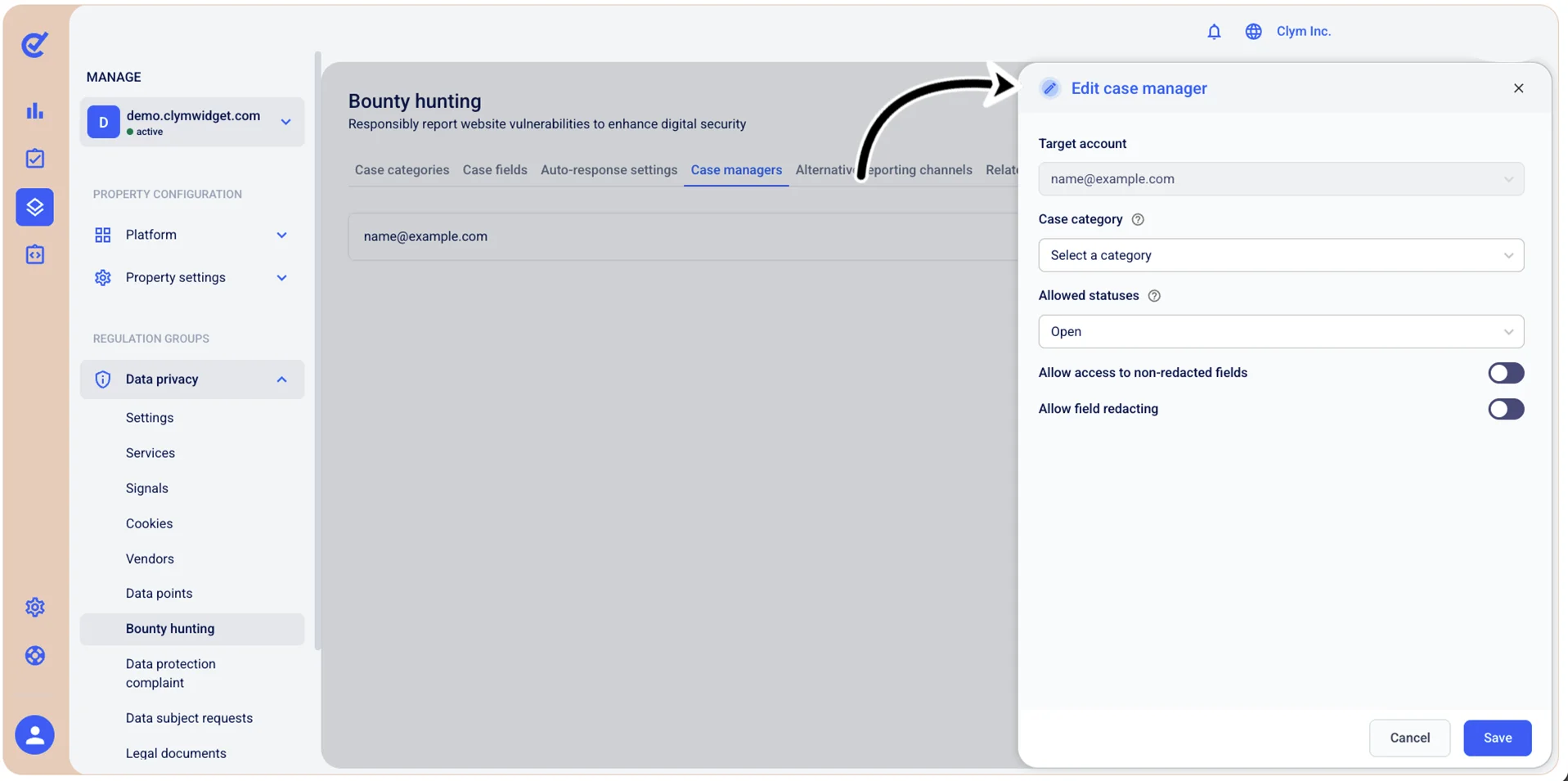
- When finished, select Save.
Delete a bounty hunting case manager
To remove a bounty hunting case manager:
- Go to Manage>Data privacy>Bounty hunting.
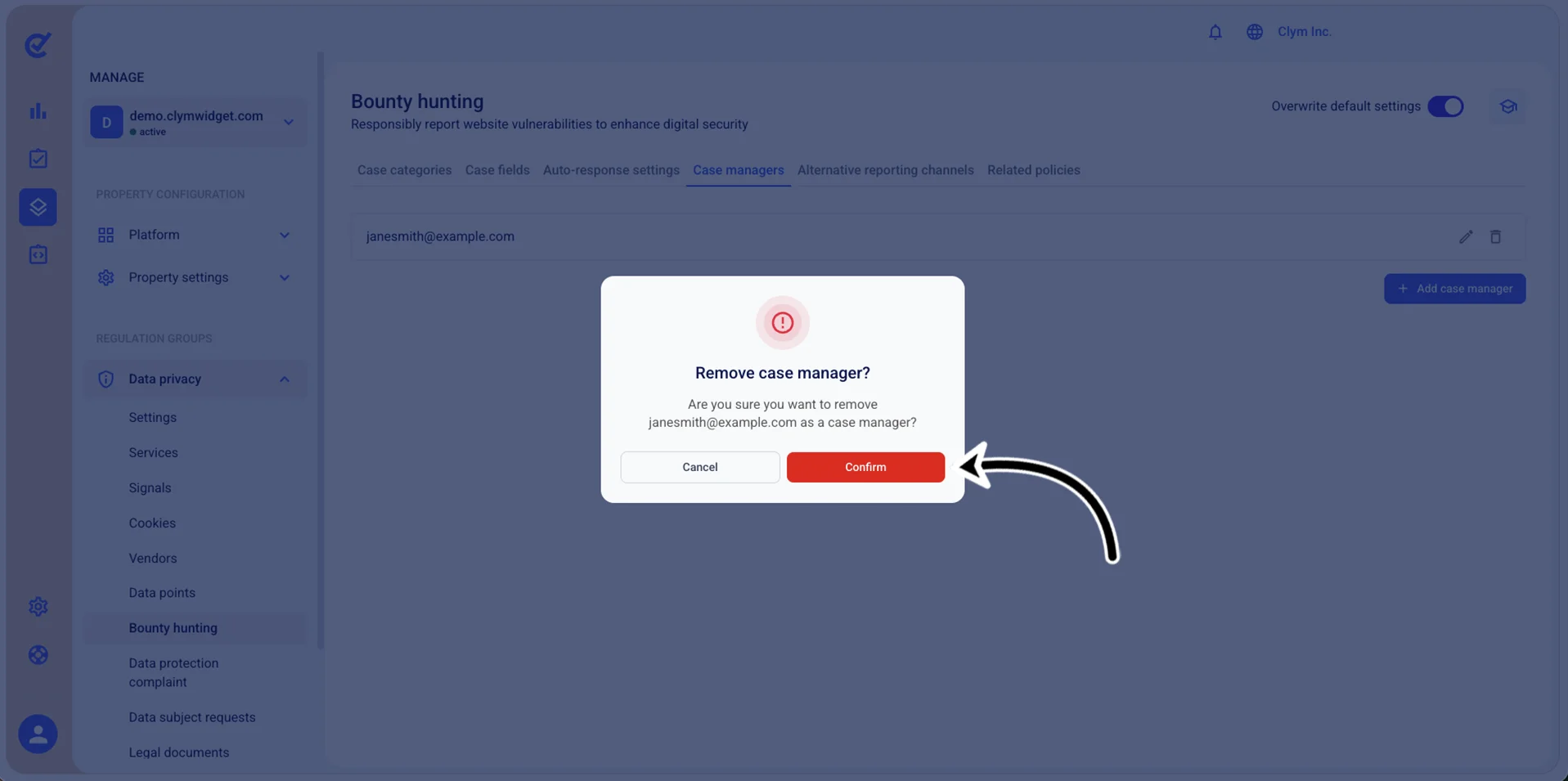
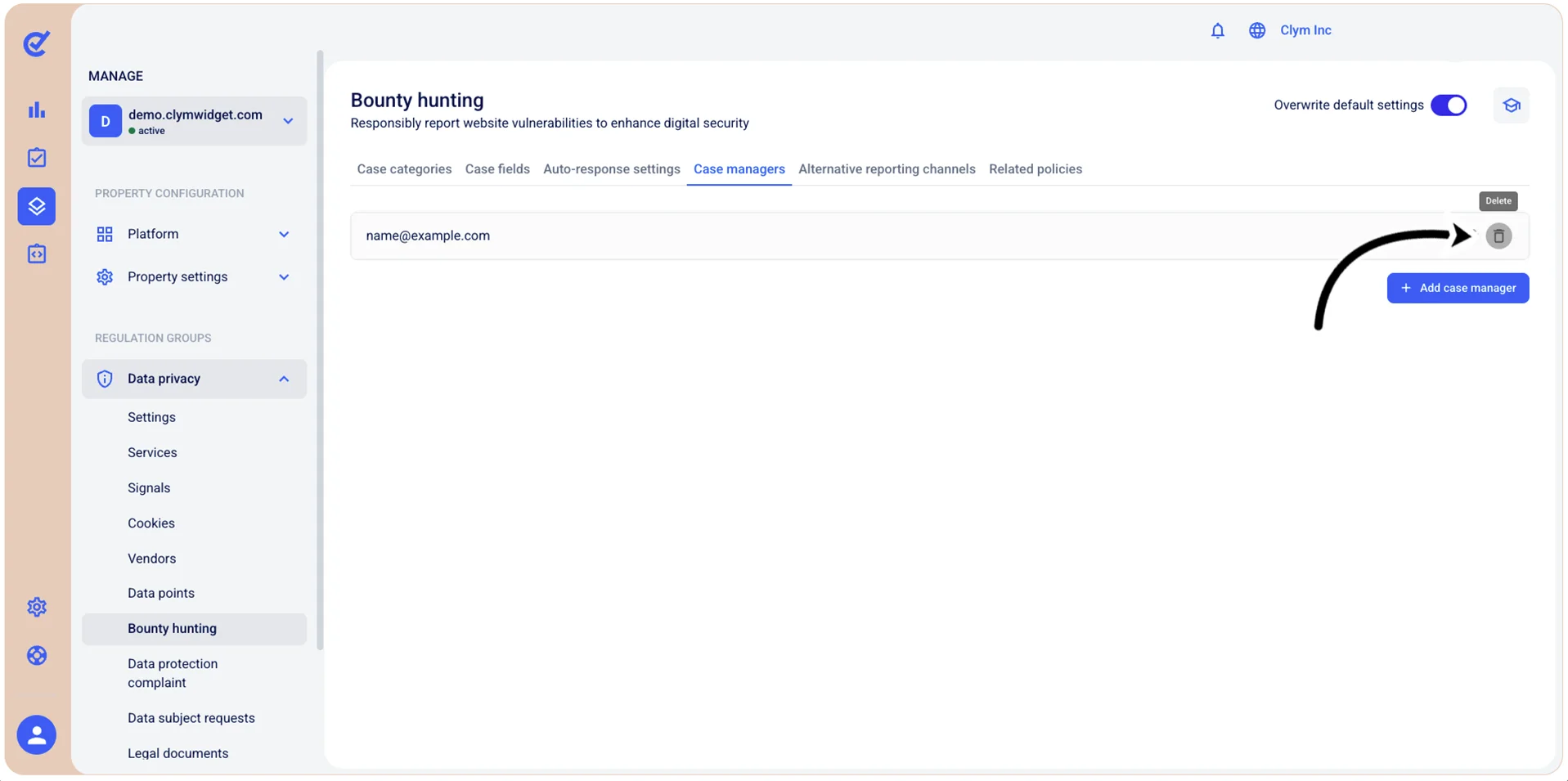
- In the Case managers tab, select Delete next to the bounty hunting case manager that you want to remove.
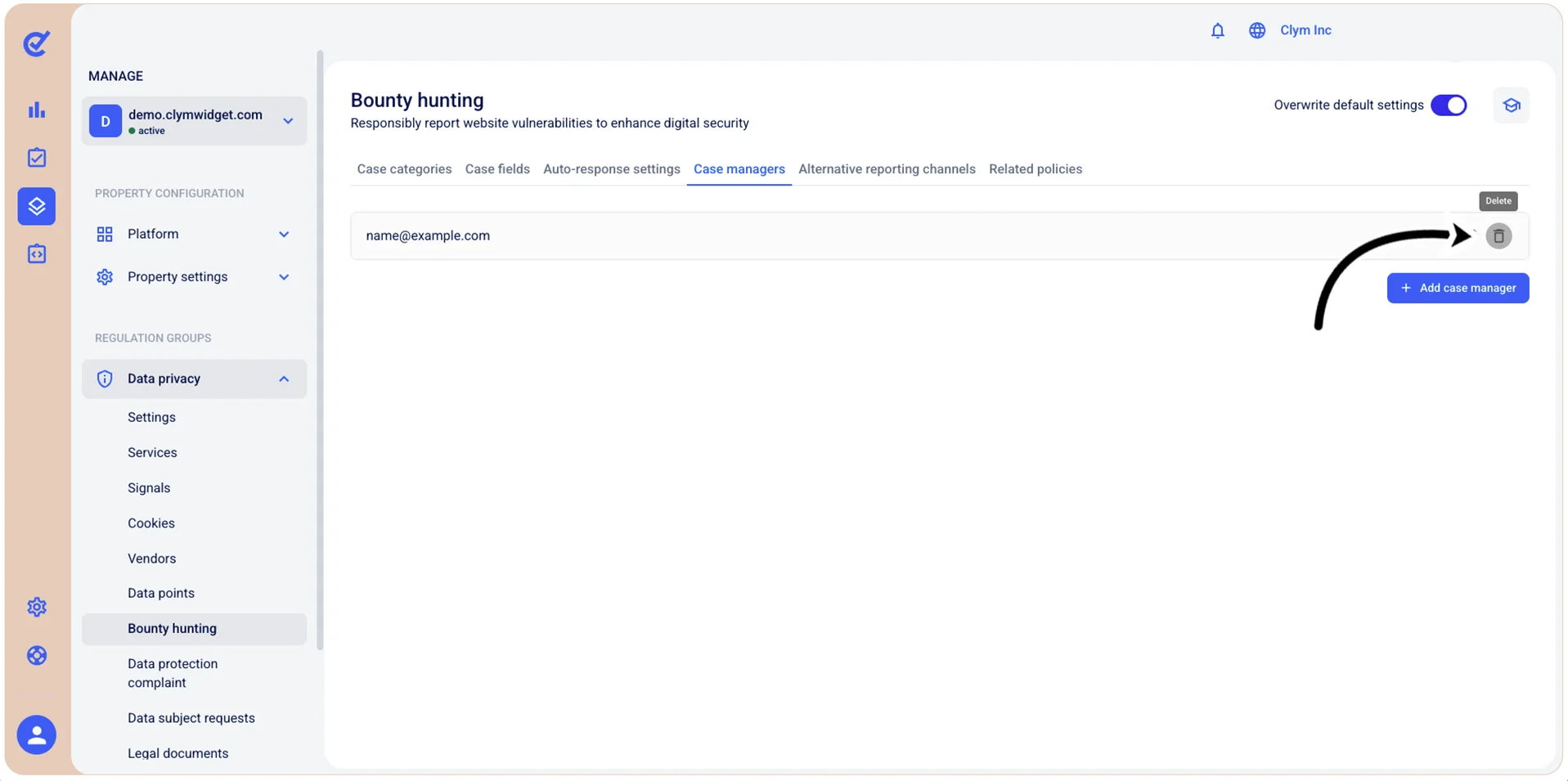
- In the confirmation message, select Confirm.