
Edit a legal document
To modify a legal document:
- Go to
 Manage>Data privacy>Legal documents.
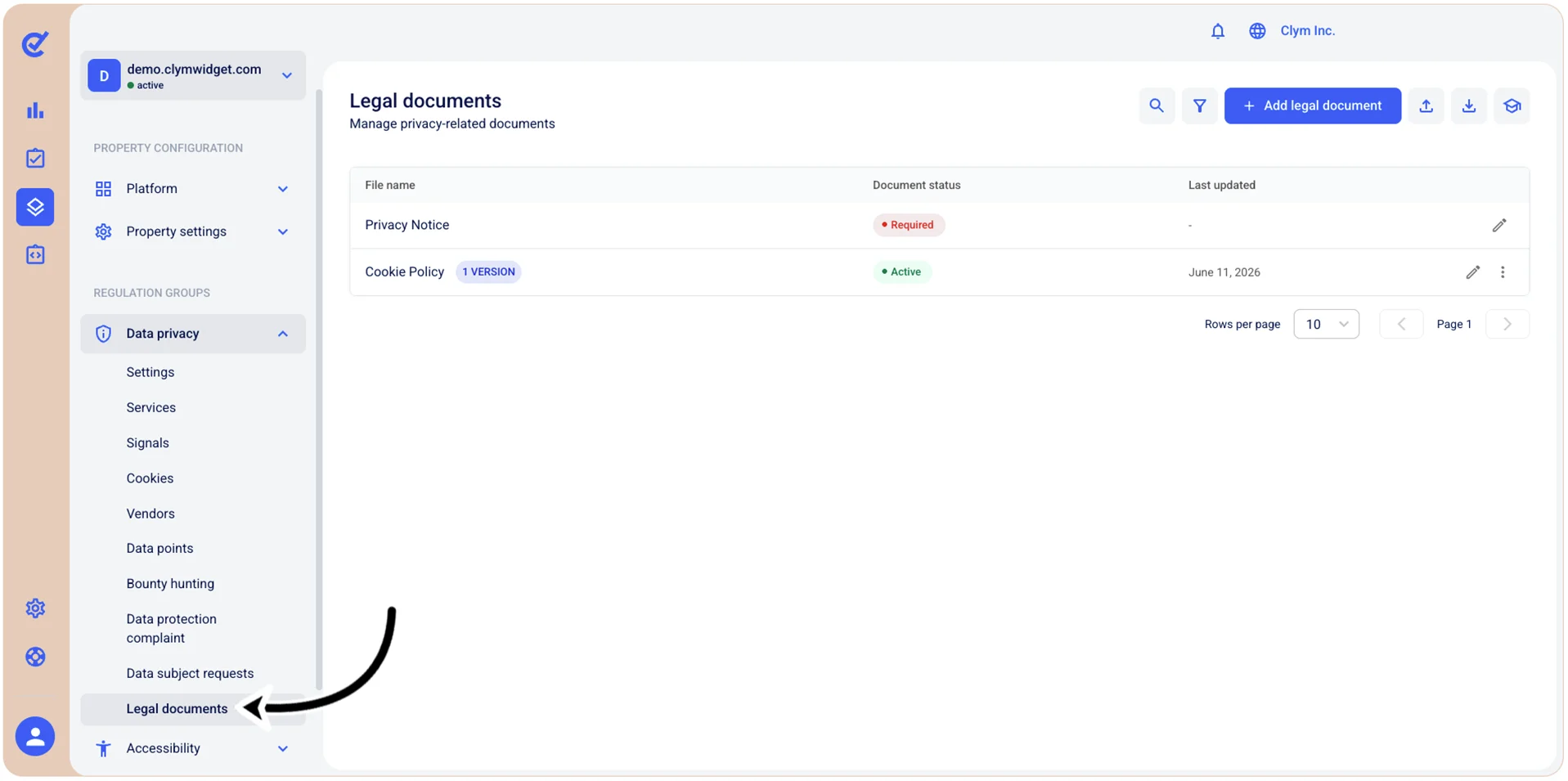
- In the Legal documents section, select
 Edit next to the document that you want to modify. For more information, see Add new custom legal document.
 - When finished, select Save.