
Configure the auto-response parameters of the DSR
In the Control Center, you can configure the Auto-response parameters of a DSR if you want your users to be kept updated with the stats of their request.
To configure the auto-response parameters of the DSR:
- Go to
 Manage>Data privacy>Data subject requests.
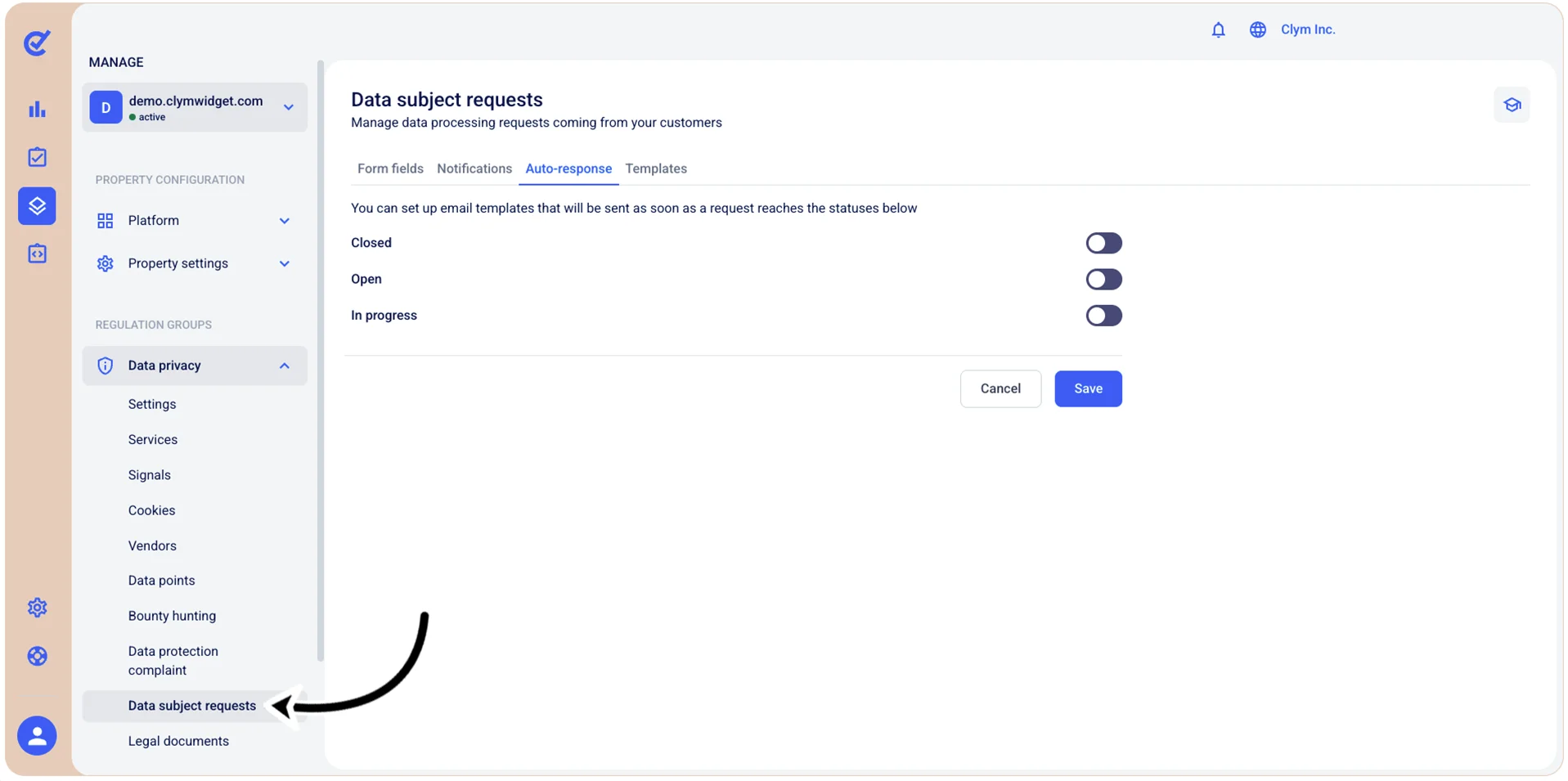
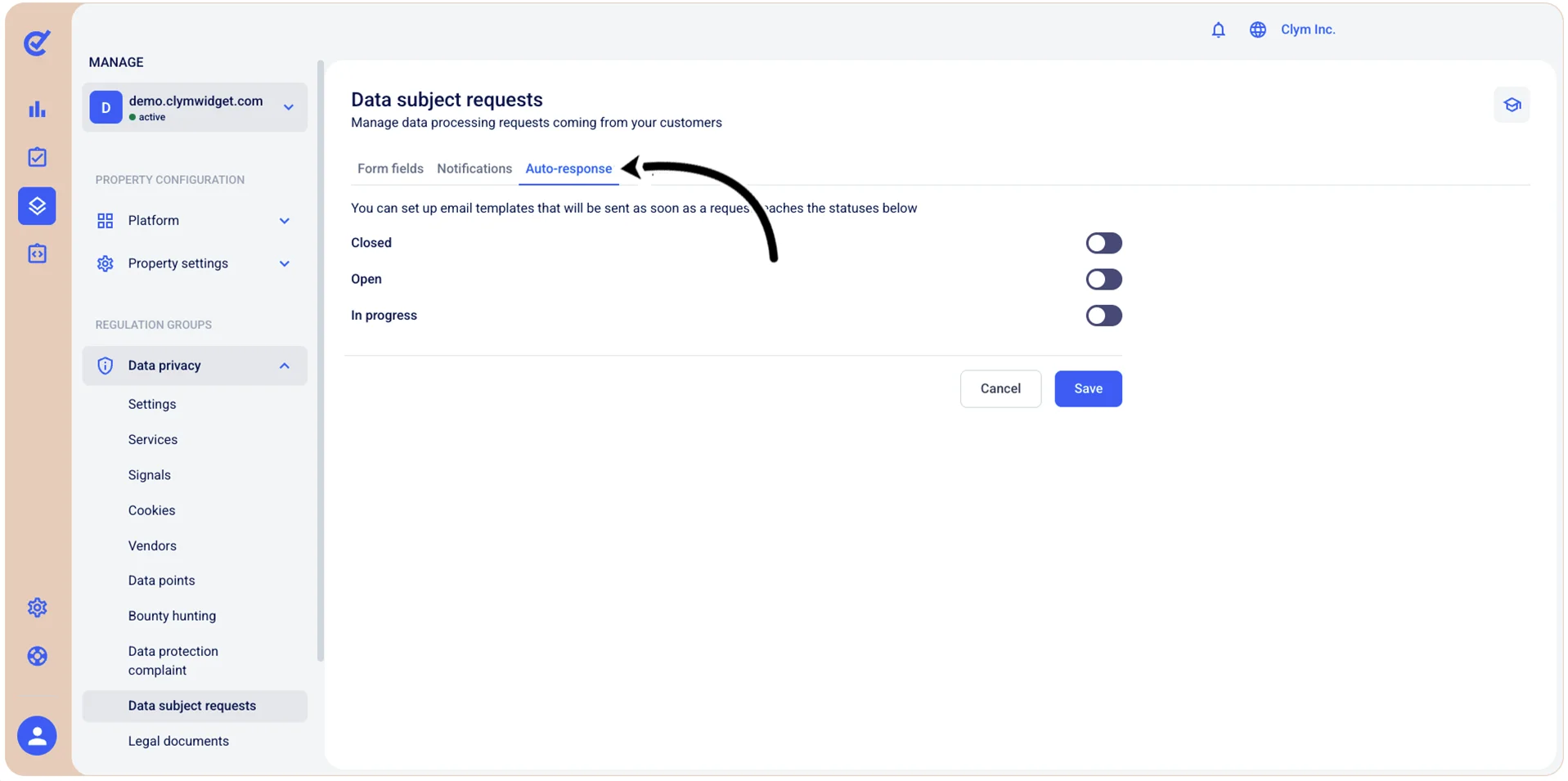
- In the Auto-response tab, configure if you want to dispatch auto-responses as soon as the requests reach the Closed/Open/In progress status by toggling on the respective fields.
As you toggle on an option, the corresponding email template code editor is displayed, enabling you to manually configure the message as you please.
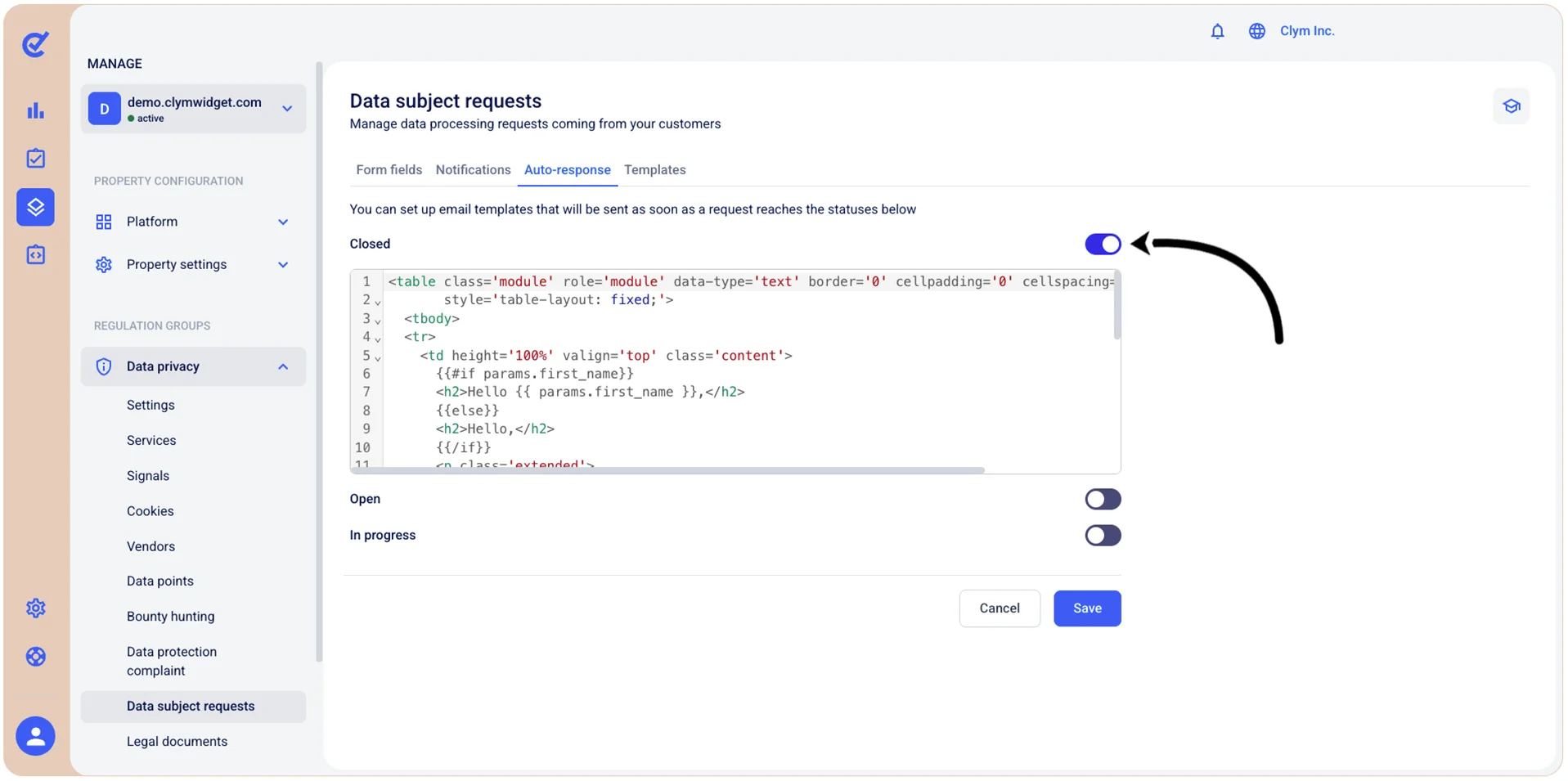
- When finished, select Save.