
Configure DSR form fields
Whenever filing a data subject request, users need to configure certain fields in their submission form to identify themselves as the DSR initiators. You can configure these fields in the Form fields tab.
To configure the DSR form fields:
- Go to
 Manage>Data privacy>Data subject requests.
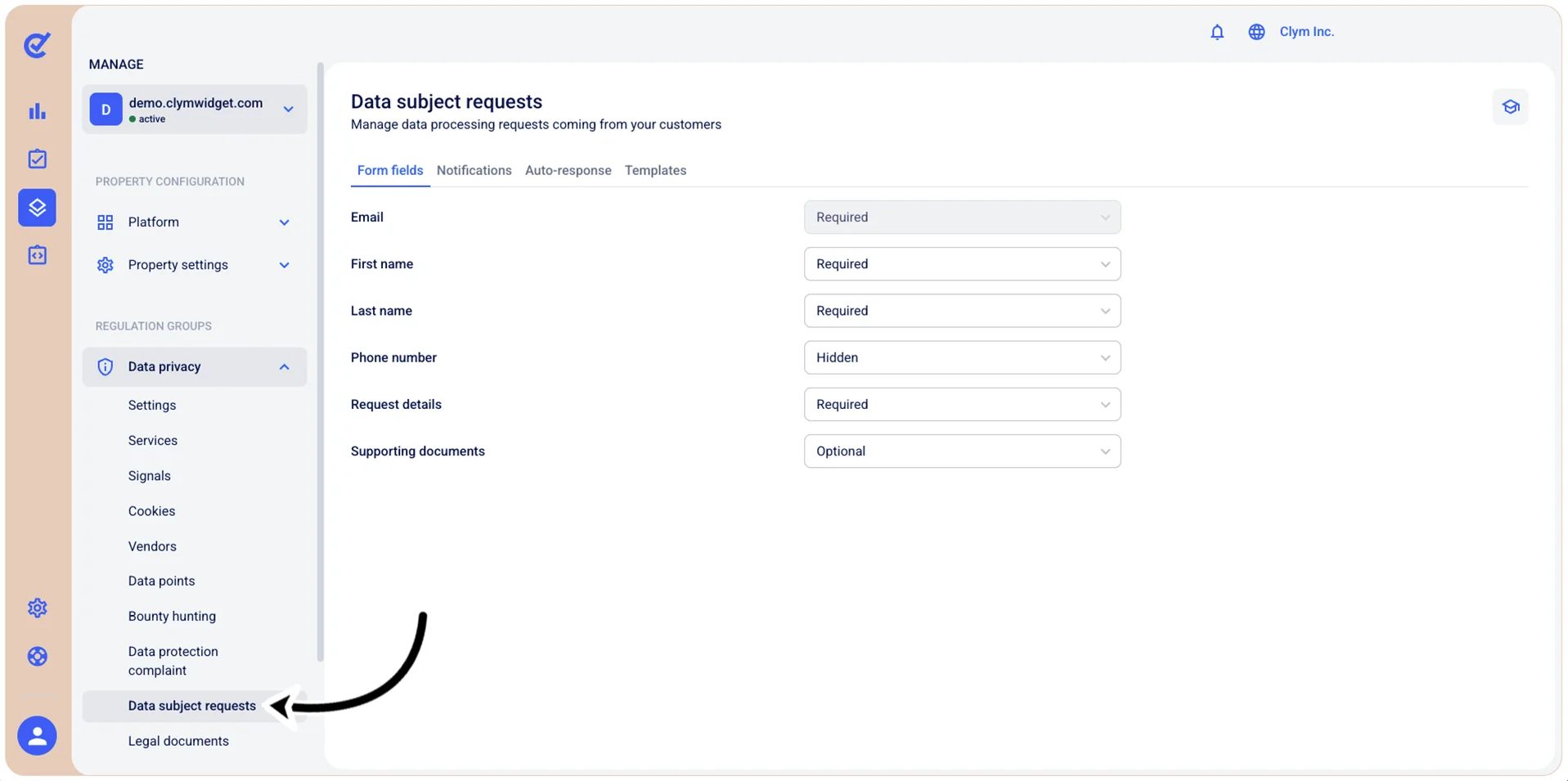
- In the Form fields tab, configure whether or not the personal details fields that need to be completed before filing a the DSR should be Required/Optional/Hidden. Note that the Email field is Required by default.
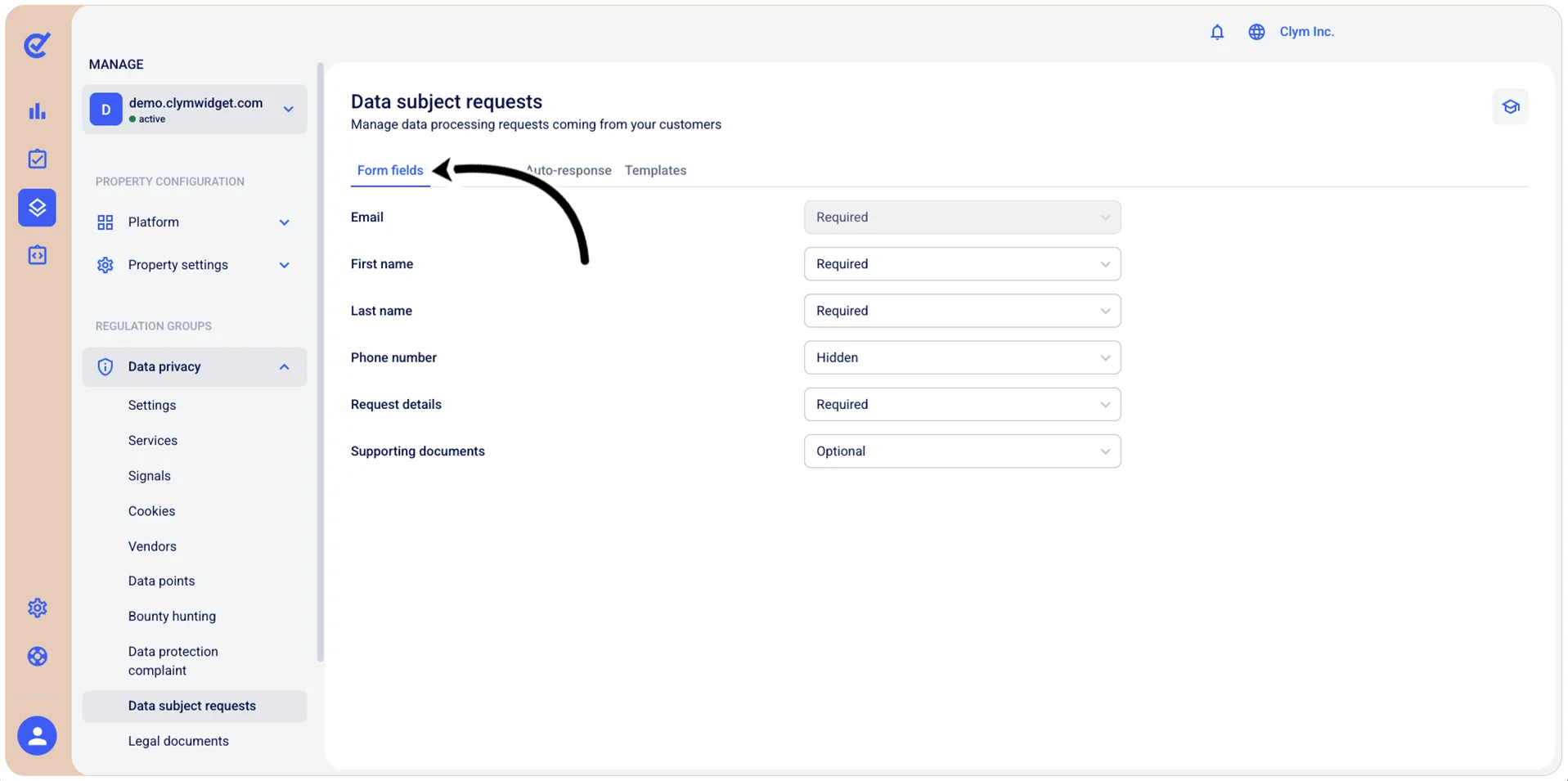
- When finished, select Save.