Designate alternative reporting channels for accessibility issues
Some of your users may feel more comfortable filing their accessibility reports by other means than the form you provide on your website. Therefore, in the Control Center you can configure additional reporting channels to better suit your needs using the Alternative reporting channels feature.
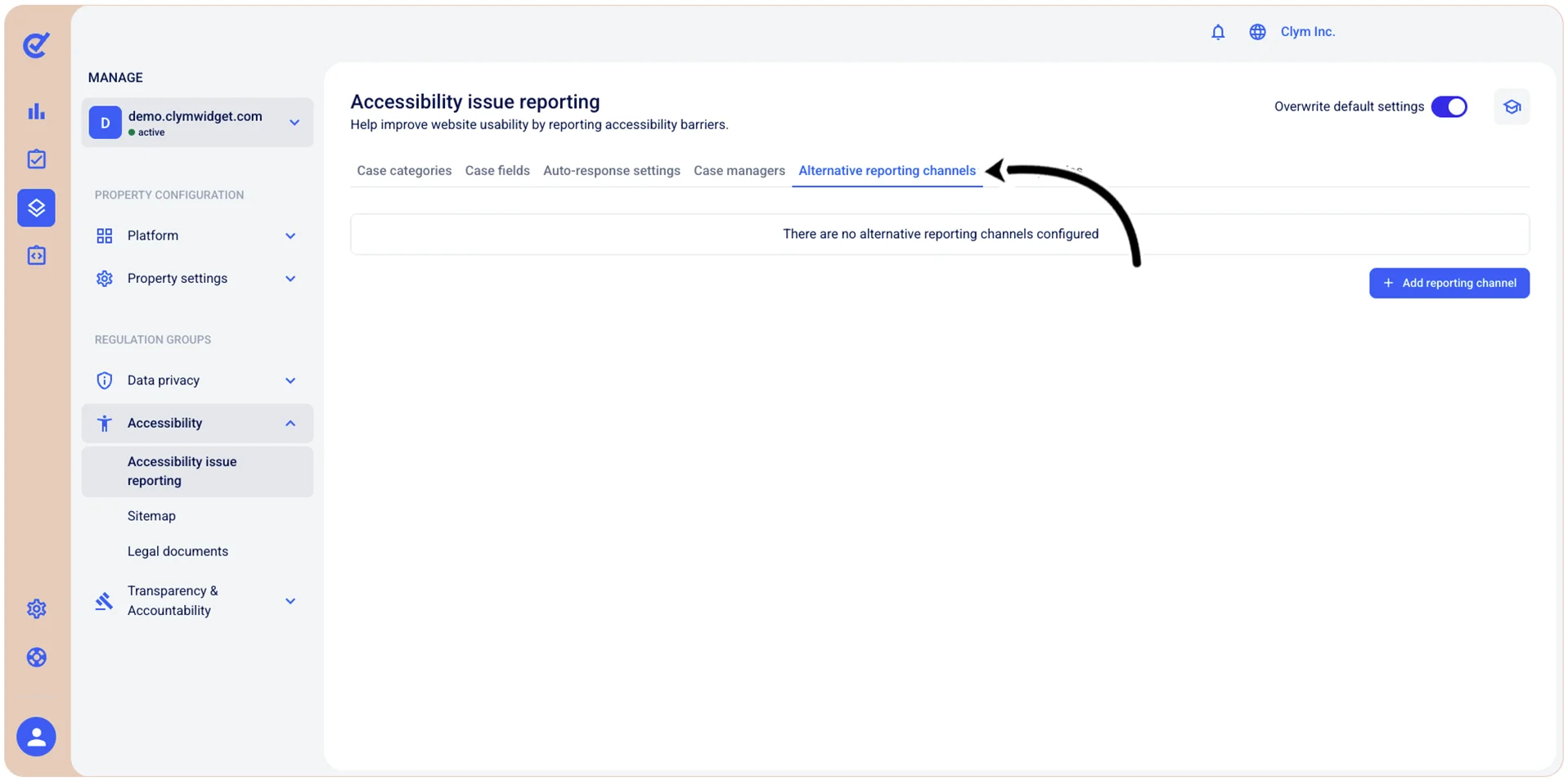
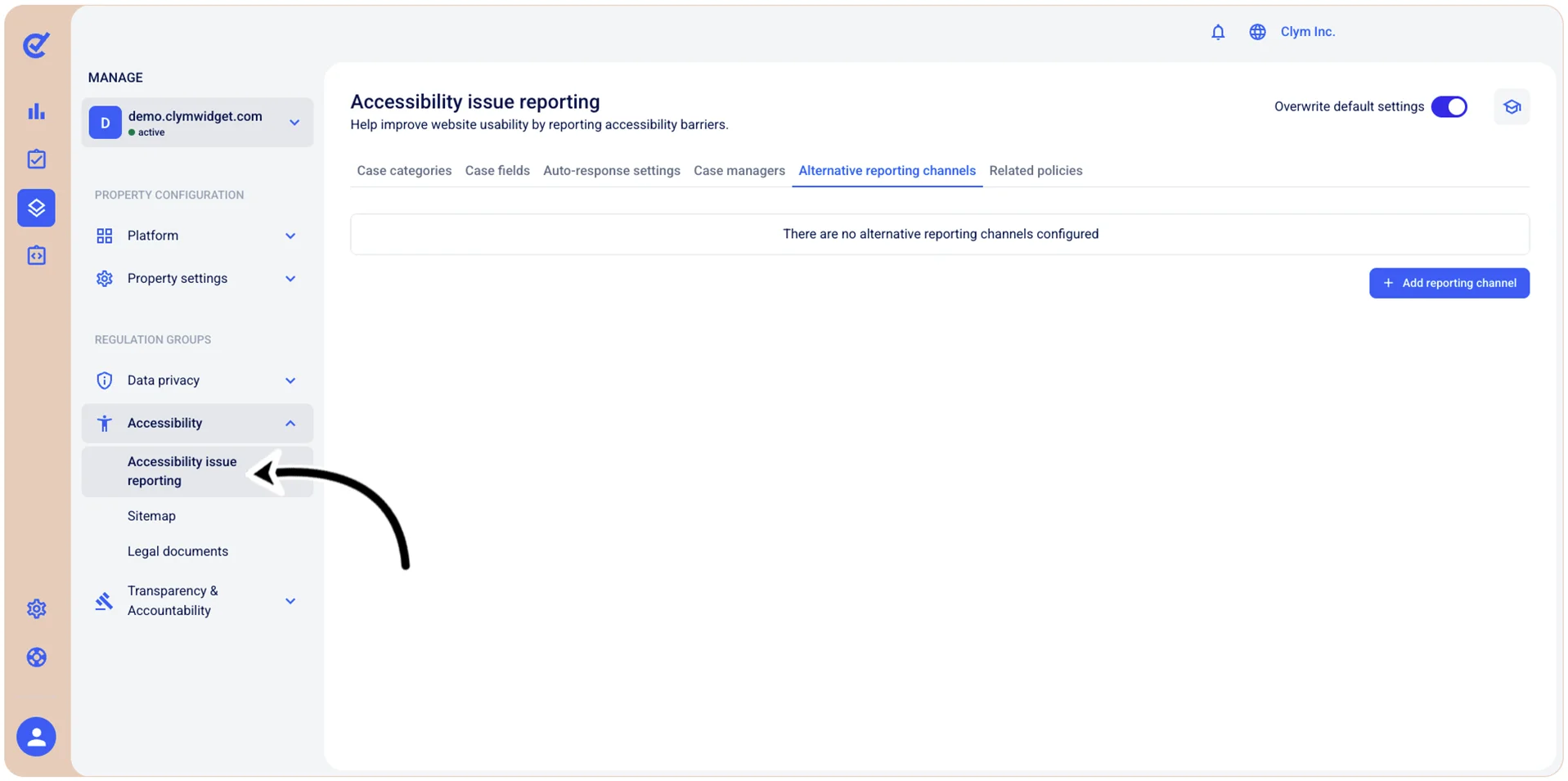
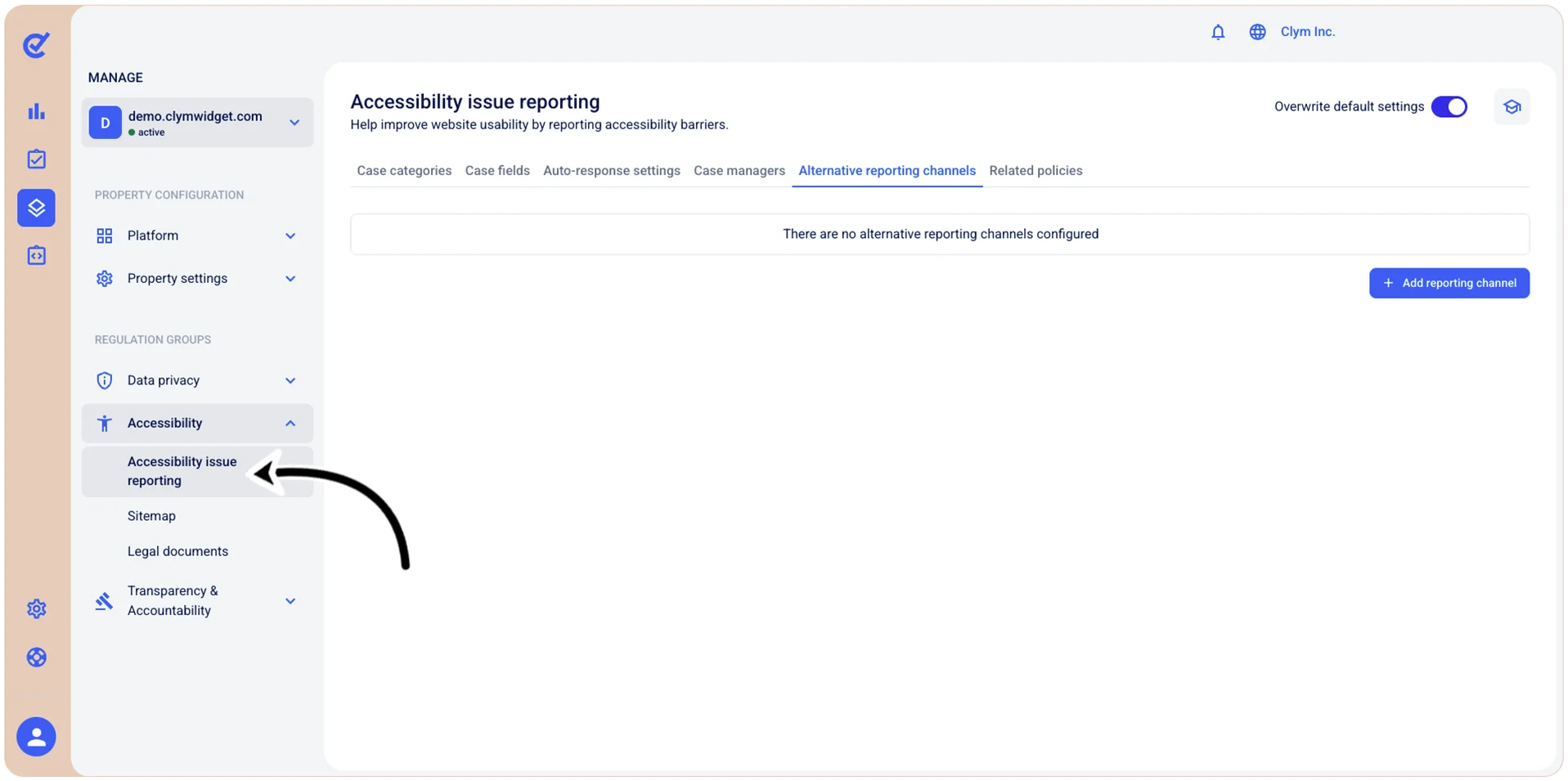
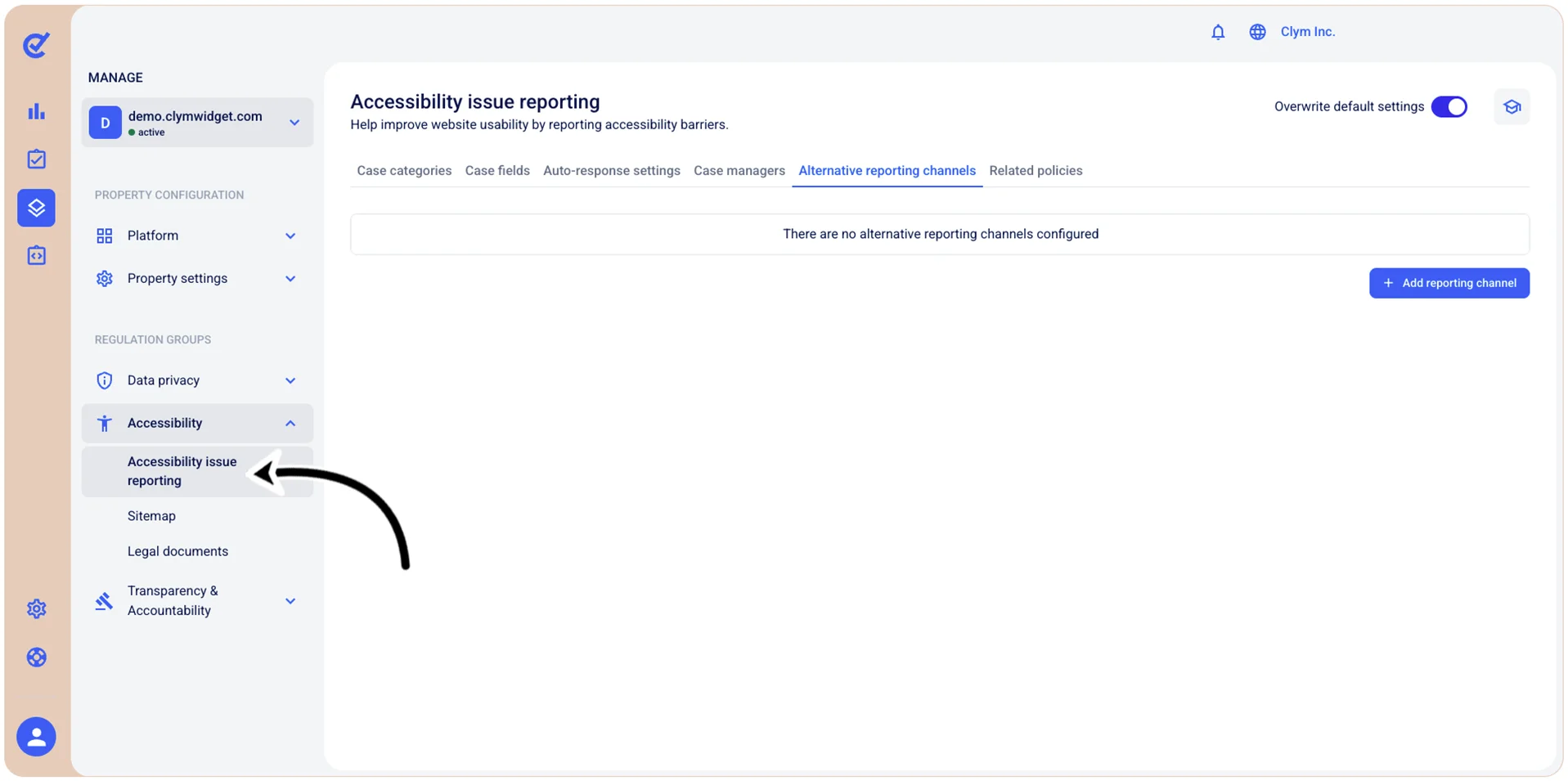
To access the section where you can configure other reporting channels, go to  Manage>Accessibility>Accessibility issue reporting and select the Alternative reporting channels tab.
Add an alternative accessibility reporting channel
In the Control Center, you can add as many reporting channels (email, phone number, physical address, link) to be used for accessibility reporting as you want.
To add a new accessibility reporting channel:
- Go to Manage>Accessibility>Accessibility issue reporting.
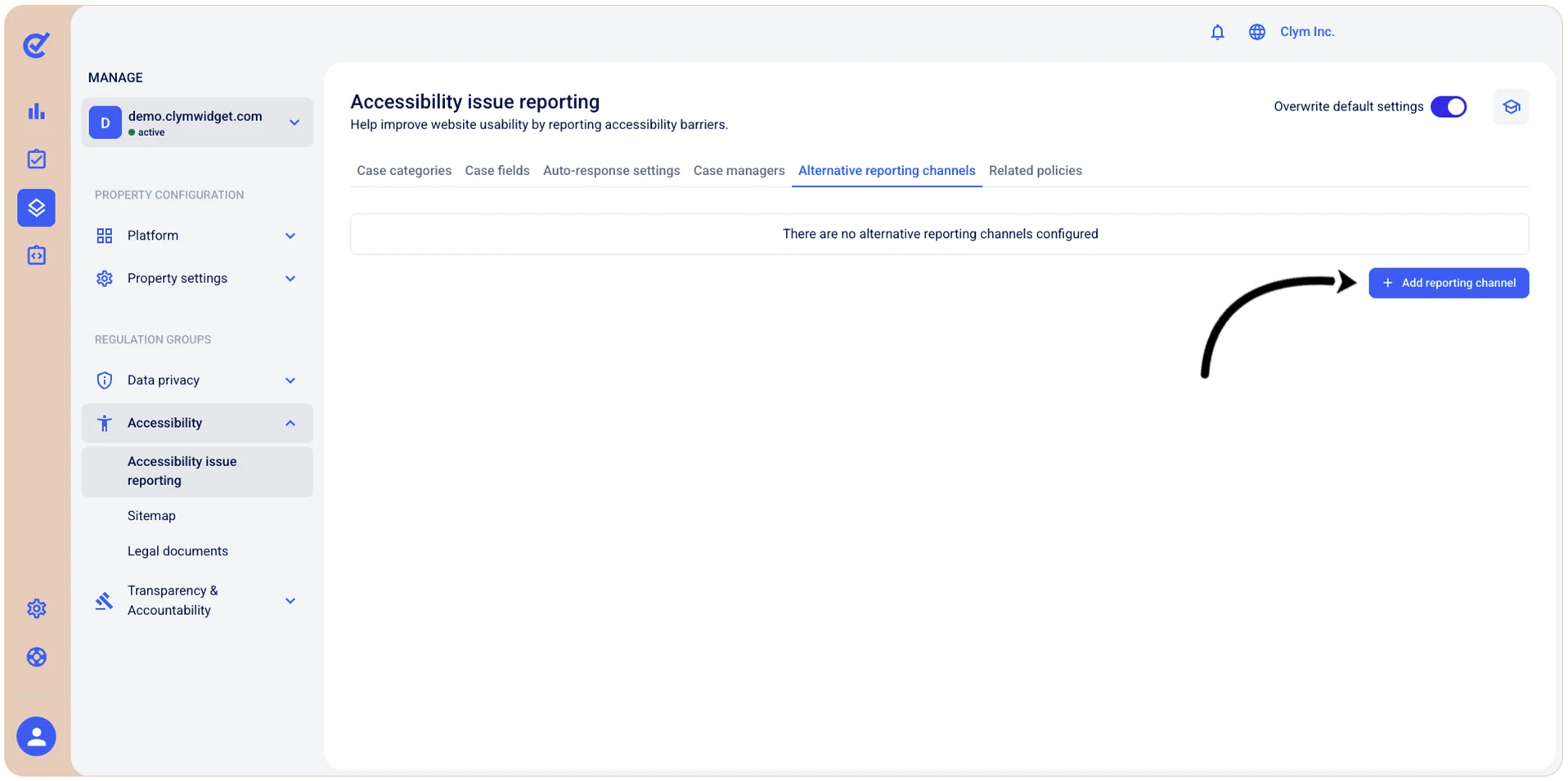
- In the Alternative reporting channels tab, select +Add reporting channel.
- In the Add reporting channel section, configure the additional accessibility reporting channel, as follows:
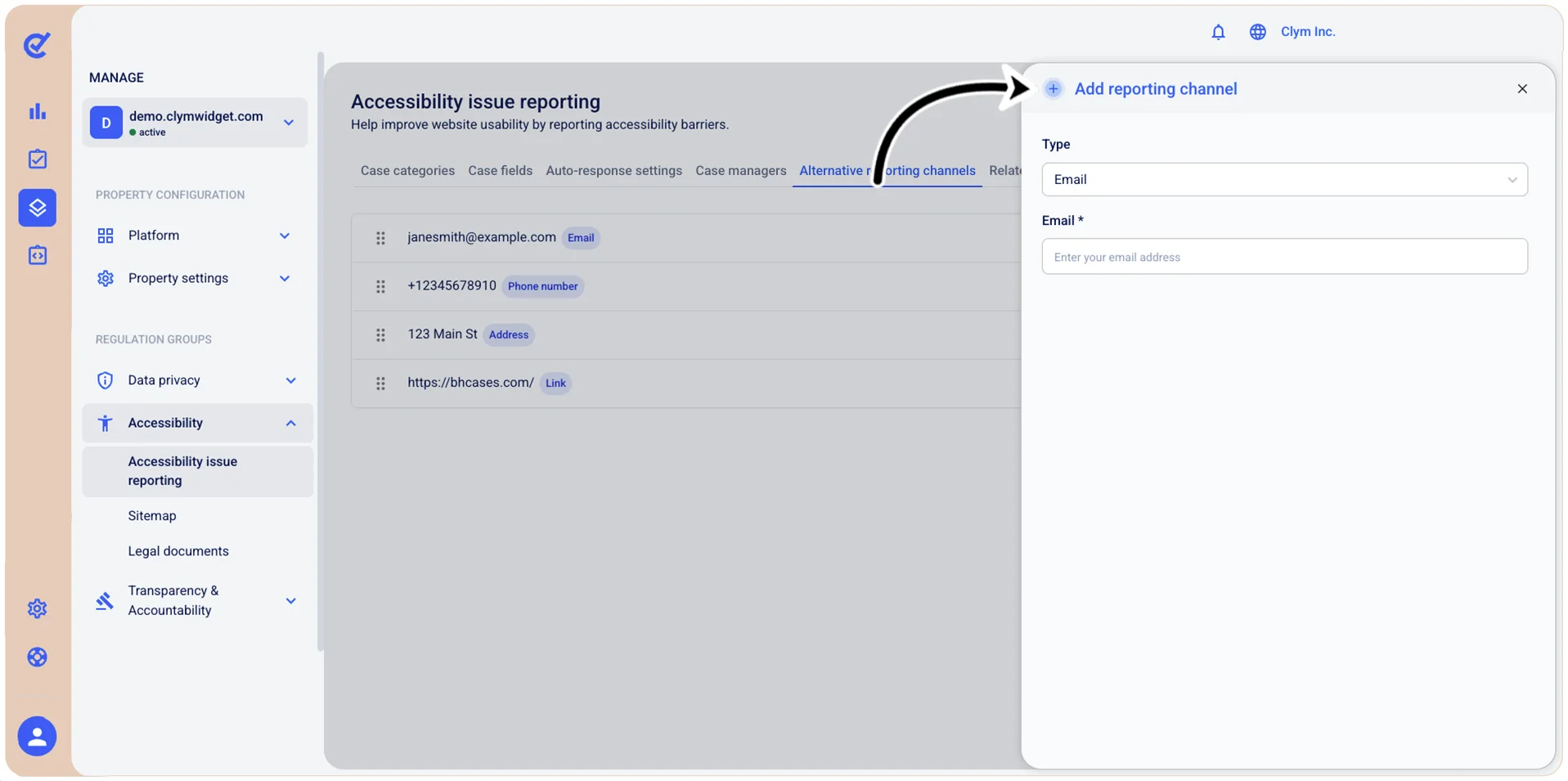
- Type: Select the new accessibility reporting channel. Depending on your selection at this stage, the options available to you may vary, as follows:
- Email: Select the email where users can send accessibility reports.
- Phone number: Add a valid phone number where users can send accessibility reports.
- Address: Configure the physical address where users can send accessibility reports.
- Link: Enter a link, as well as a link alternative text where users can send accessibility reports.
- When finished, select Add. Your newly-added reporting channel is displayed in the Alternative reporting channels tab.
Edit alternative accessibility reporting channels
To modify an alternative accessibility reporting channel:
- Go to Manage>Accessibility>Accessibility issue reporting.
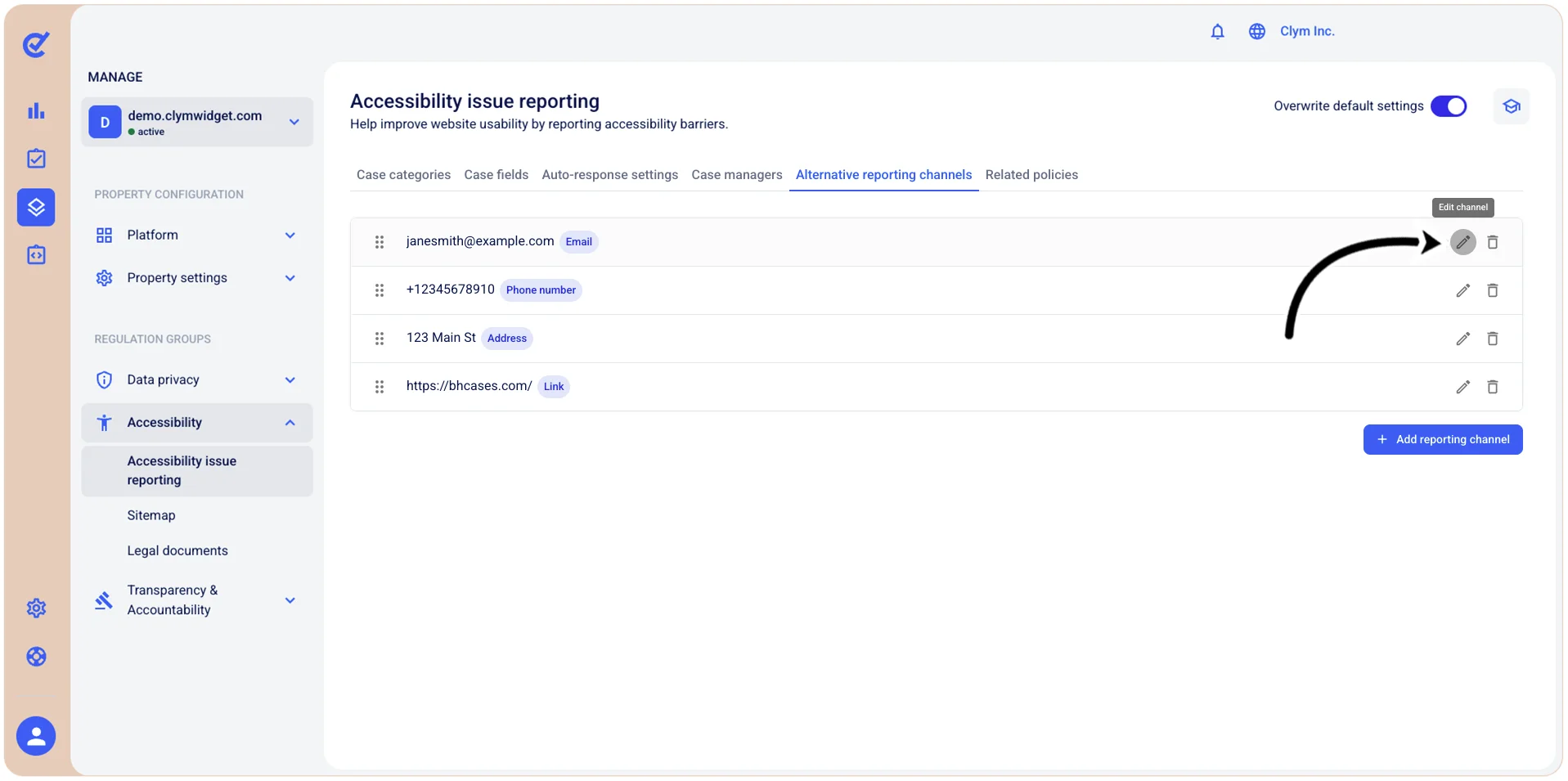
- In the Alternative reporting channels tab, select
 Edit channel next to the desired channel.
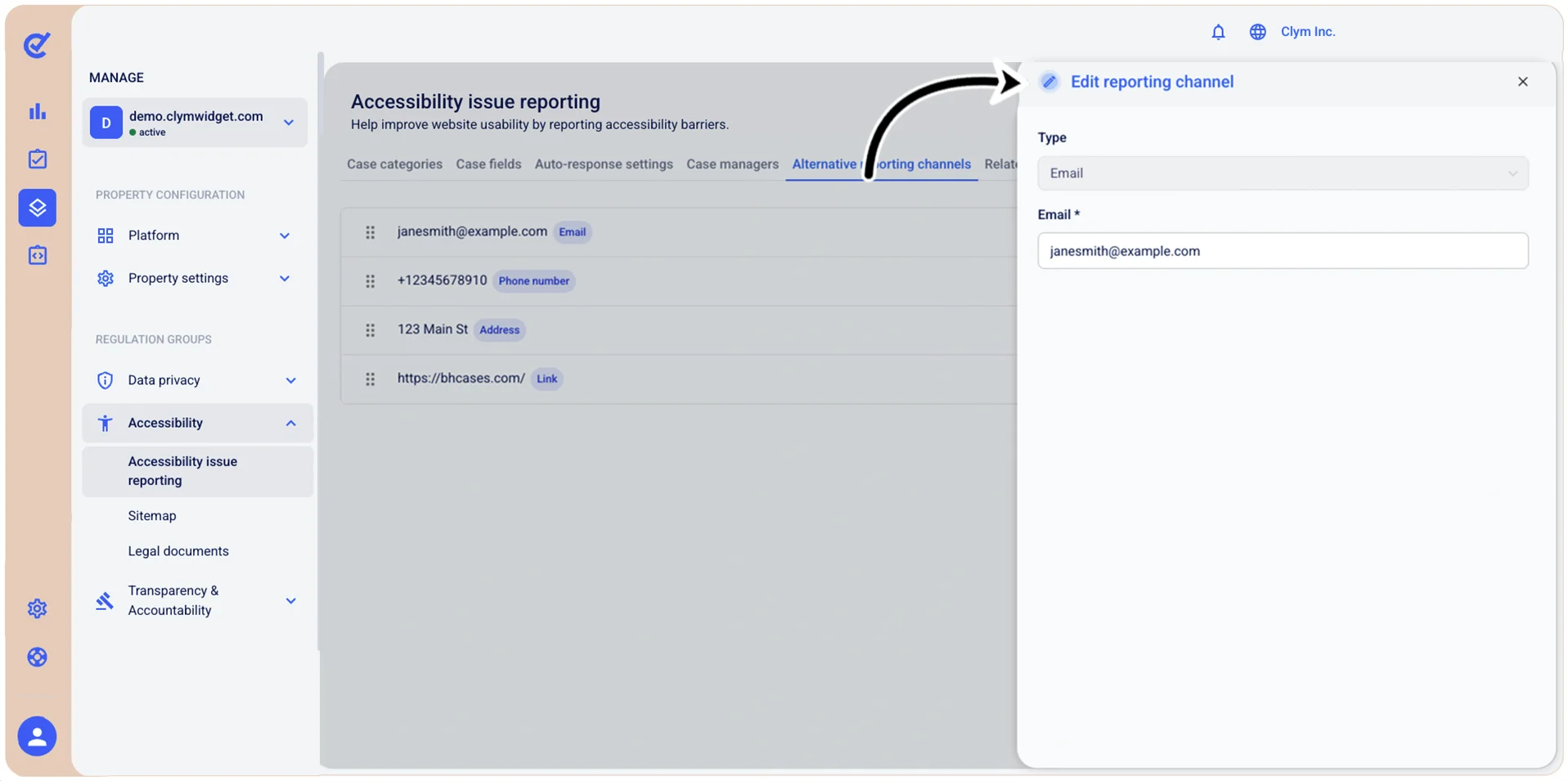
- In the Edit reporting channel section, configure the alternative accessibility reporting channel.
- When finished, select Save.
Delete alternative accessibility reporting channels
To remove alternative accessibility reporting channels:
- Go to Manage>Accessibility>Accessibility issue reporting.
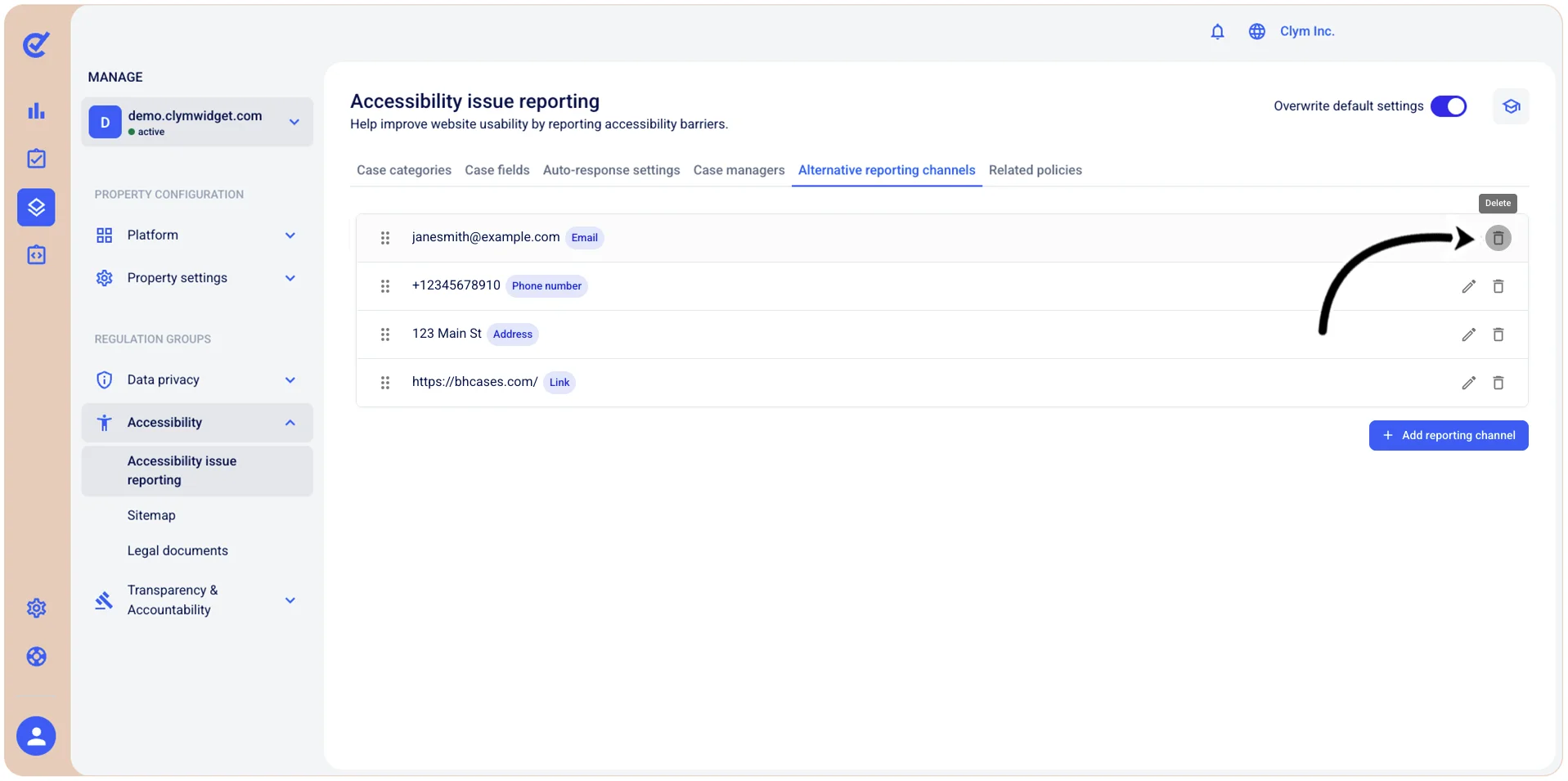
- In the Case categories tab, select
 Delete next to the desired accessibility reporting channel.
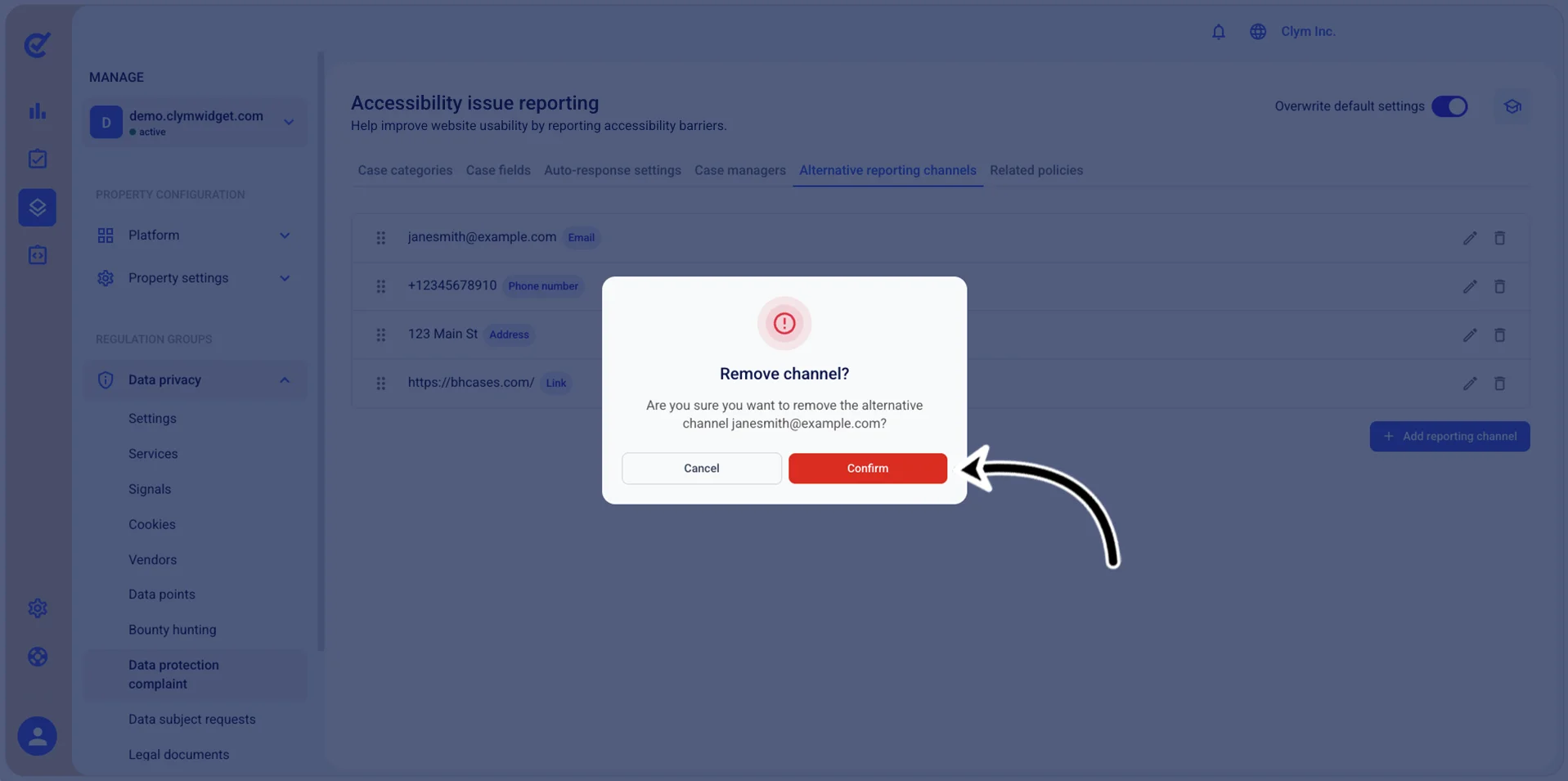
- In the confirmation message, select Confirm.