
Export a DSR
To facilitate reporting and to accommodate your data management efforts, after filtering DSR cases, you can export the results into a JSON file.
To export the filtered DSRs:
- Go to
 Operate>Data Subject Requests.
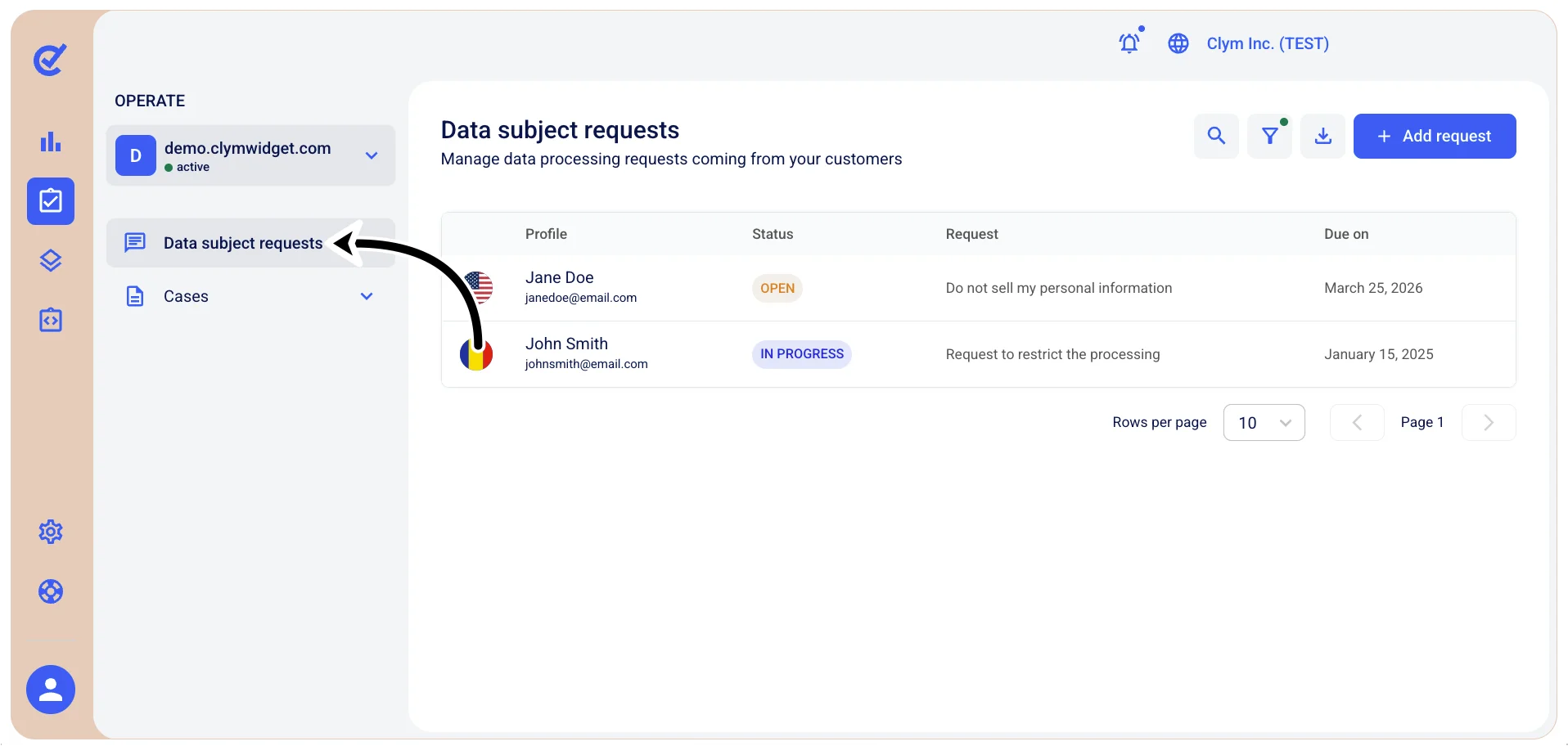
- In the Data subject requests section, make sure the DSRs displayed have not been filtered by checking that the filter icon is displayed as is
 , not marked with a little green dot
  .
. - To export, select
 Export request with selected filter.
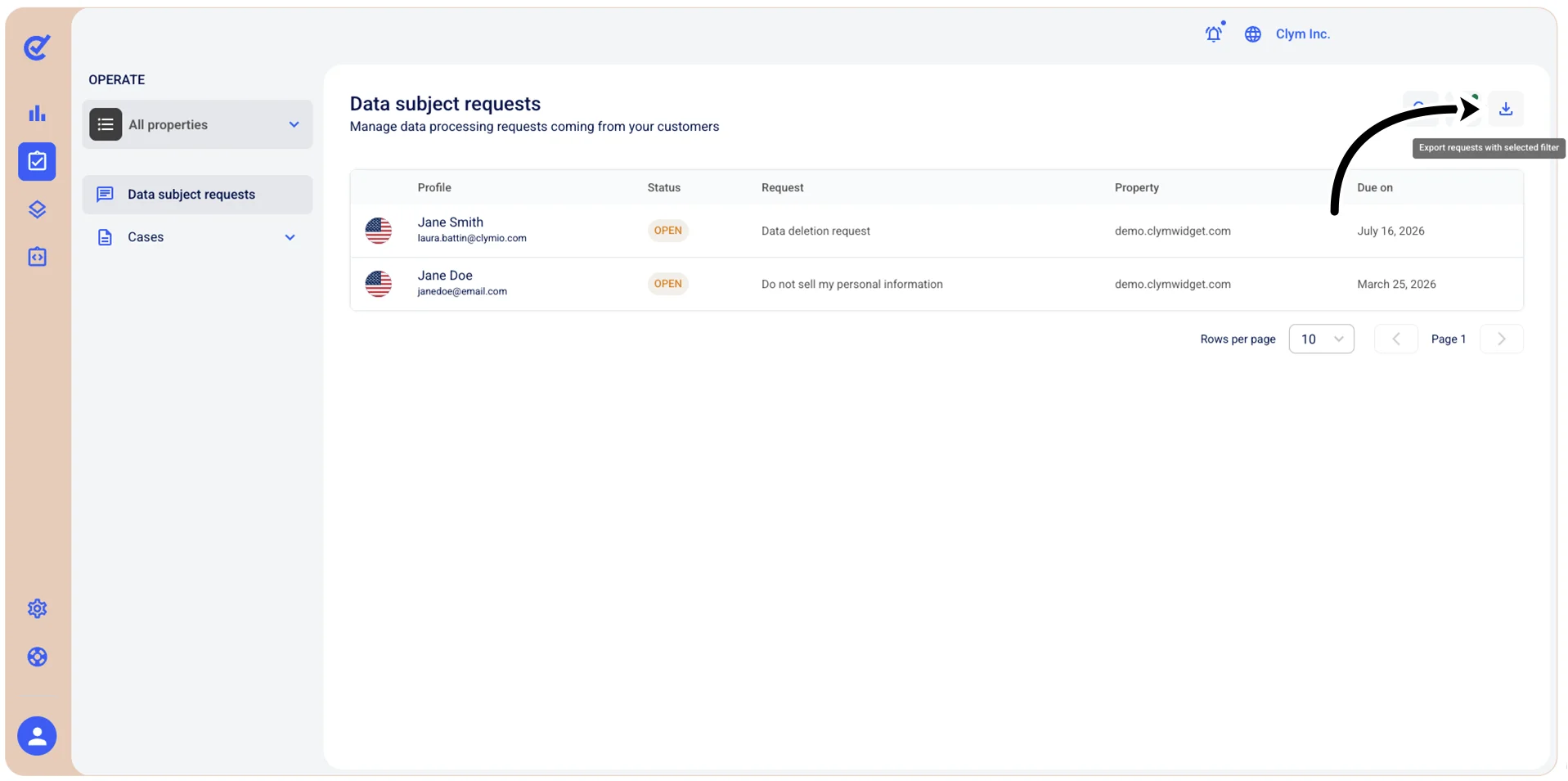
The file in JSON format with the DSRs is downloaded to your local computer.