
Change the status of a DSR
To change the status of a DSR:
- Go to
 Manage>Data privacy>Data subject requests.
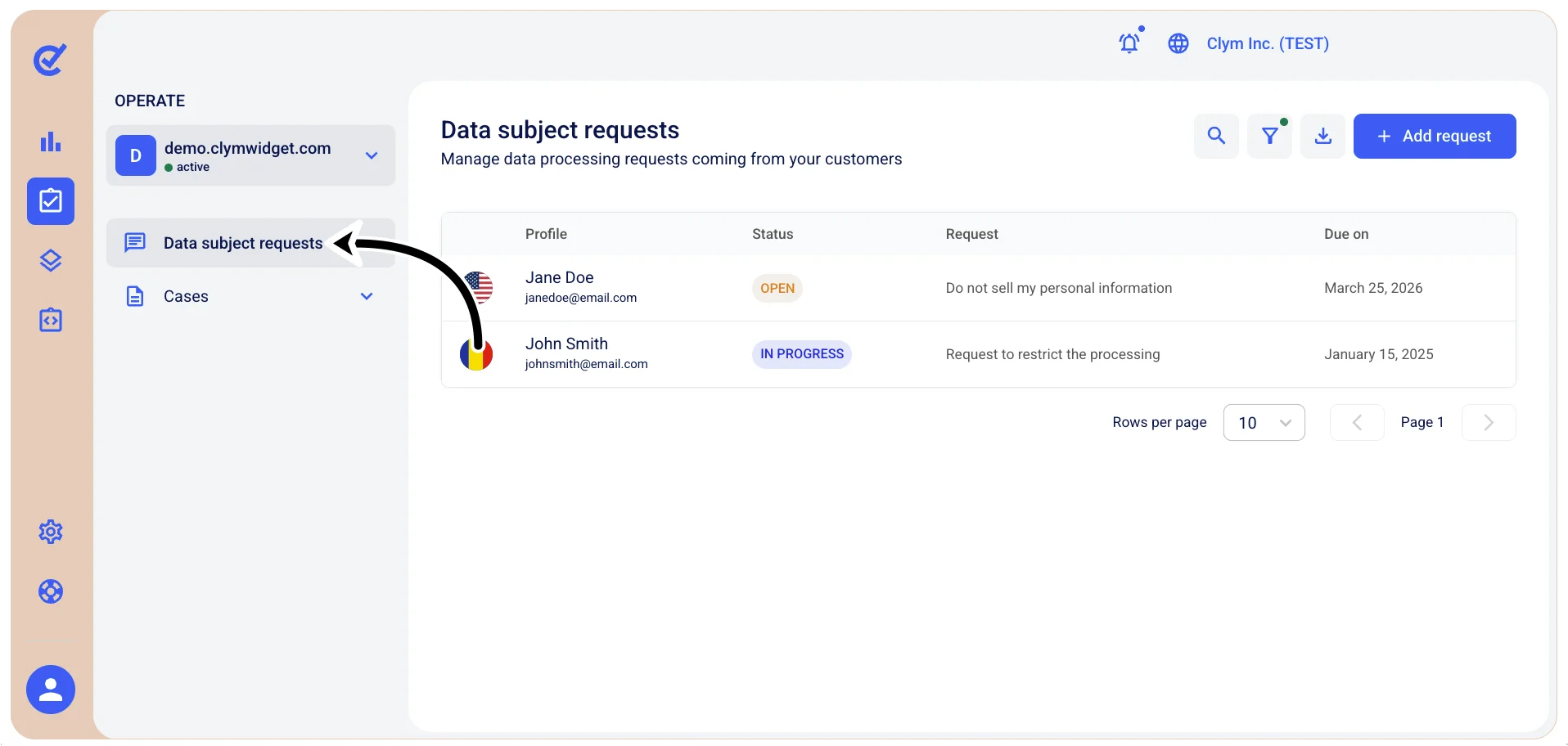
- Select the desired DSR.
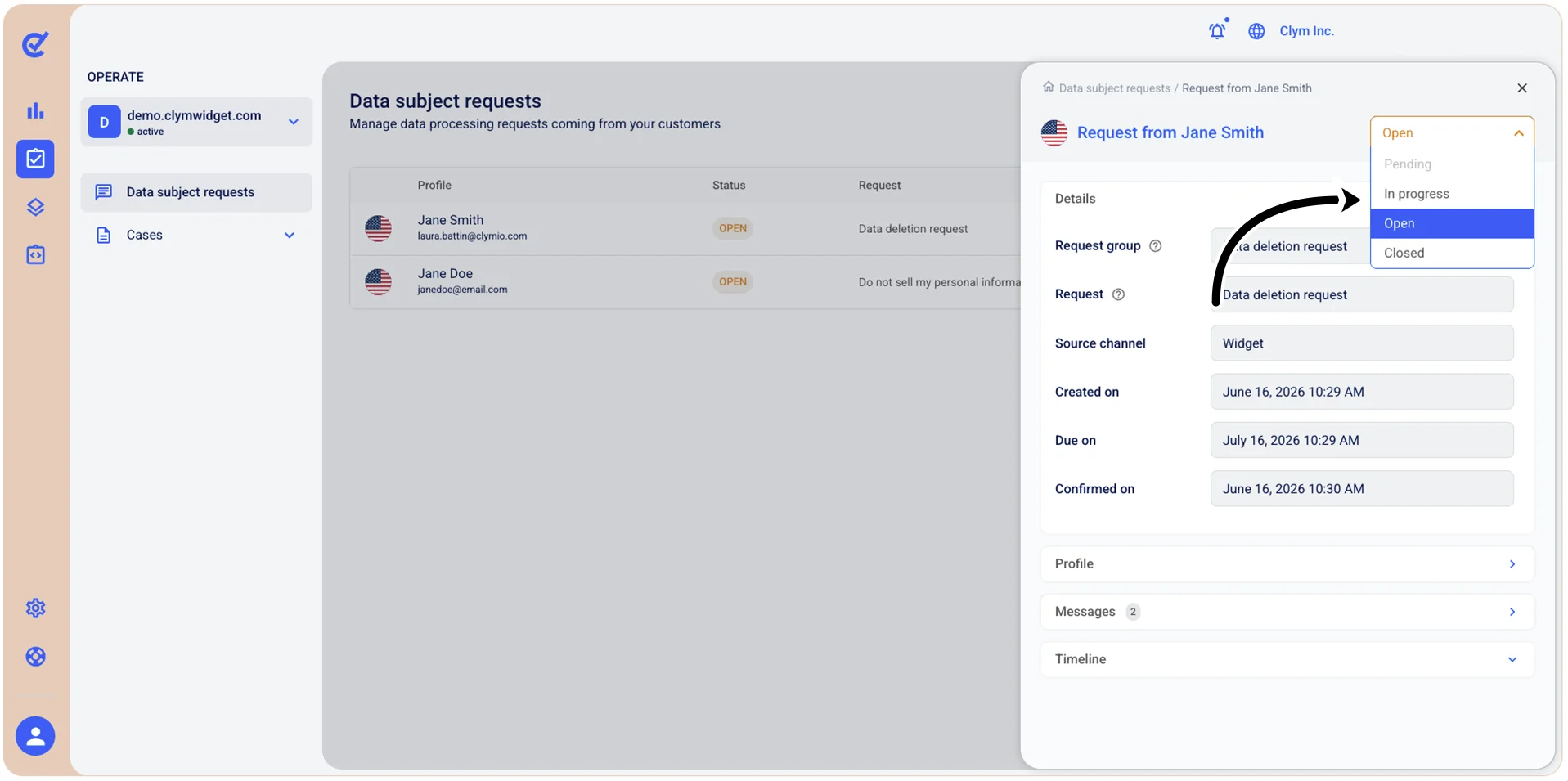
- The list next to the Request from /name/ screen displays the current status of the DSR. From this list, select the desired status.
- When finished, select Save.