Configure your company’s registration numbers for an individual domain
In the Control Center, you can configure your company’s registration numbers for legal identification, in order to comply with advertising and other legal requirements.
The recommended categories available to you at this stage are the ones you configured in the Generic settings tab.
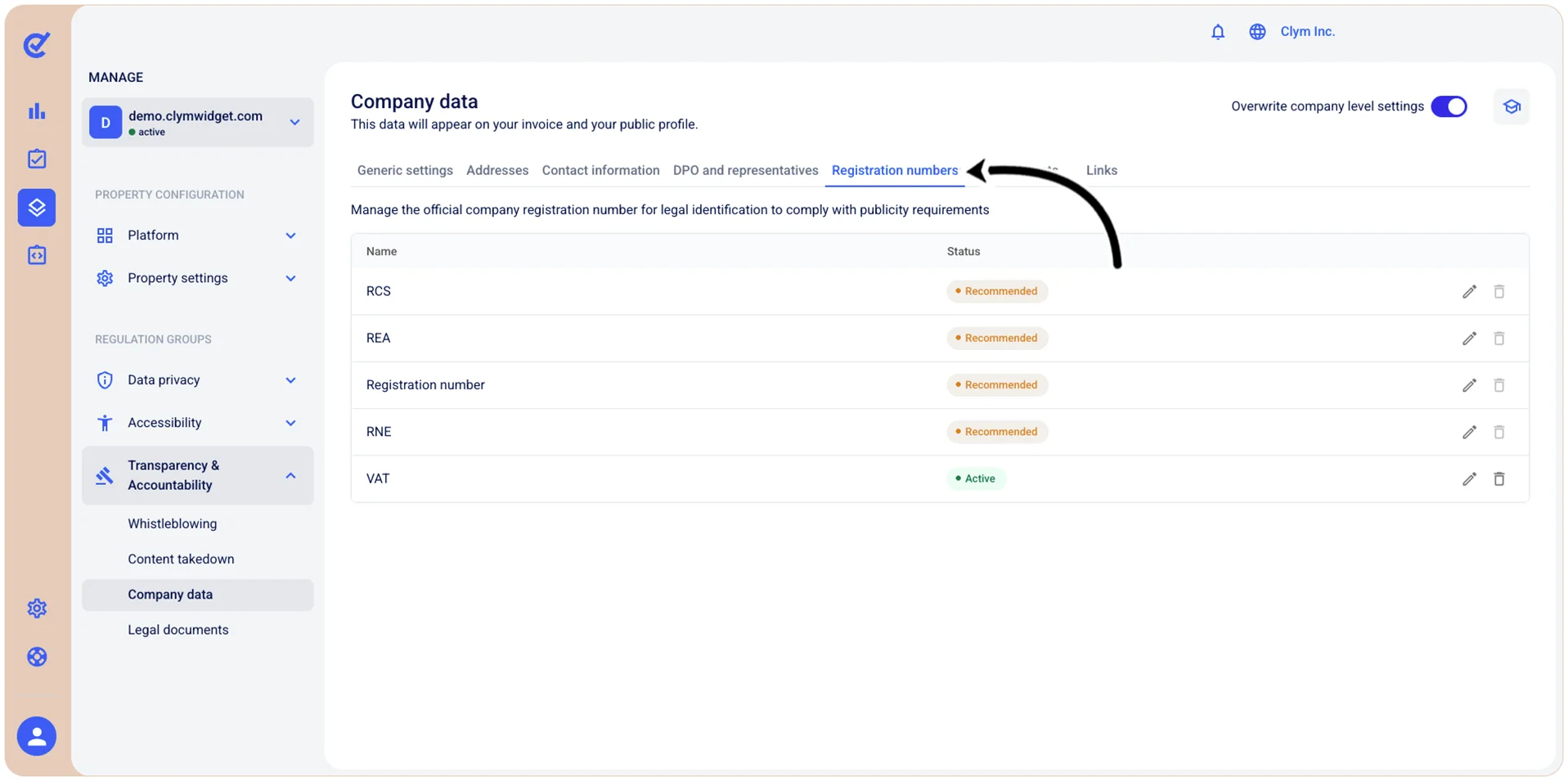
To access this section, go to  Manage>Transparency & Accountability>Company data and select the Registration numbers tab.
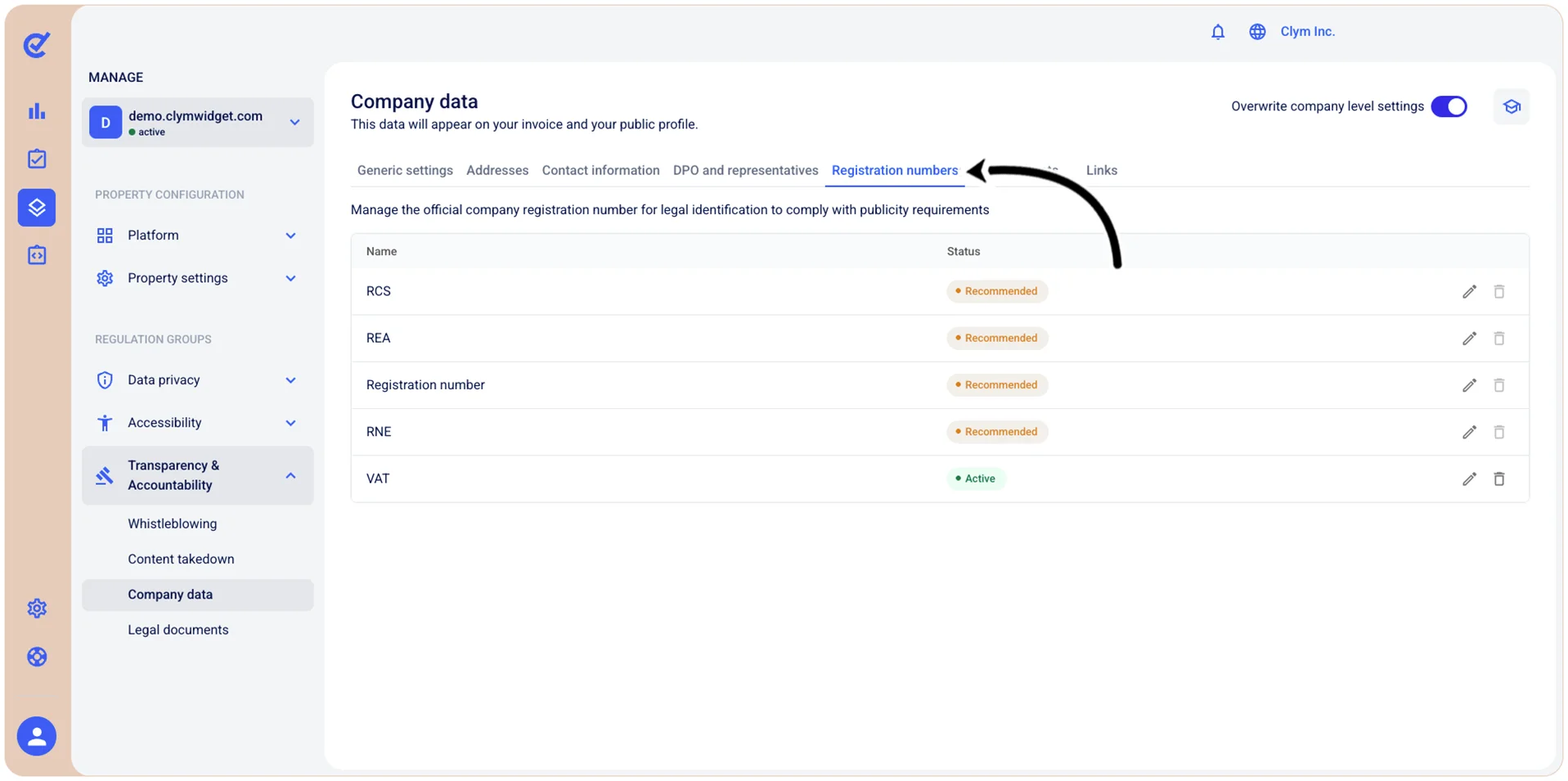
You can modify and delete the existing registration numbers.
Edit a built-in registration number for an individual domain
To modify a built-in registration number:
- Go to Manage>Transparency & Accountability>Company data.
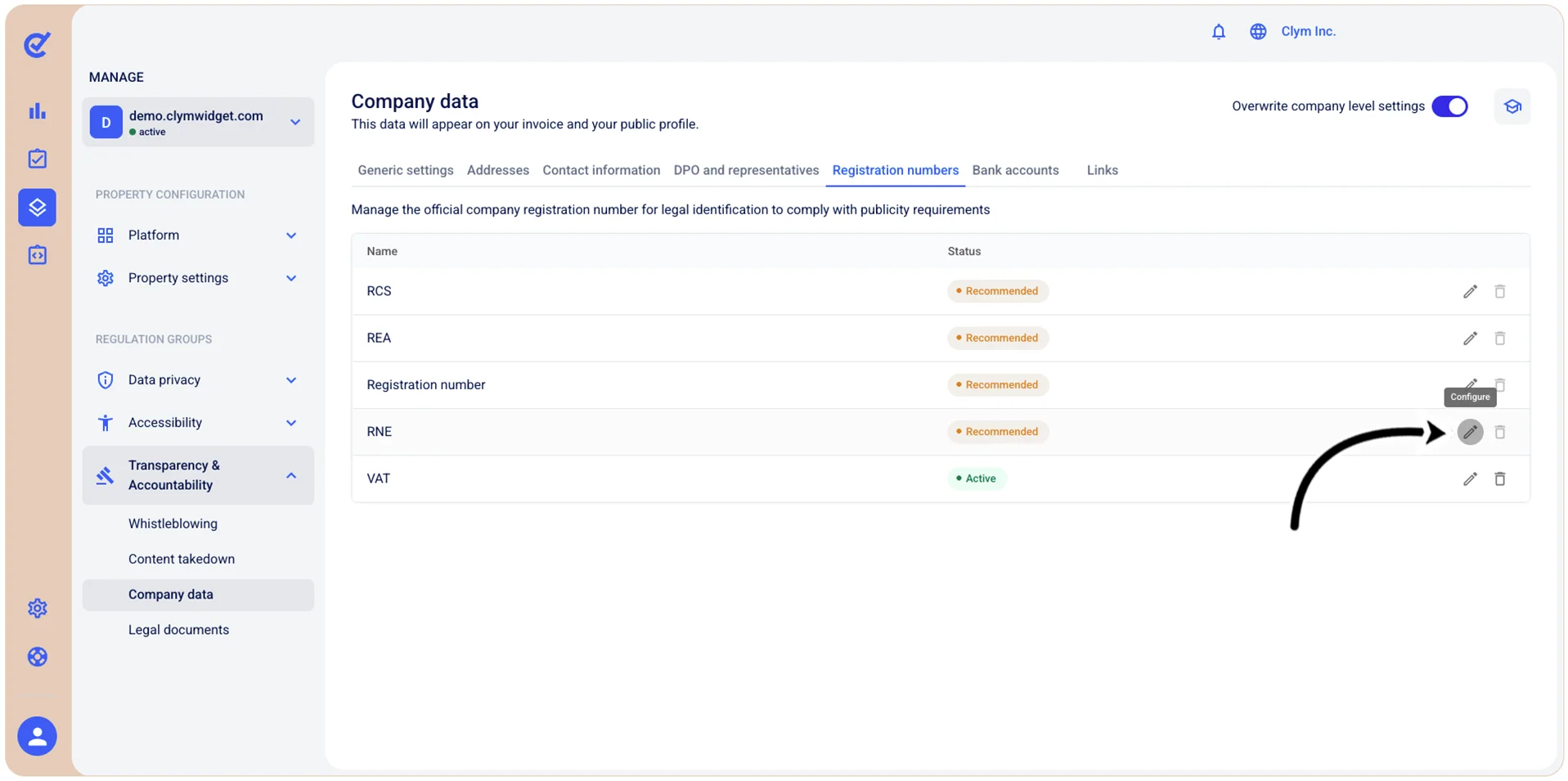
- In the Registration numbers tab, select
 Edit next to the desired registration number (for example, RCS, or RNS).
- Under Configure registration number, set the Status of the registration number as either Active or Inactive, and enter the company’s registration number.
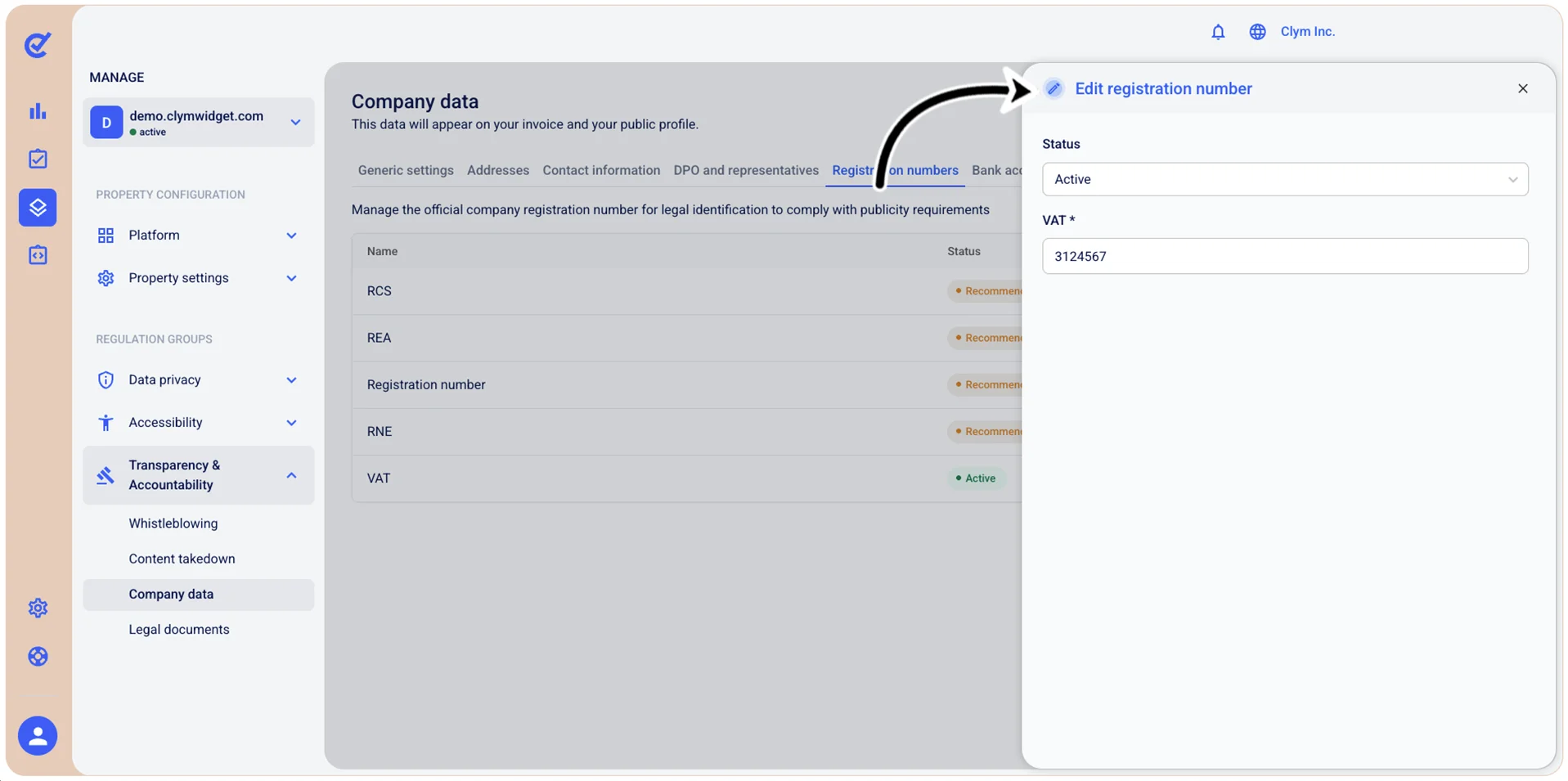
- When finished, select Save.
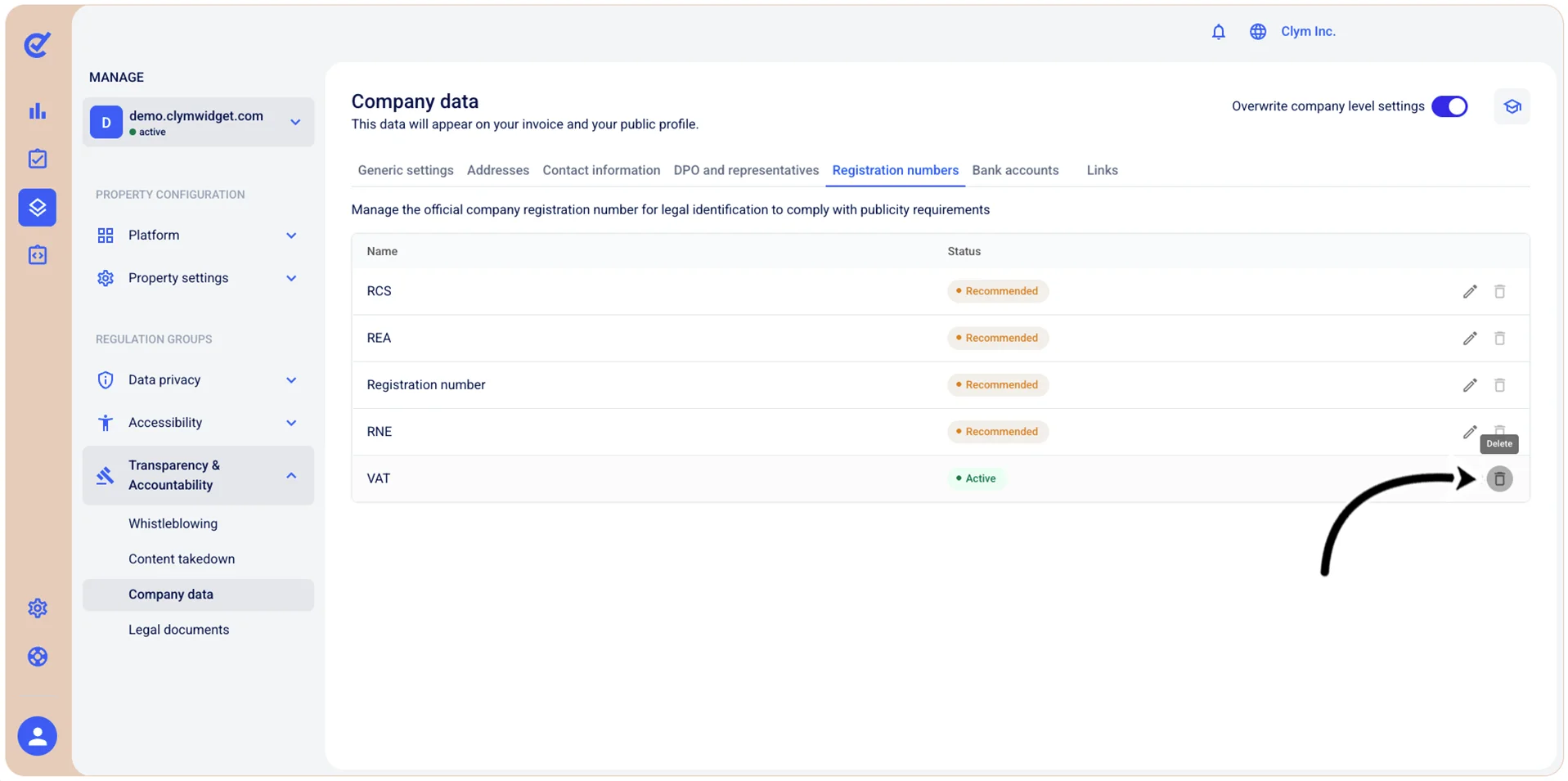
Delete a built-in registration number from an individual domain
You can only delete company registration numbers that you have configured.
To delete a built-in domain registration number:
- Go to Manage>Transparency & Accountability.
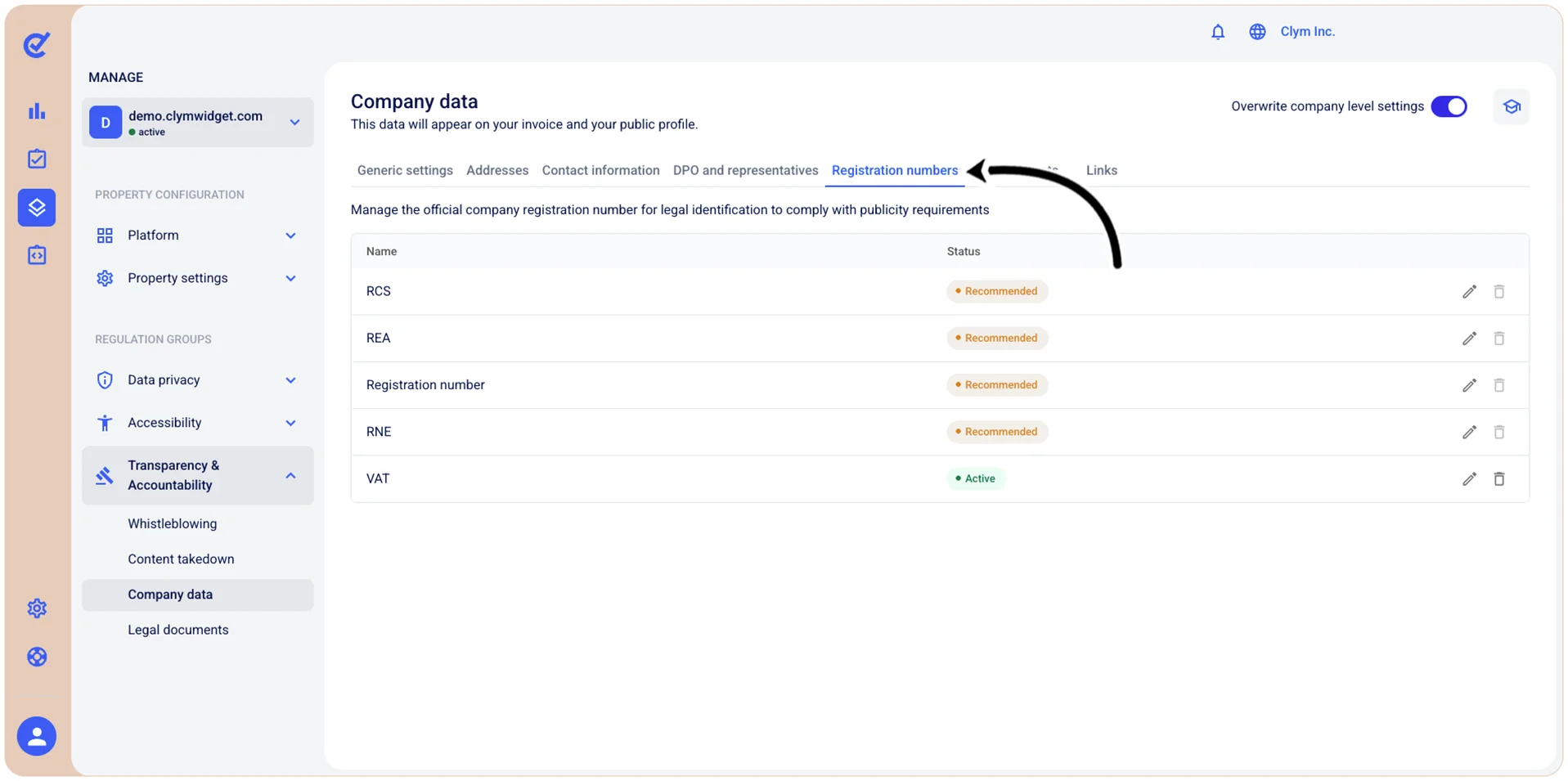
- In the Registration numbers tab, select
 Delete next to the desired registration number (for example, RCS or RNS).
 - In the confirmation message, select Confirm.