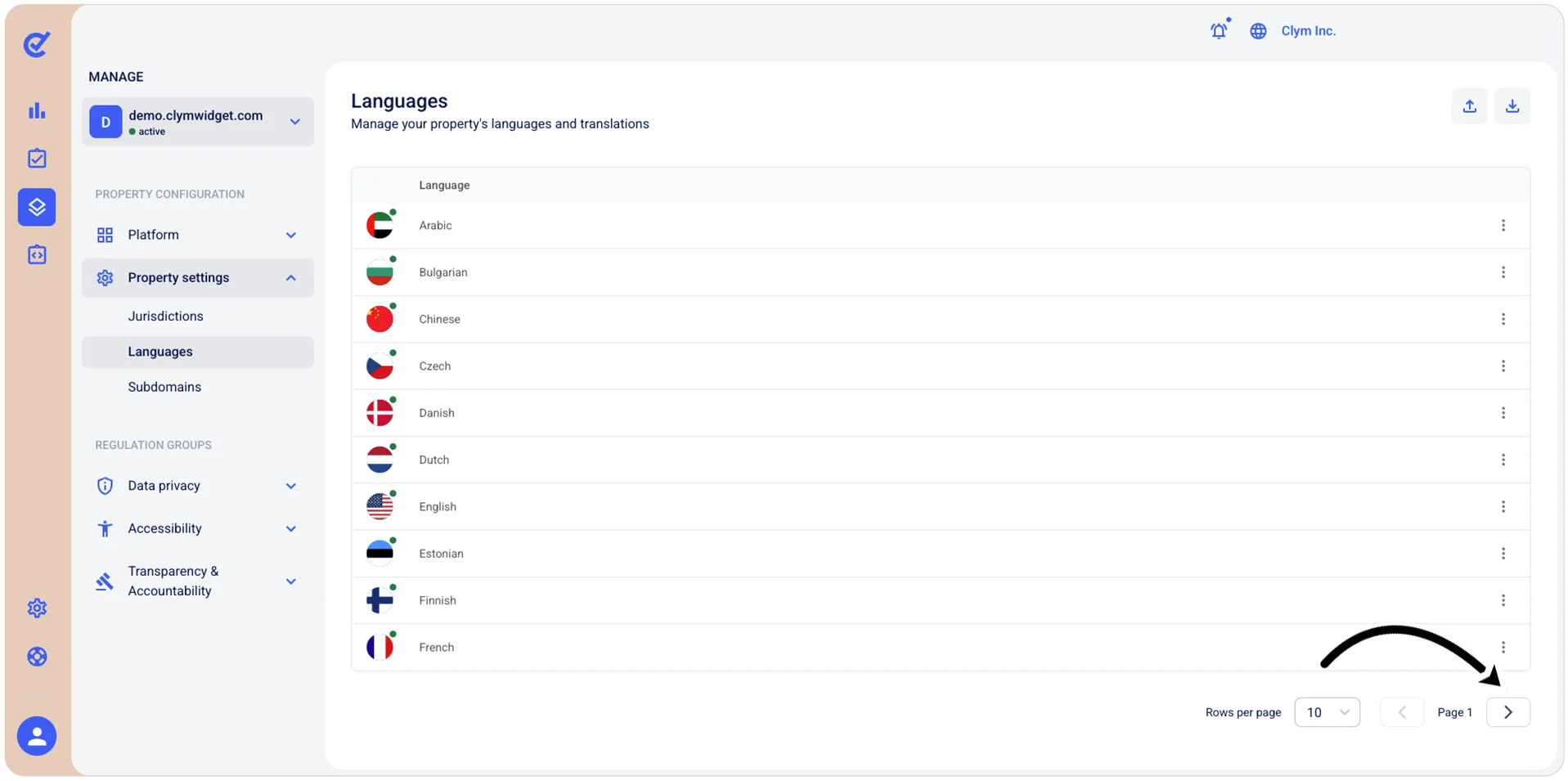
View the available languages
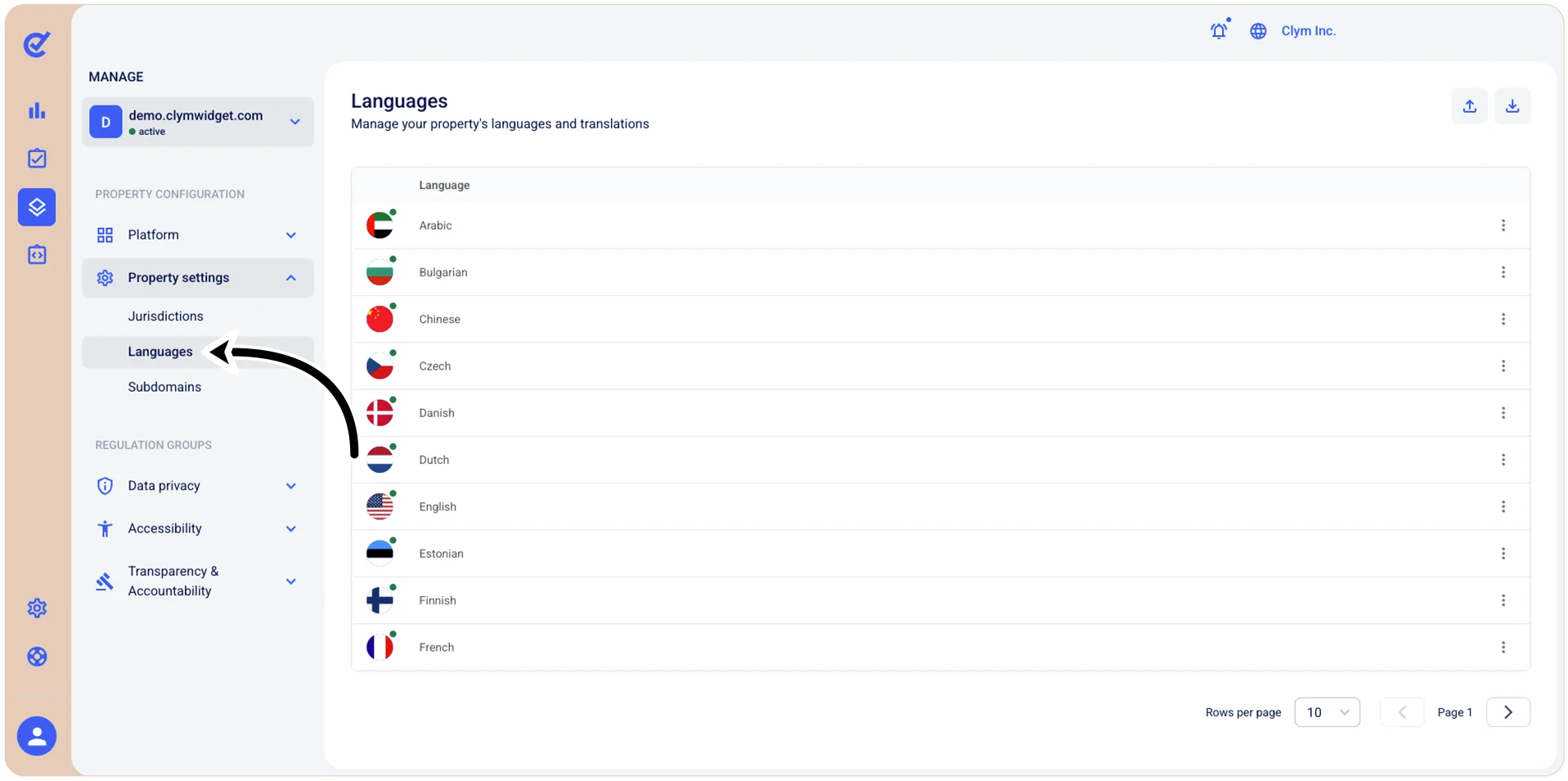
To view the languages available in the Control Center, go to  Manage>Property Settings>Languages.
Use the pagination tool at the bottom right of the page to navigate the available languages and to configure how many languages are displayed on the webpage.