
Embedded content: Manage the design
To manage the design of embedded content in the Control Center:
- Go to
 Manage>Platform>Embedded content.
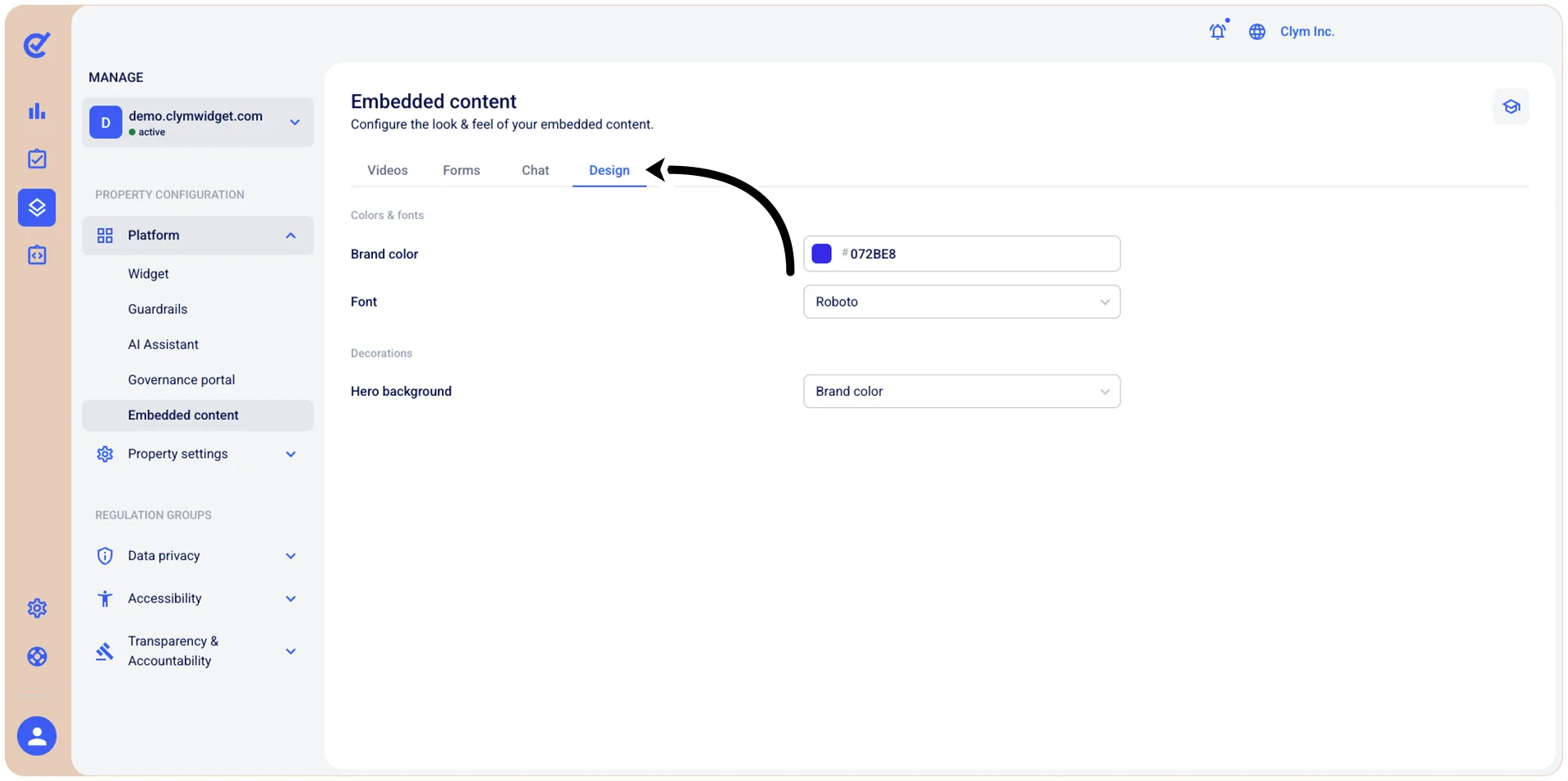
- Select the Design tab and configure the design of the content, as follows:
Under Colors & fonts
- Brand color: Choose the desired brand color using the color palette.
- Font: Select the desired font from the list.
Under Decorations
- Hero background: Select one of the available options for the hero image background.
- When finished, select Save.