
Data privacy: Filter cookies
To narrow down your search using filtering:
- Go to
 Manage>Data privacy>Cookies.
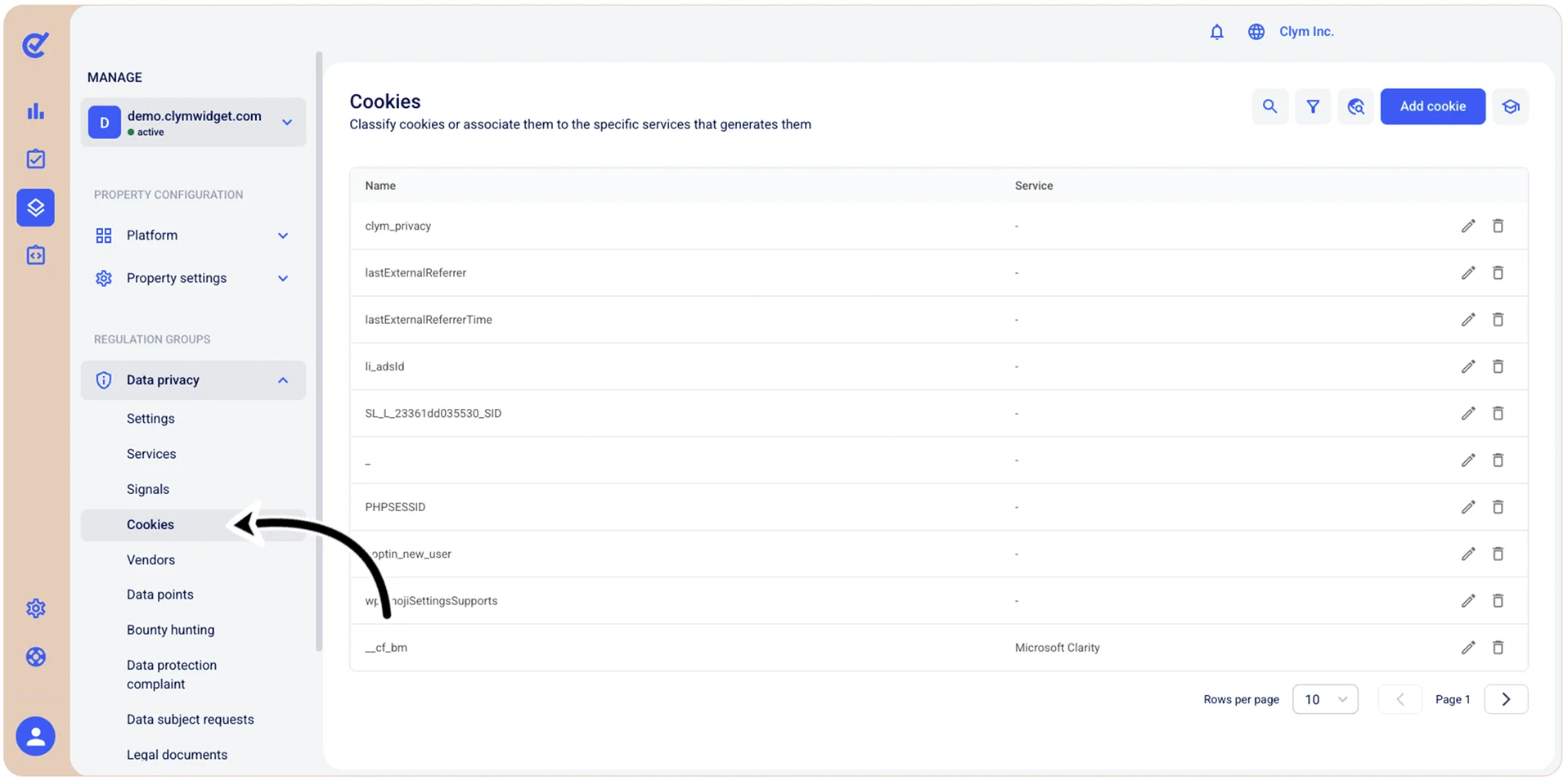
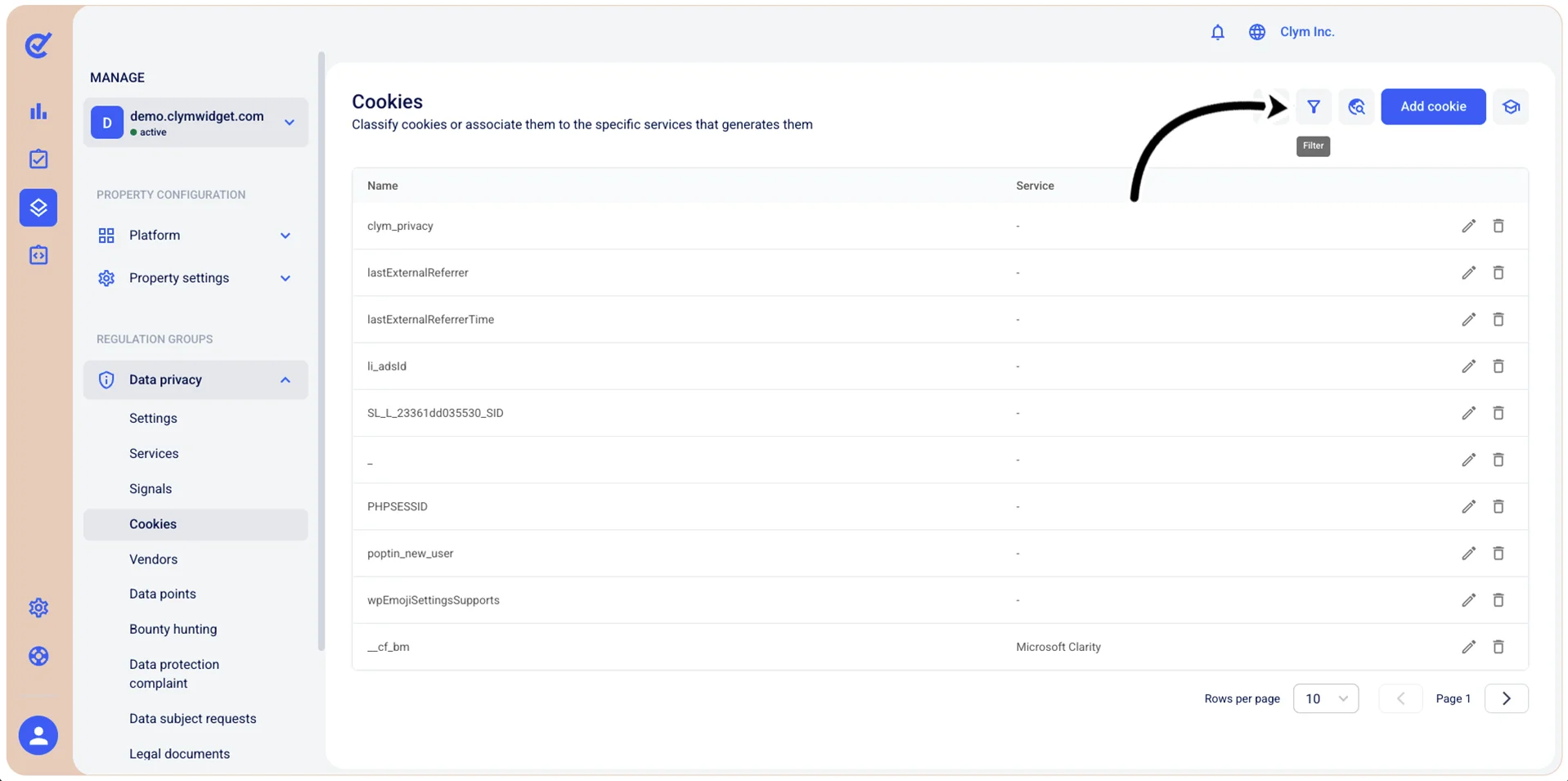
- In the Cookies section, select
 Filter.
- In the Filters section, use the filtering parameters to find cases, as follows:
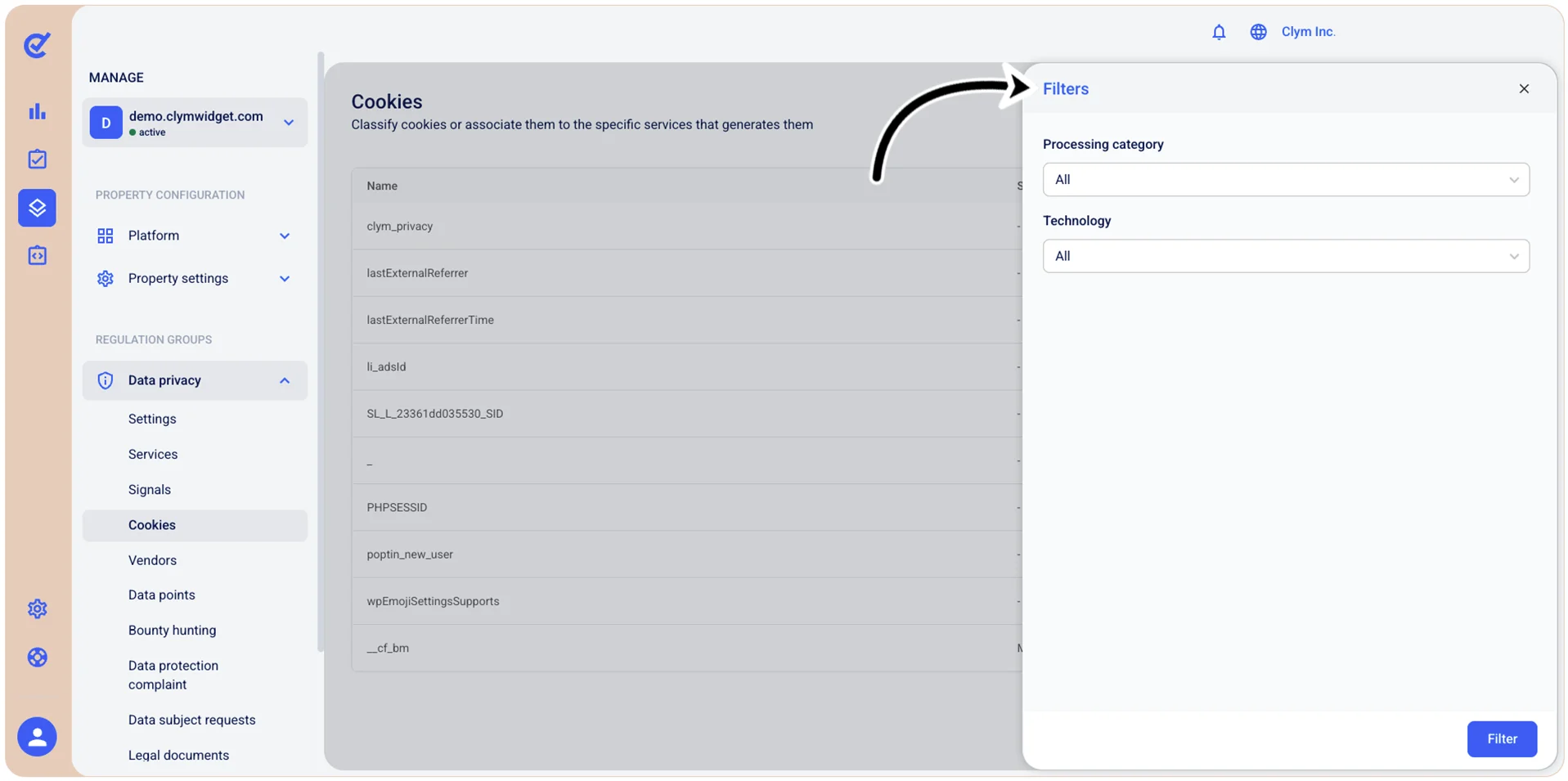
- Processing category: Select the cookie’s processing category from the list (for example, Advertising/Analytics/Essential and so on).
- Technology: Select the desired technology from the list (for example, Cookie/Local storage/Index DB and so on).
- When finished, select Filter.
The filtered results are displayed in the Cookies section. Note that, whenever the Control Center displays filtered information, the
 filter icon is marked with a tiny green dot.