Delete a subdomain
Depending on your needs, you may want to remove a subdomain that you may no longer need.
To delete a subdomain:
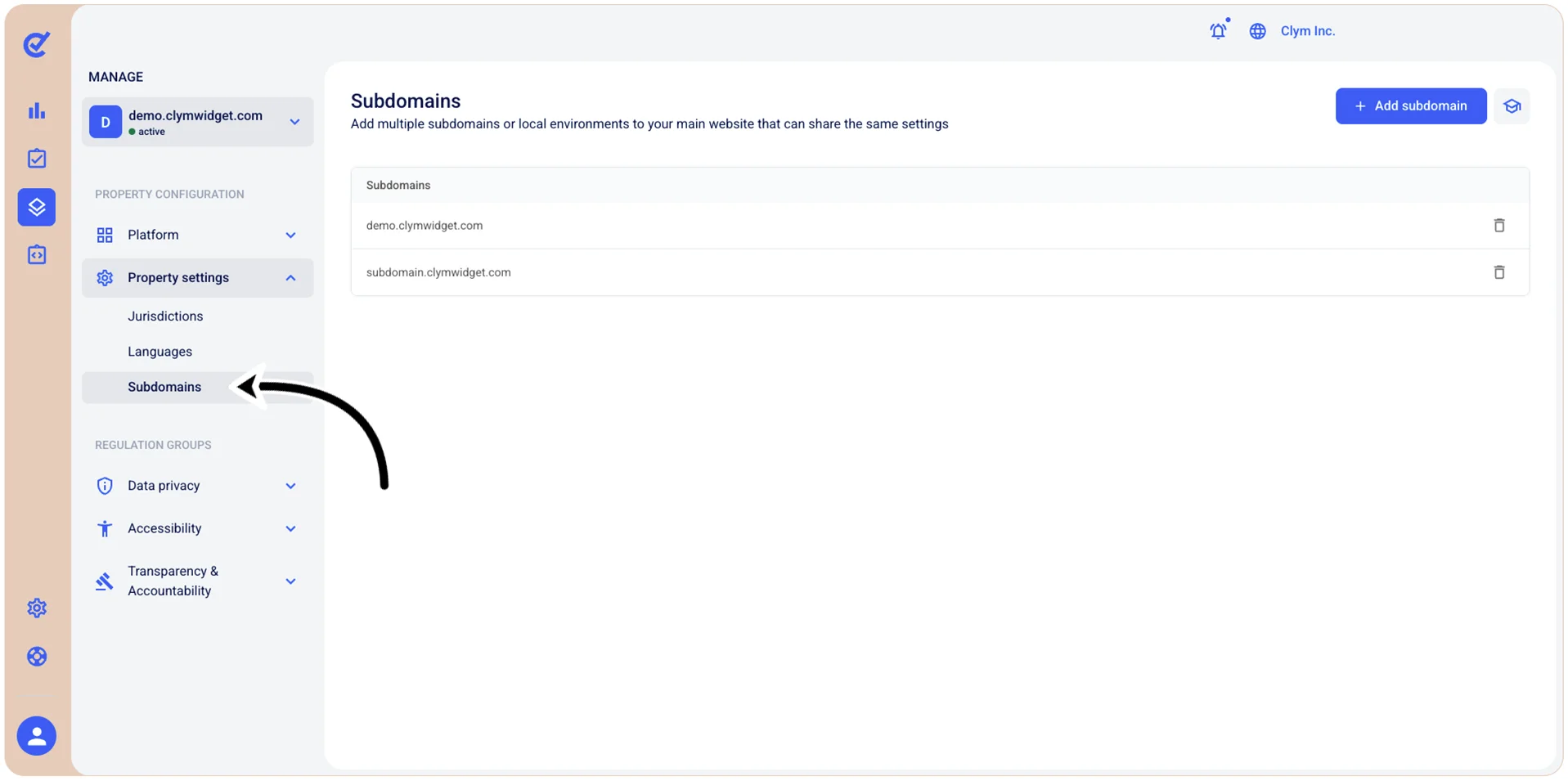
- Go to
 Manage>Property Settings>Subdomains.
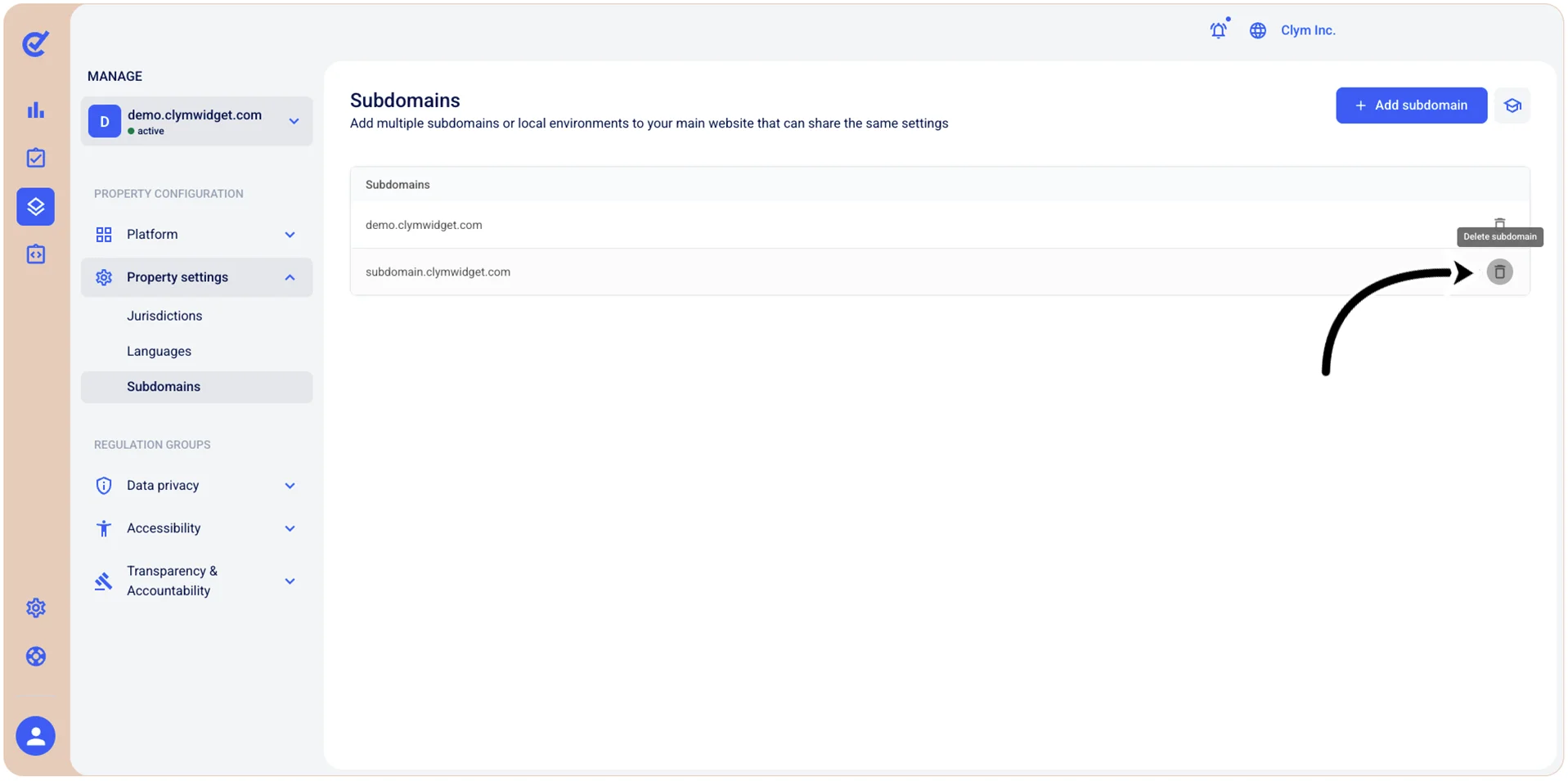
- In the Subdomains section, select
 Delete next to the subdomain that you want to remove.
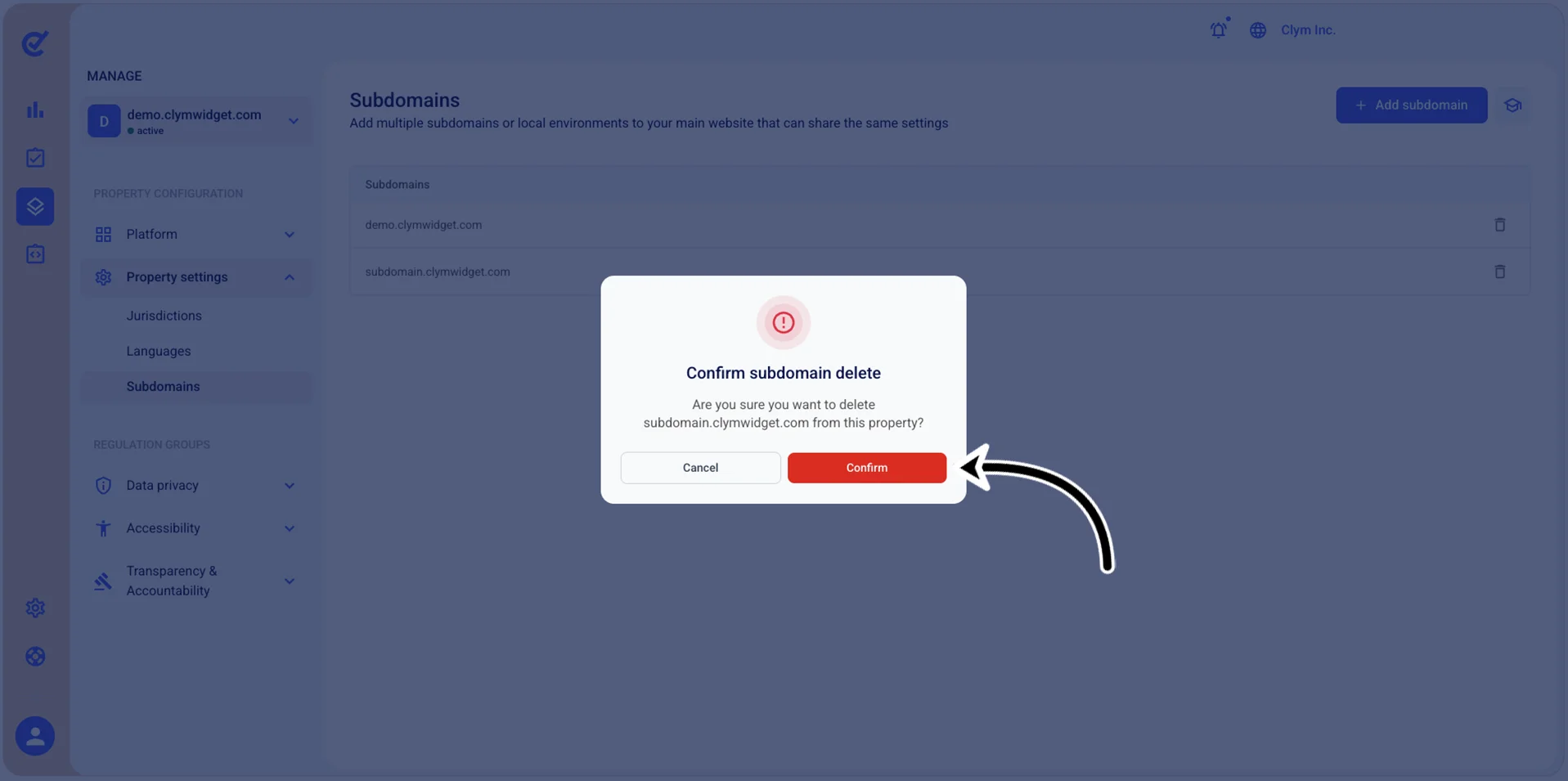
- In the confirmation message, select Confirm.