Add the custom links to a WordPress website
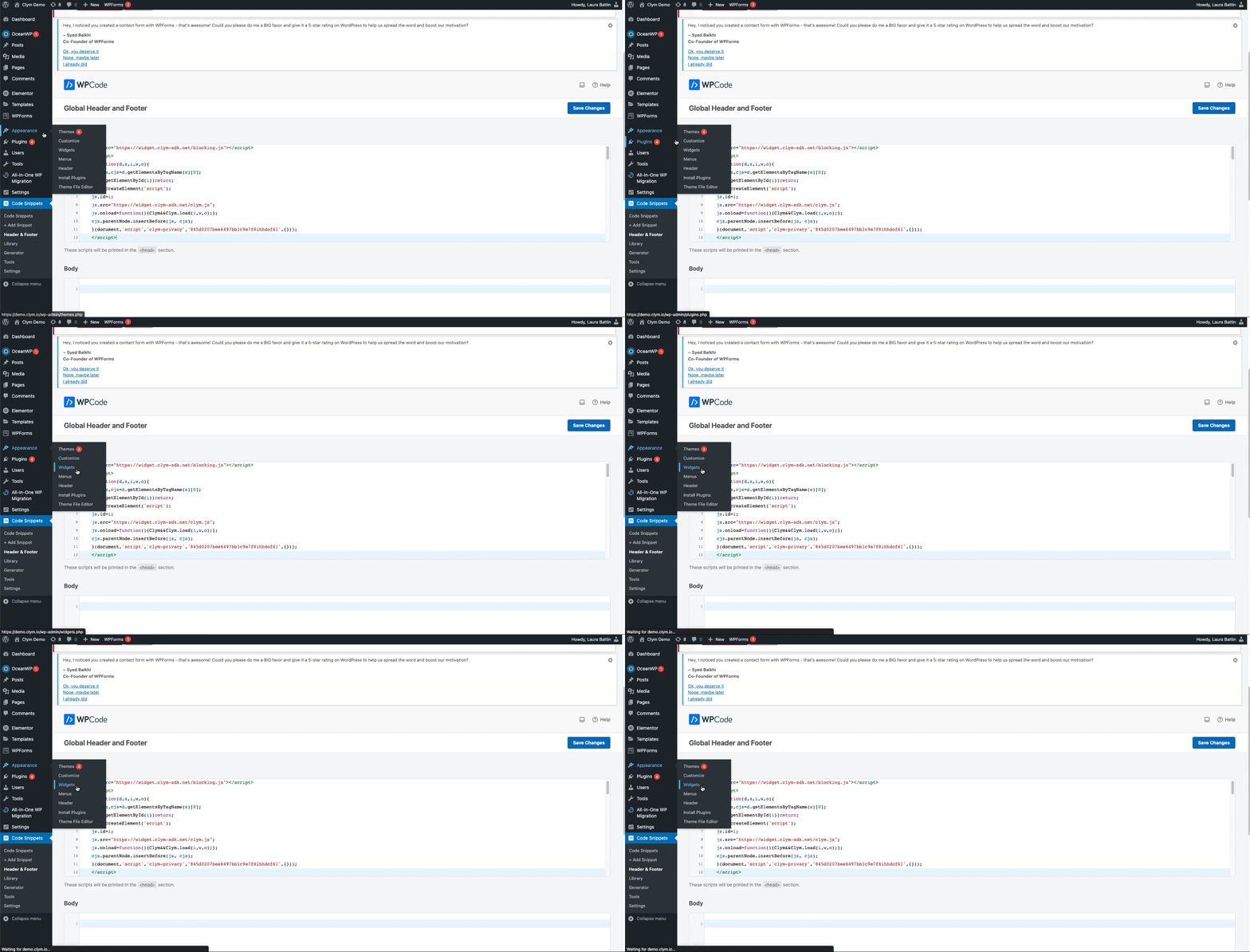
- Go to your WordPress website. In the WordPress dashboard, on the left-side navigation menu, go to Appearance>Widgets>WPCode – Insert Headers and Footers + Custom Code Snippets – WordPress Code Manager.
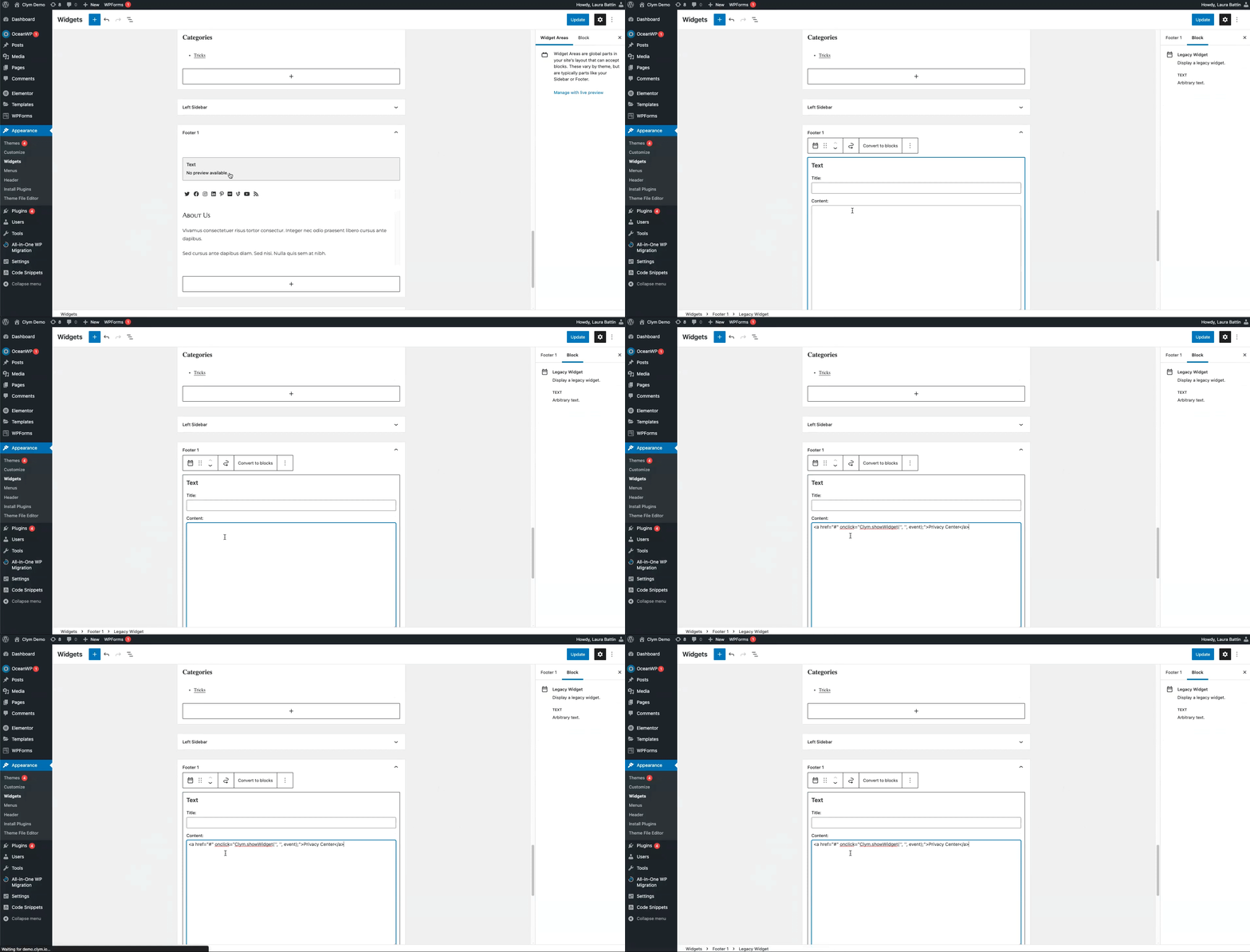
- Scroll to the desired footer section and paste the code of the custom link into the respective field, based on where you want the custom link to be displayed on the website. For example, adding your embed codes into Footer 1 adds the links to the top of your website's footer.
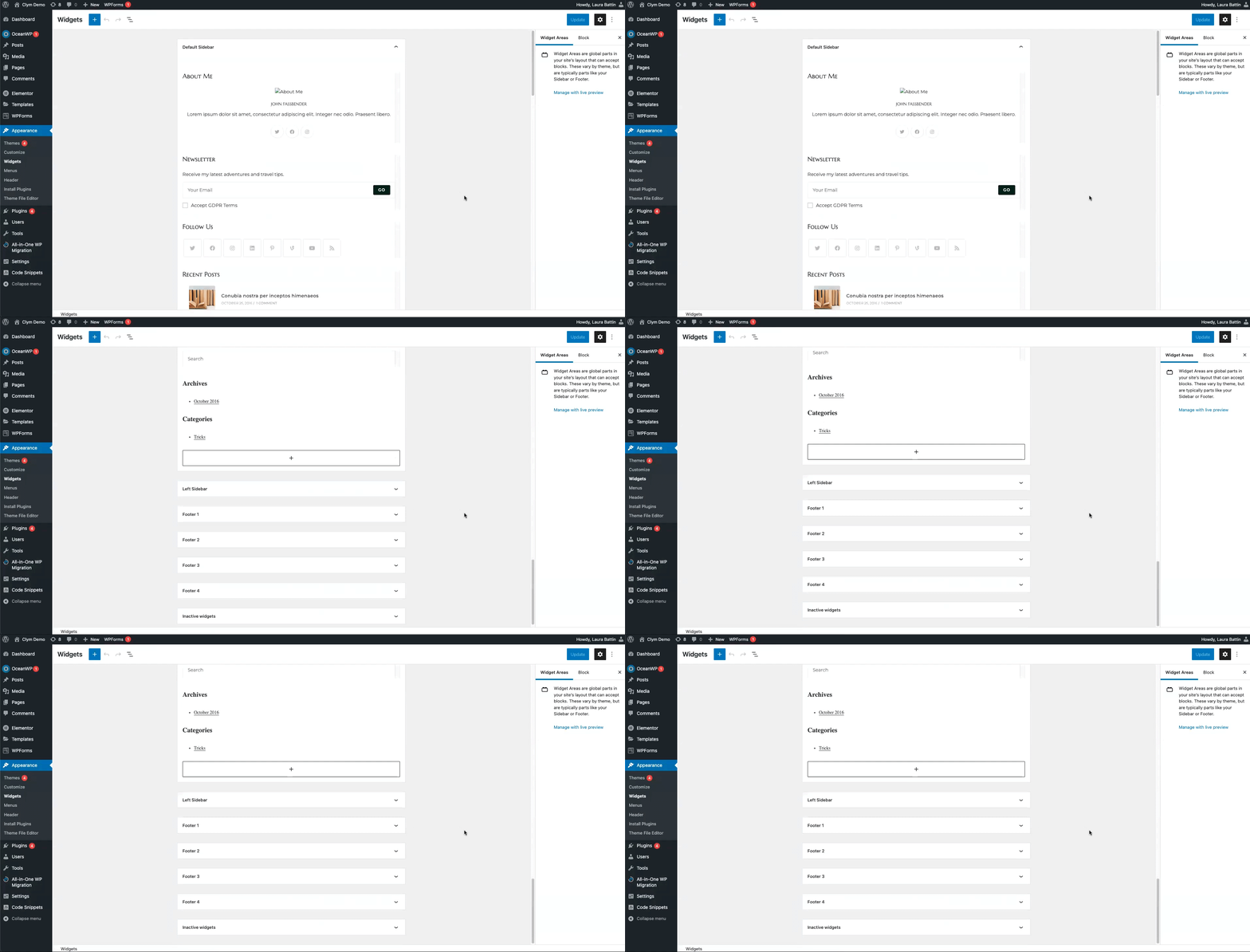 Repeat the procedure as many times as needed.
 - When finished, select Update.