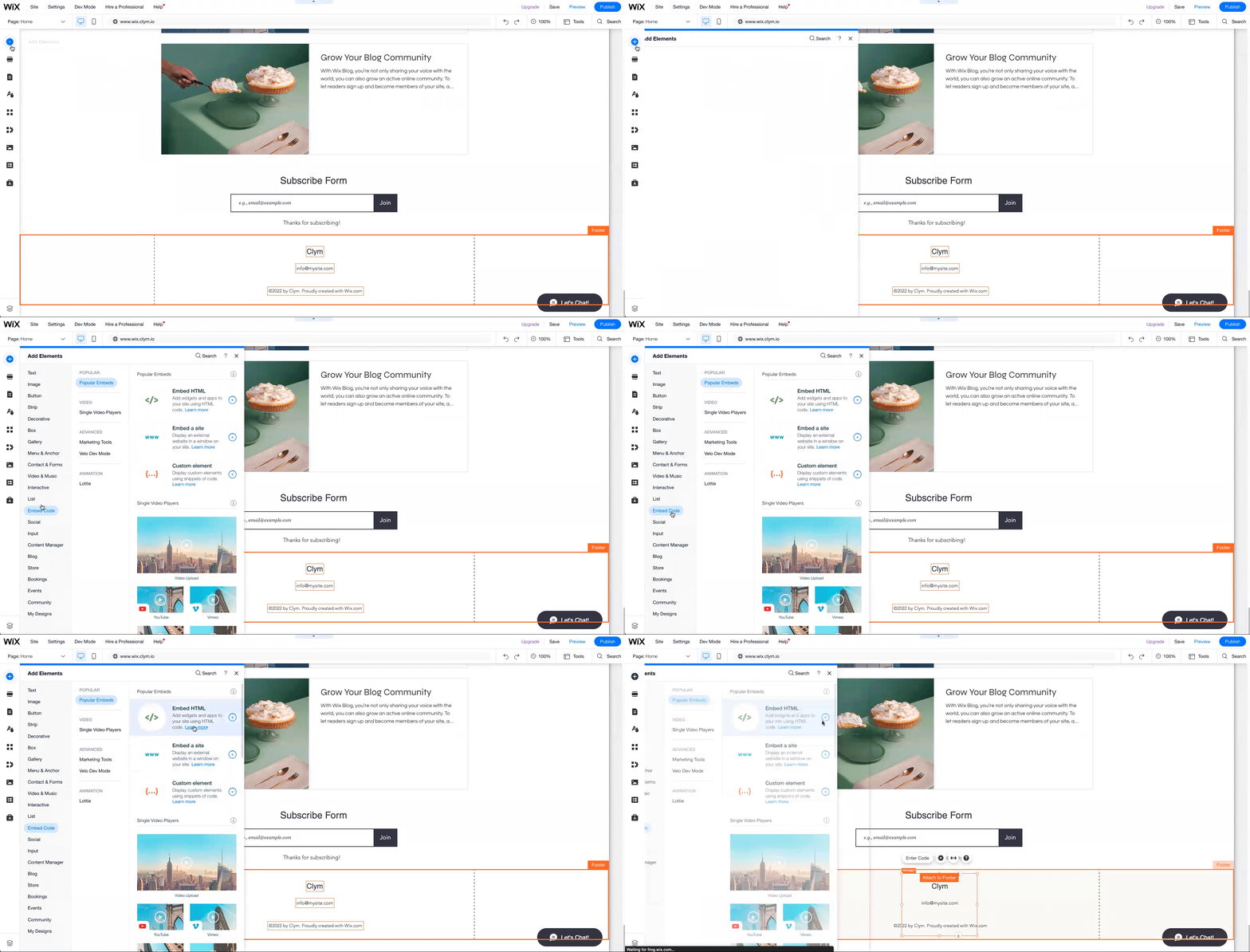
Go to your Wix website and, on the upper right-hand corner of the dashboard, select Edit website.
In the website editor, select the Footer section at the bottom of the page and then select the + icon in the upper left-hand corner to Add Elements. Then, go to Embed Code>Embed HTML.
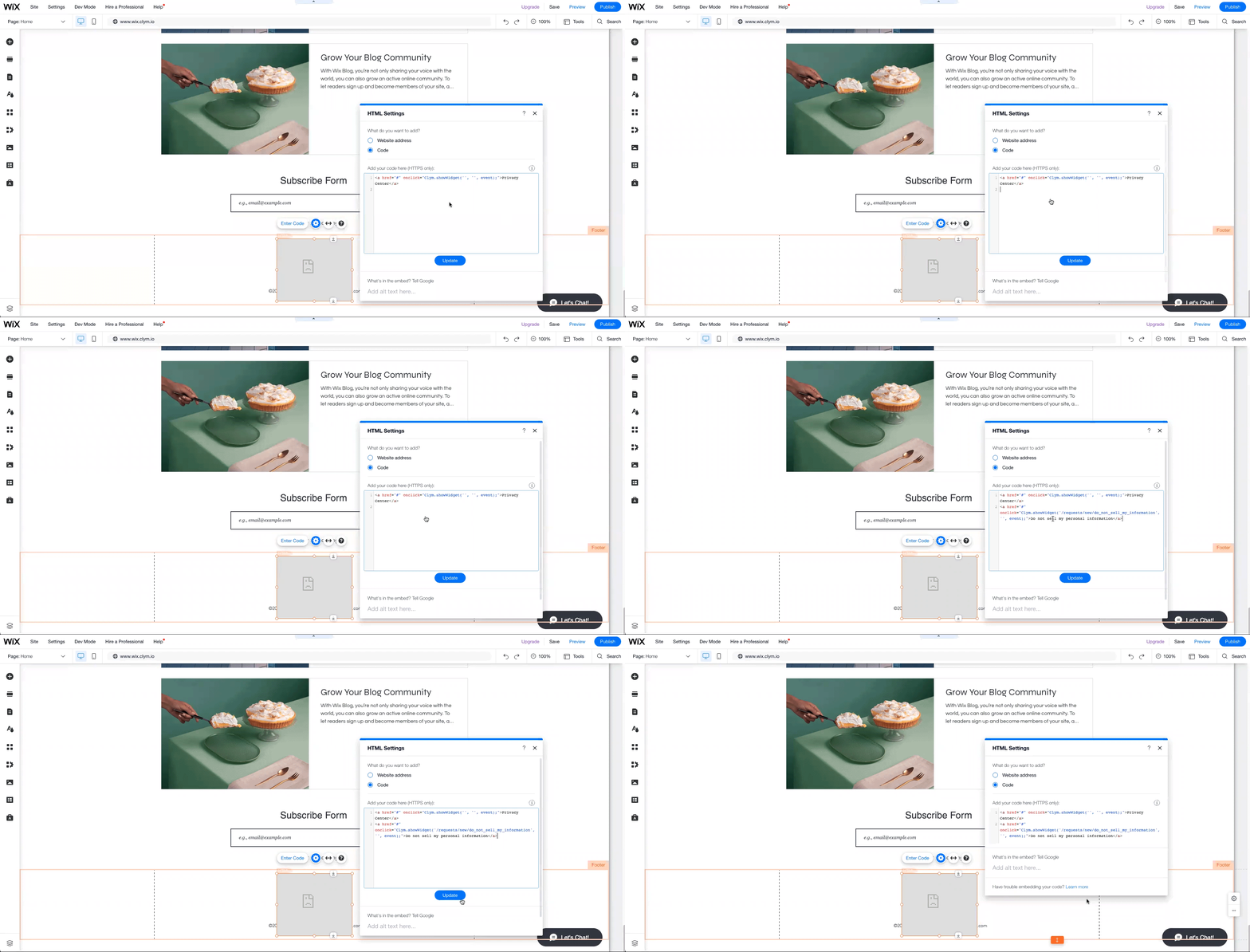
Double-click/long press the grey area in the popup displayed in the footer area and paste the embed codes in the footer section one at a time and select Update.
When finished, select Save and then Publish on the top right-hand side of the page.