
Add the custom links to a Ucraft website
- In your Ucraft website, scroll down to the footer and then, from the left-side menu, select Elements and search for Custom HTML.
- Drag the Custom HTML element into the footer.
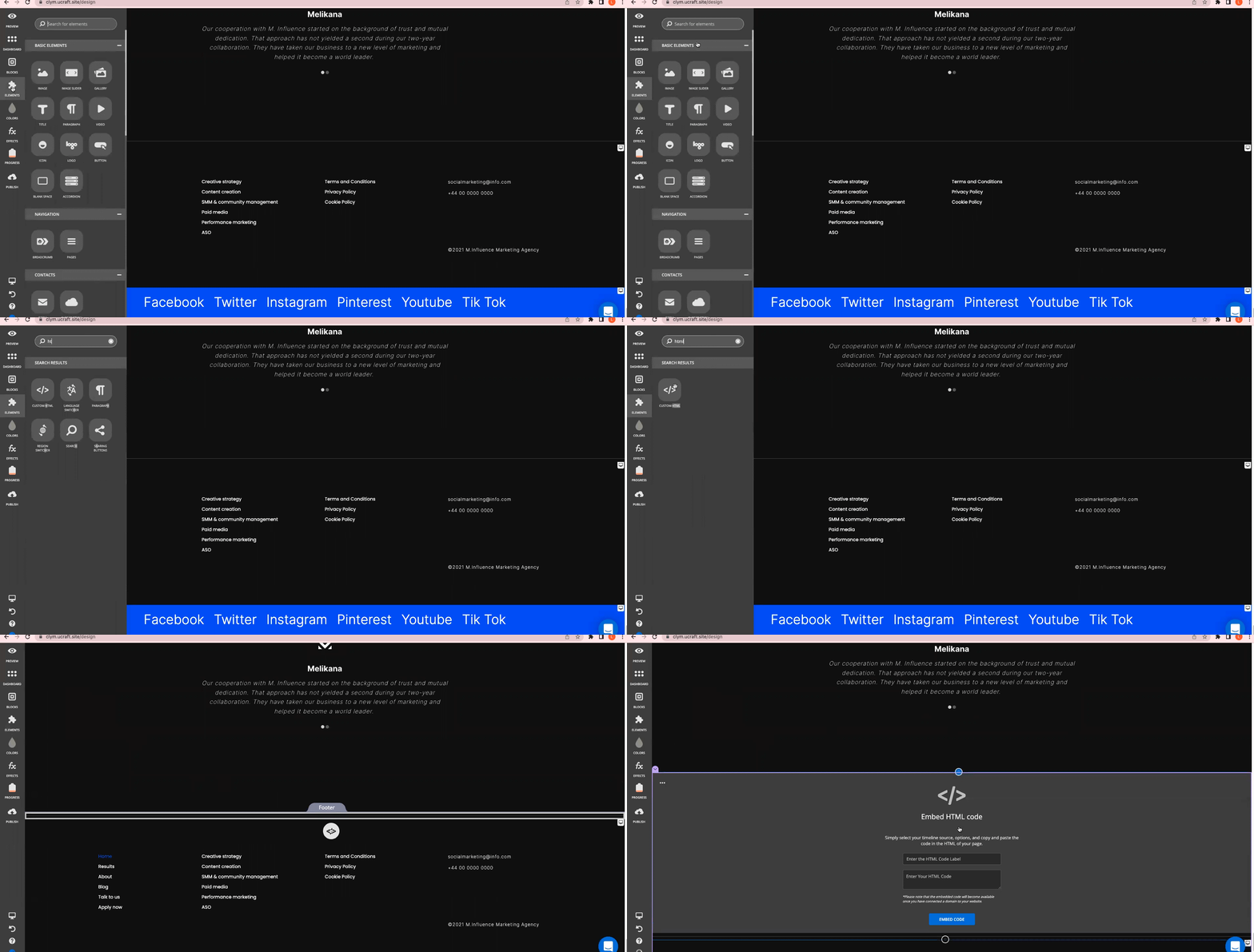
- Paste the links into the Enter Your HTML Code field and add a label in the Enter the HTML Code Label field.
- Click Embed Code.