
Add the custom links to a Strikingly website
You need to add the custom links to a Strikingly website to the same HTML element you added during the installation of the Widget code (for more information, see Install the script on a Strikingly website. To do so:
- Go to your Strikingly website and, in the </> Custom Code section, toggle the Footer Code tab and paste the custom links code into the Footer Code field.
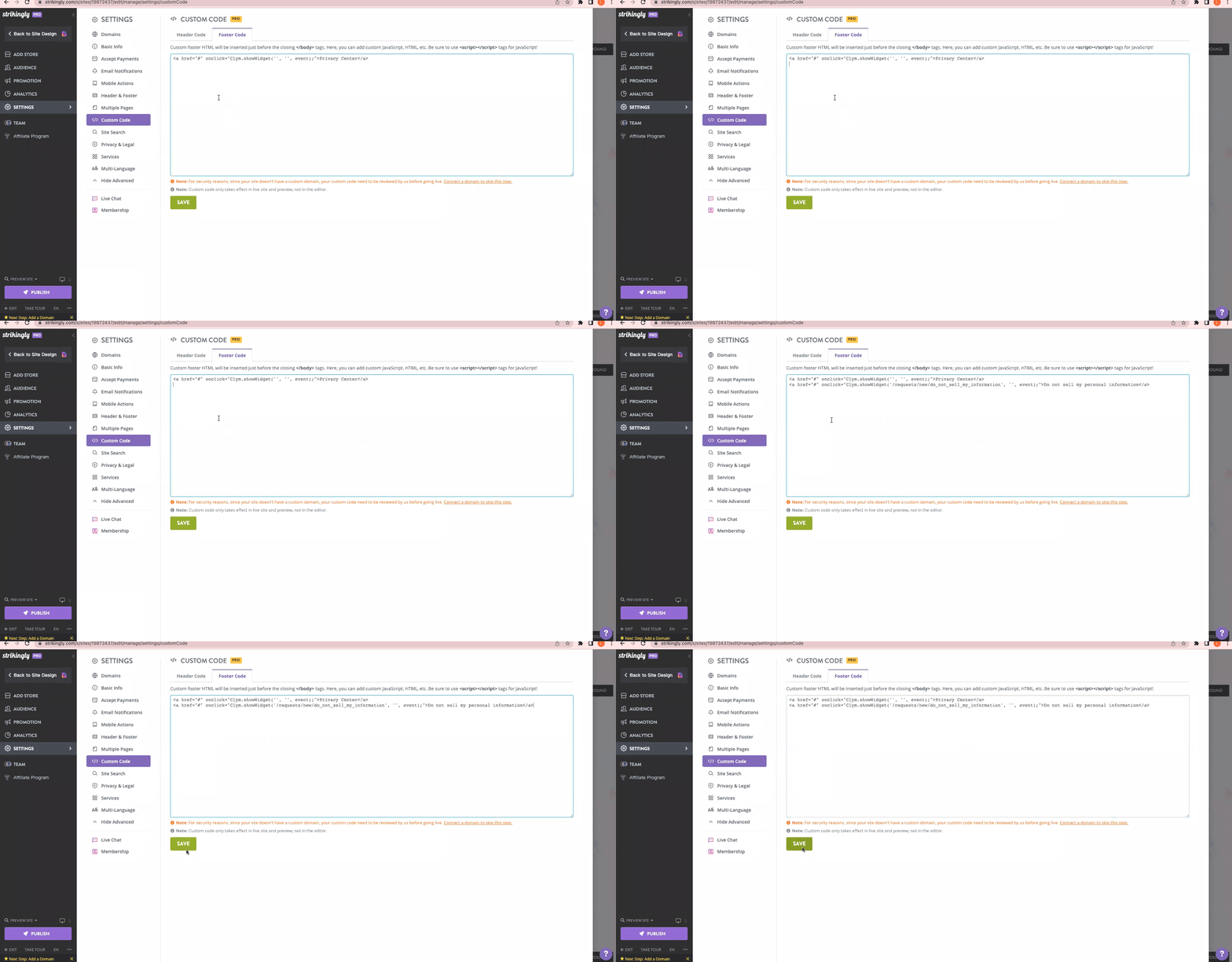
- Select Save.