
Add the custom links to a Squarespace website
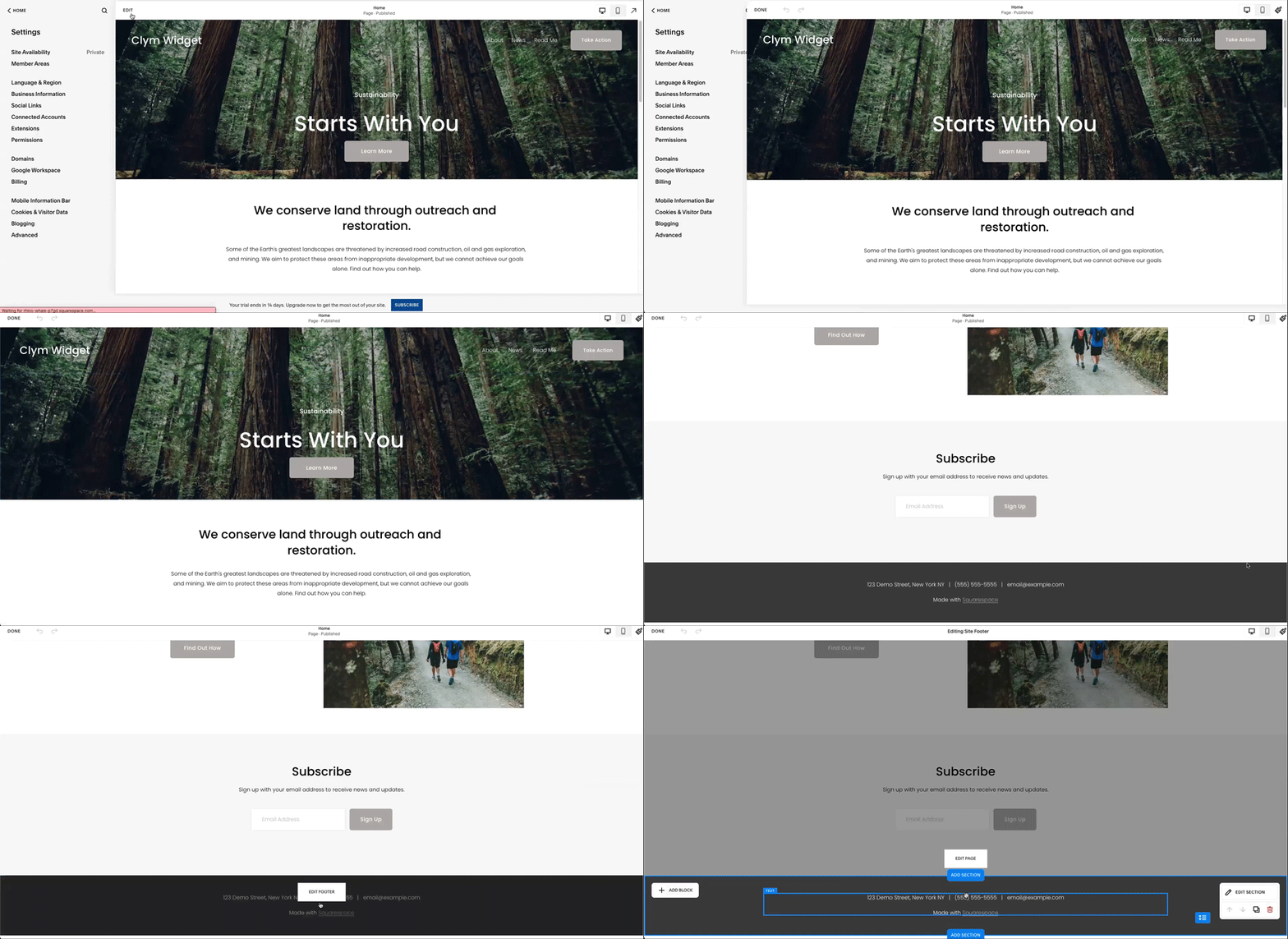
- Go to your Squarespace website and, in the top left corner, select Edit.
- In the website editor, scroll to the bottom and, in the footer section, select Edit Footer.
- Select Add Block in the top left corner of your footer, and search for </> Code, then add this block to your footer section.
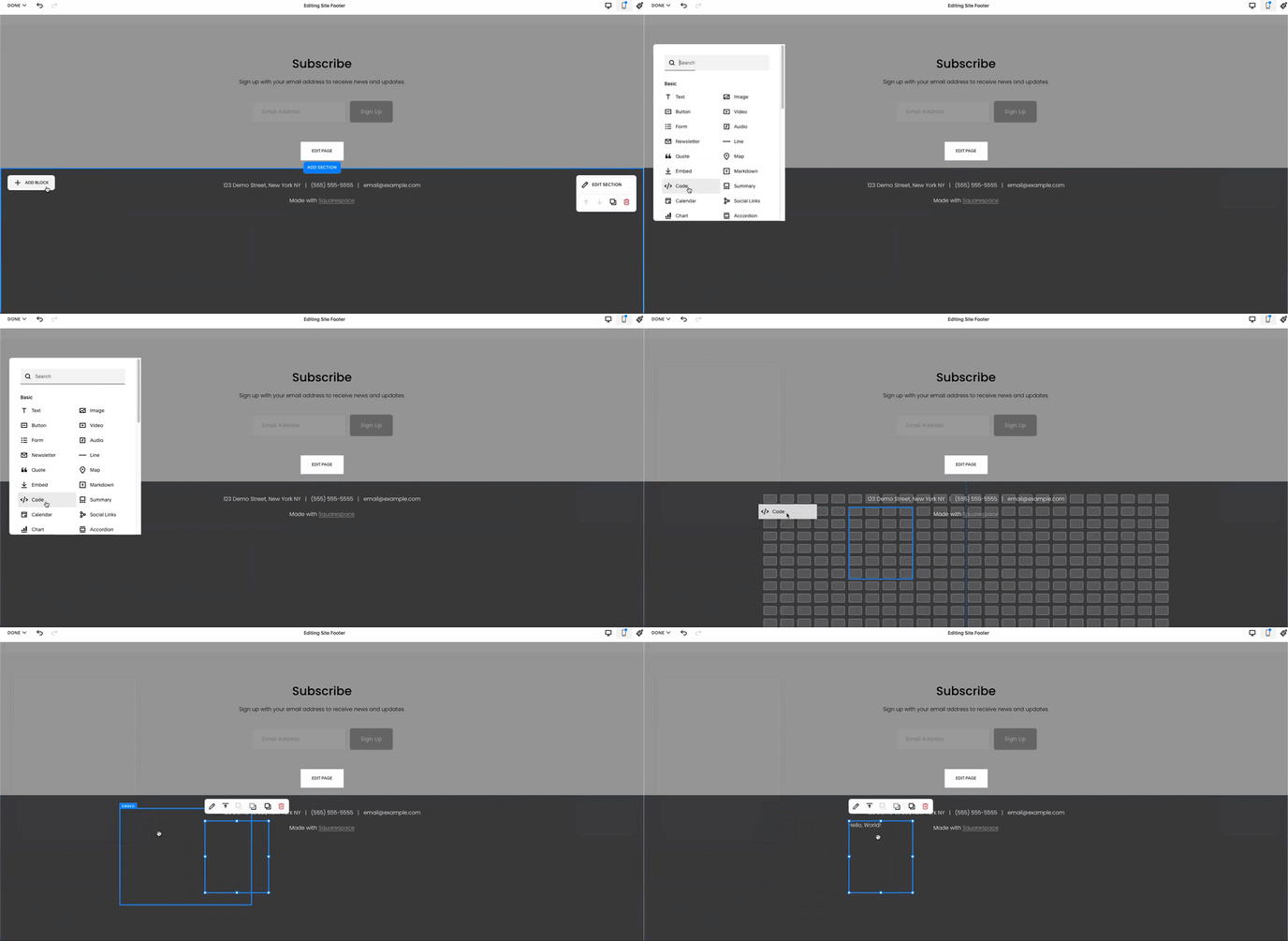
- In the </> Code section, paste the custom links.