
Add the custom links to a Duda website
To add custom links to a Duda website, first you need to add an HTML element to the footer. To do so:
- In the Duda website, scroll down to the footer and, from the left-side menu, select Widgets. Then, search for the HTML widget and drag this widget into your footer.
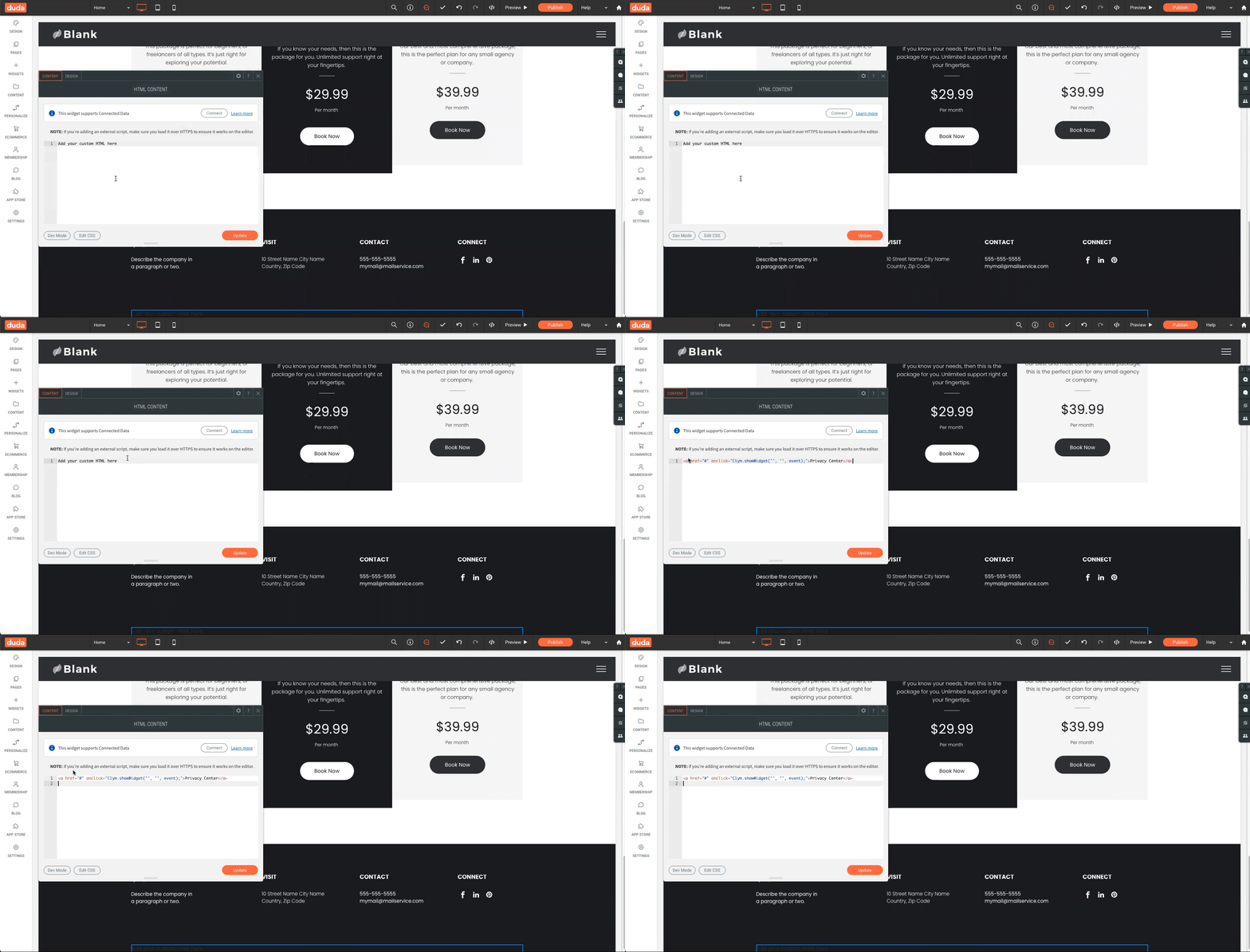
- Paste the custom links from your clipboard into the HTML Content window.
- Click Update.