
Export existing bounty hunting cases
In the Control Center, you can easily export the filtered bounty hunting cases into a JSON file.
To run an export:
- Go to
 Operate>Cases>Bounty hunting.
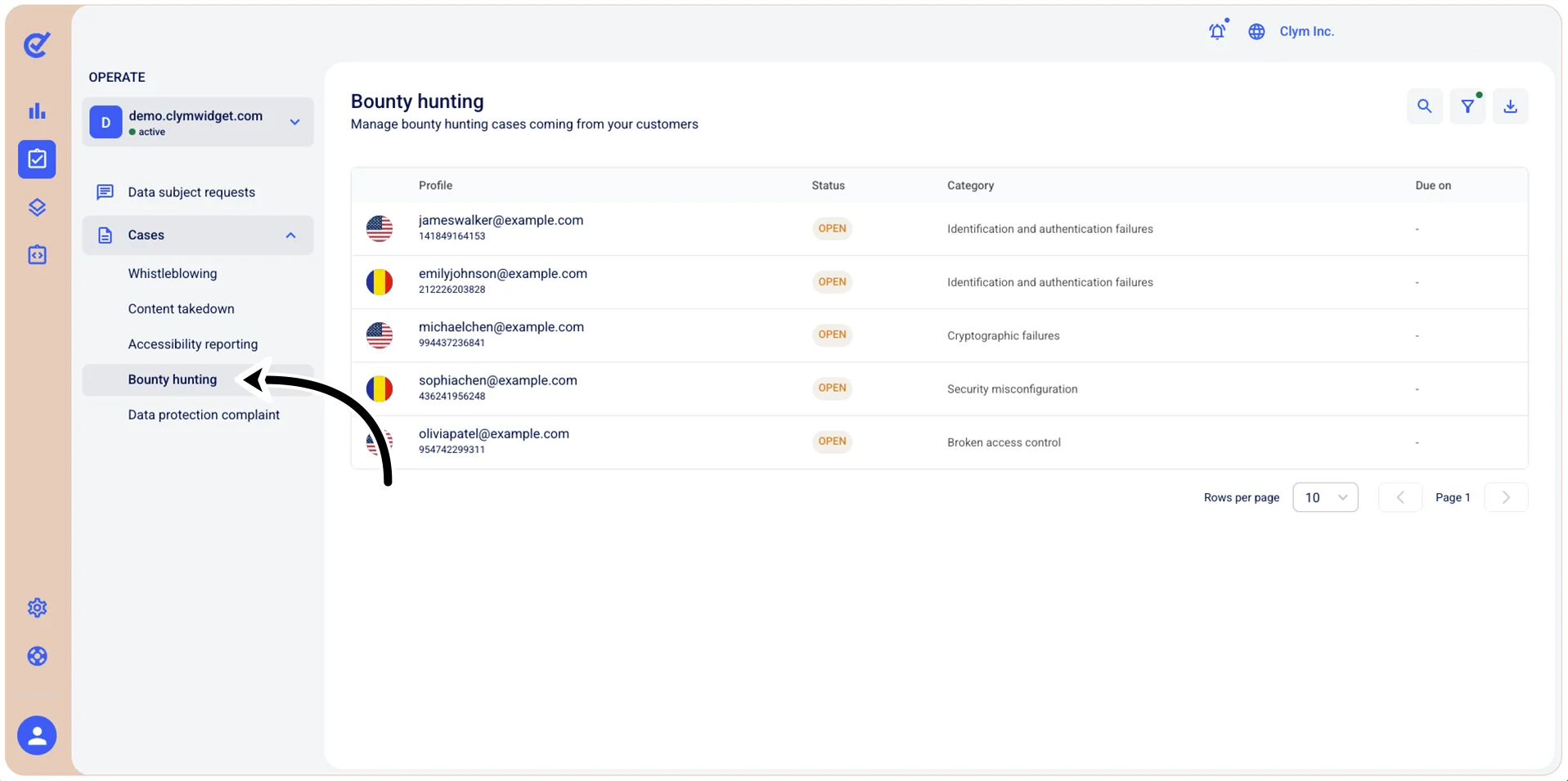
In the Bounty hunting section, select
 Export. Make sure the
  filter icon is not marked with a tiny green dot
  . If it is, clear the filtered query first so that the Control Center can display all available records, not the filtered ones.
In the Export cases confirmation message, select Confirm.
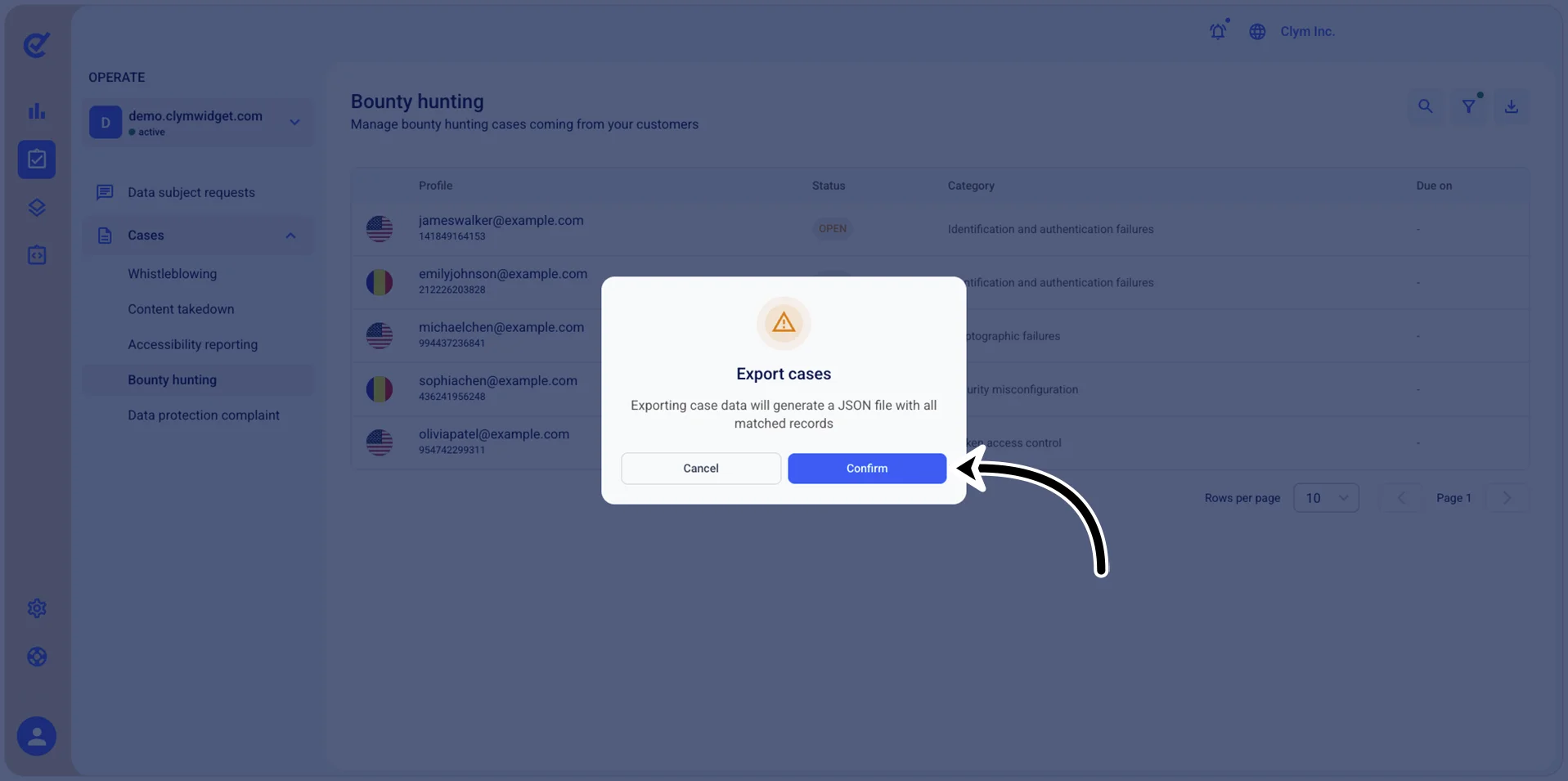
The JSON file is downloaded to your local computer.