
Manage Roles
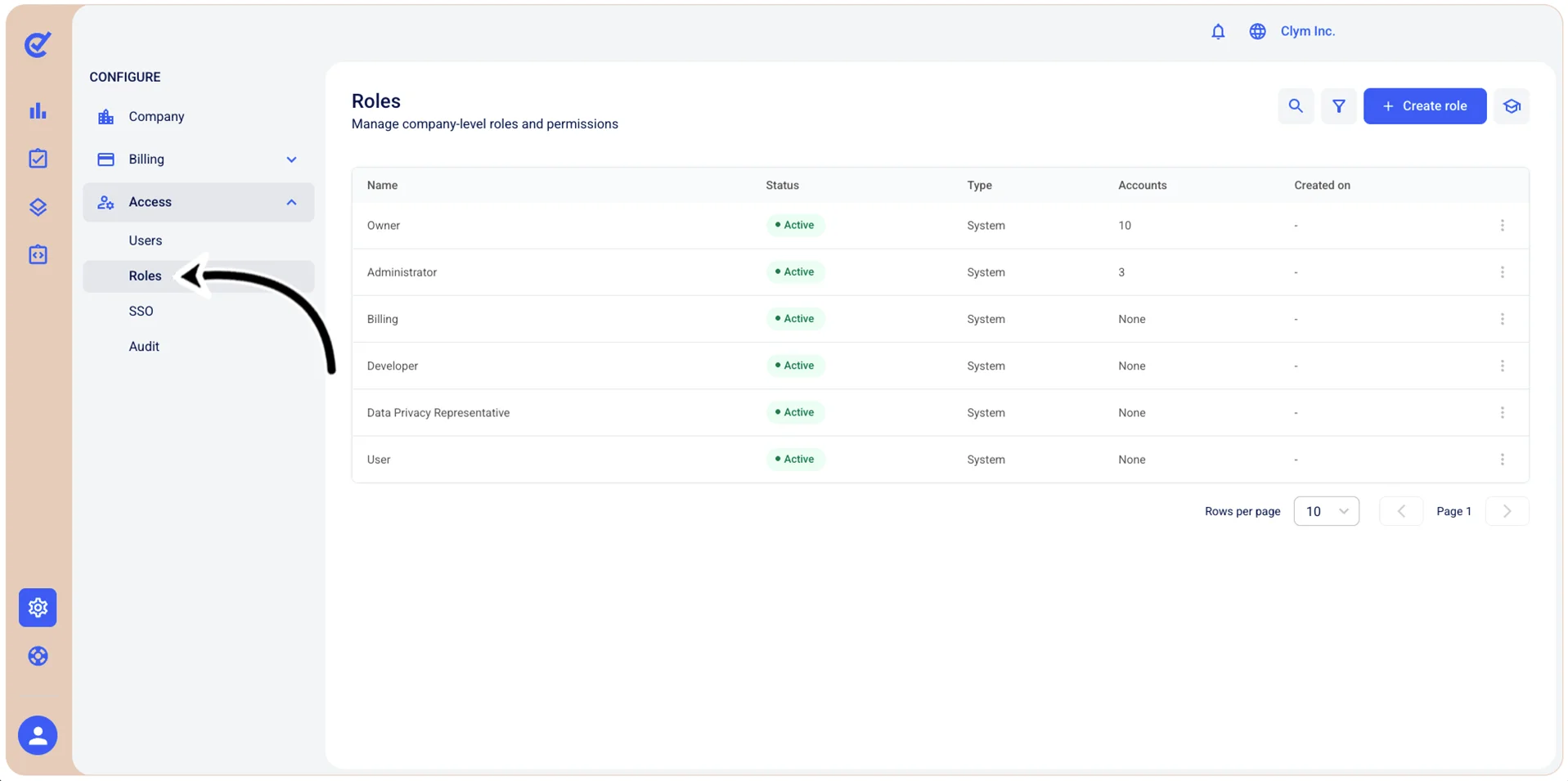
When adding a user in the Control Center, there are several different access roles you can assign to an account, based on the level of access you would like that user to have. These roles include:
- Owner
- Administrator
- Billing
- Developer
- Data Privacy Representative
- User
Below you can find information on which areas of the Control Center each role type has access to, so that you can be sure your team has appropriate access to manage all your compliance needs.
- Items marked with a W below indicate that the role has access to write/read the feature, which includes the option to add and delete.
- Items marked with an R below indicate that the role has access to read/view the feature only.
- Items marked with a CW are specific to case management (bounty hunting, content takedown, accessibility issue reporting, and whistleblowing) and indicate that the role has conditioned write access, based on the settings configured for that case type.
- Items marked with a "—" indicate that the role does not have access to the feature listed.
- Select a role: Choose a predefined role template or create a custom role. This selection determines the default permissions that will be assigned. You can further customize permissions using the fields below. Note that some permissions are not available to all subscriptions.
- Super access: Grant full administrative access to API endpoints. Users with owner access can perform all API operations without restrictions, including creating, reading, updating, and deleting resources. Select one or more API endpoints to grant super access, or leave empty to deny super access.
- Write access: Grant permission to create, modify, and delete data through specific API endpoints. Select the API endpoints where this role should have write access. Users will be able to make changes to resources through these endpoints.
- Read access: Grant permission to view and retrieve data through specific API endpoints. Select the API endpoints where this role should have read-only access. Users will be able to view information but cannot modify or delete it through these endpoints.
- Write access: Grant permission to create, modify, and delete data within specific sections of the user interface. Select the sections where this role should have write access. Users will be able to make changes and manage settings in these areas.
- Read access: Grant permission to view specific sections of the user interface without the ability to modify data. Select the sections where this role should have read-only access. Users can view information and reports but cannot make changes in these areas.
Note: You can select multiple API endpoints or UI sections for each permission level to create granular, role-specific access controls tailored to your organization's needs.