
Manage Accessibility: Run an accessibility test
Accessibility Tools follows the WCAG-EM methodology. A test runs on a sample of pages from your website and combines automated checks with guided manual procedures.
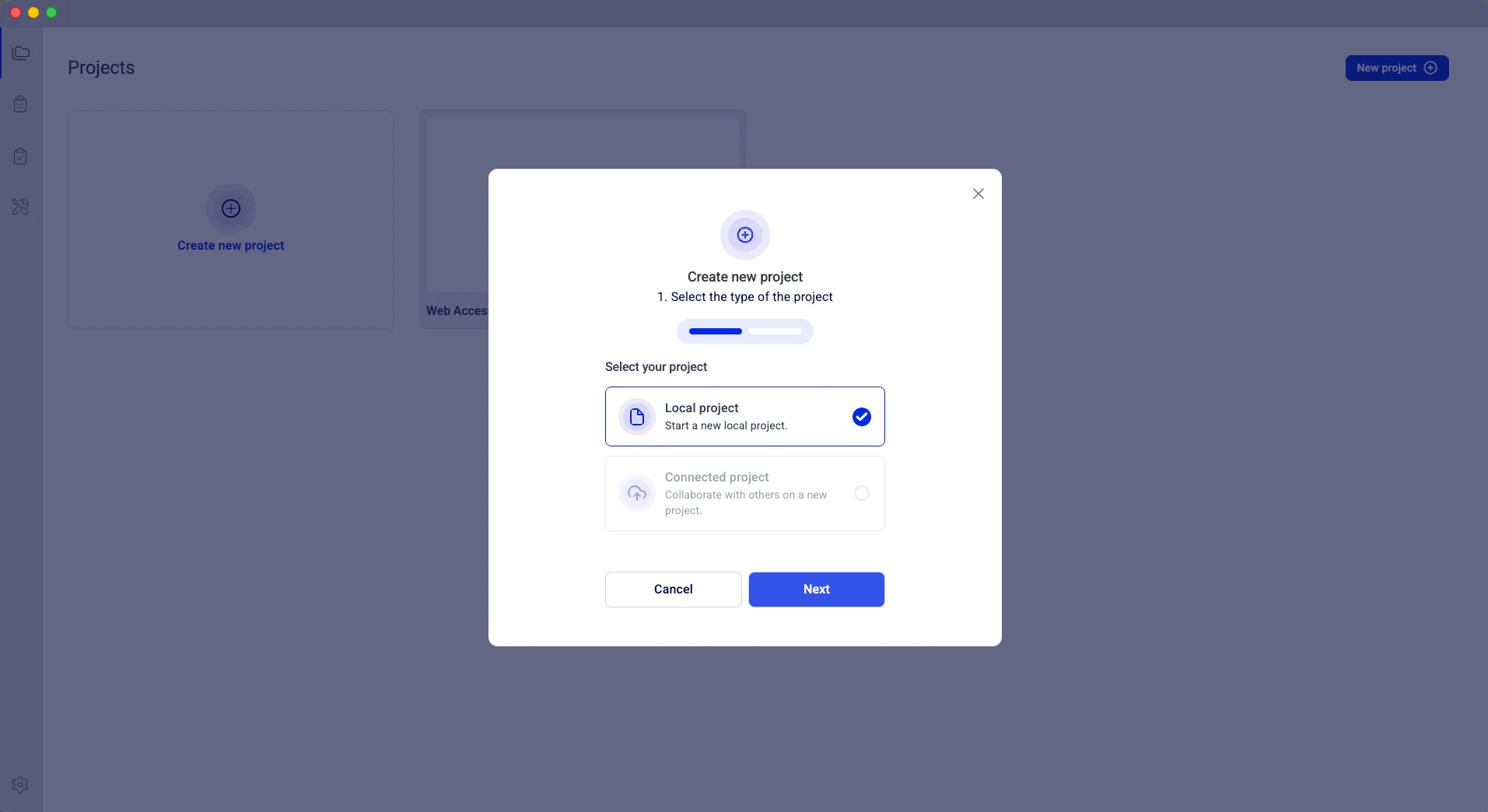
To run an accessibility test:
- In Accessibility Tools, open your project.
- Follow the steps to start a new test.
- In the Randomly selected sample step, select the pages to include in the test. To add a page that is not in the list, select +Add URL.
- When finished, select Start.
When the test is complete, you can review its test cases and remediations, filter them by result, criteria, level or landmark, rescan a page or all pages, and download a report.
Note: The project results are also available in the Control Center, in  Manage>Accessibility>Projects.