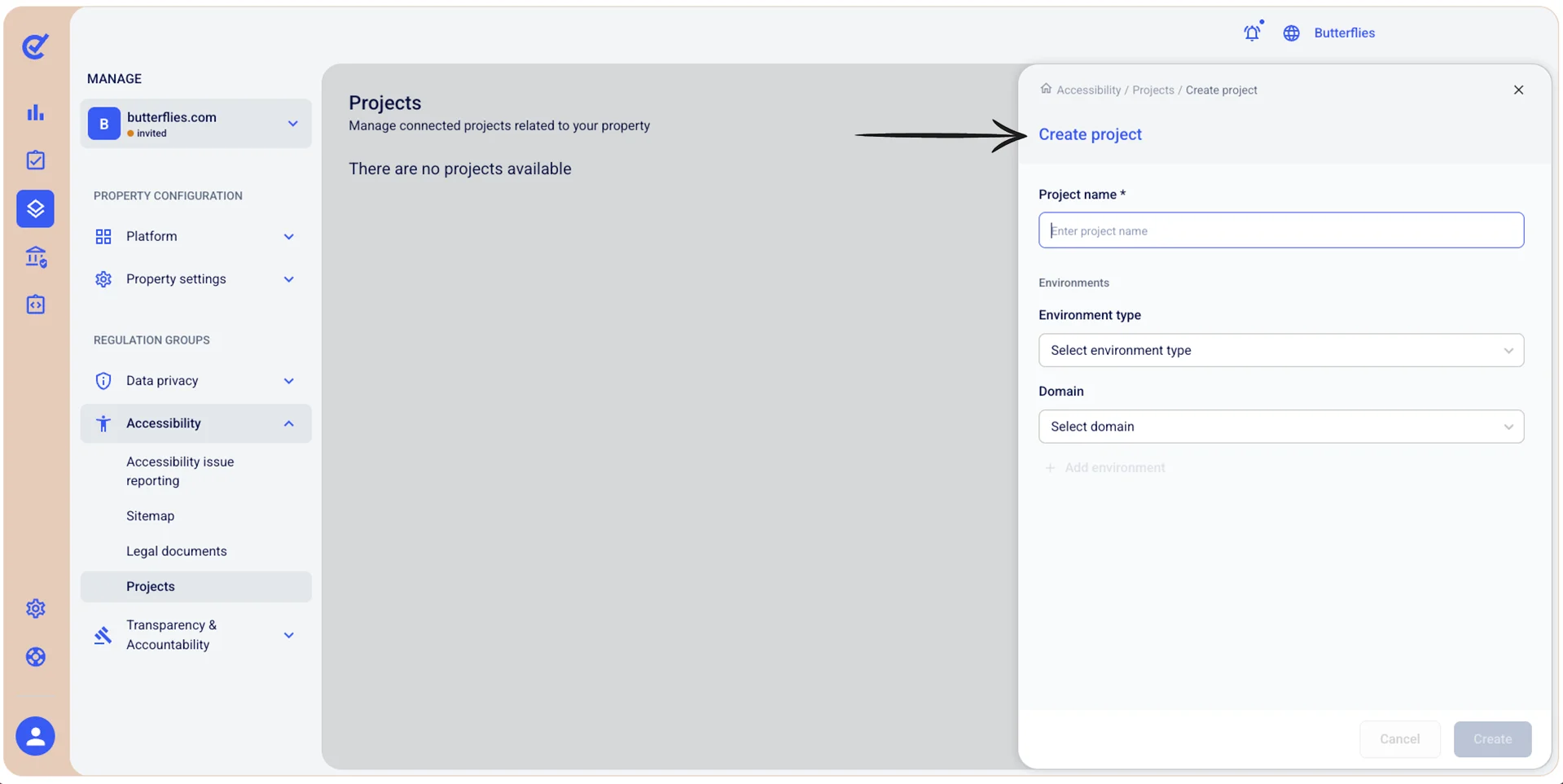
Manage Accessibility: Create an accessibility project
A project groups the accessibility tests you run for a property. Each project can include one or more environments, for example your production website and your staging website.
To create an accessibility project:
- Go to
 Manage>Accessibility>Projects.
- Select +Add project.
- In the Create project section, fill in the following details:
- Project name: Give your project a descriptive name.
- Environment type: Select the type of environment you want to test, for example Production.
- Domain: Select the domain you want to test.
- To test another environment in the same project, select +Add environment and fill in its details.
- When finished, select Create.
The project opens in Accessibility Tools, where it is initialized. When the project is ready, you can start testing.