
Manage Accessibility: Accessibility projects
The Projects section lets you test your website for accessibility and follow up on the results from the Control Center. You can create accessibility projects for your property, run automated and manual tests with Accessibility Tools, review the results, assign collaborators and send failed tests as tickets to your ticketing system.
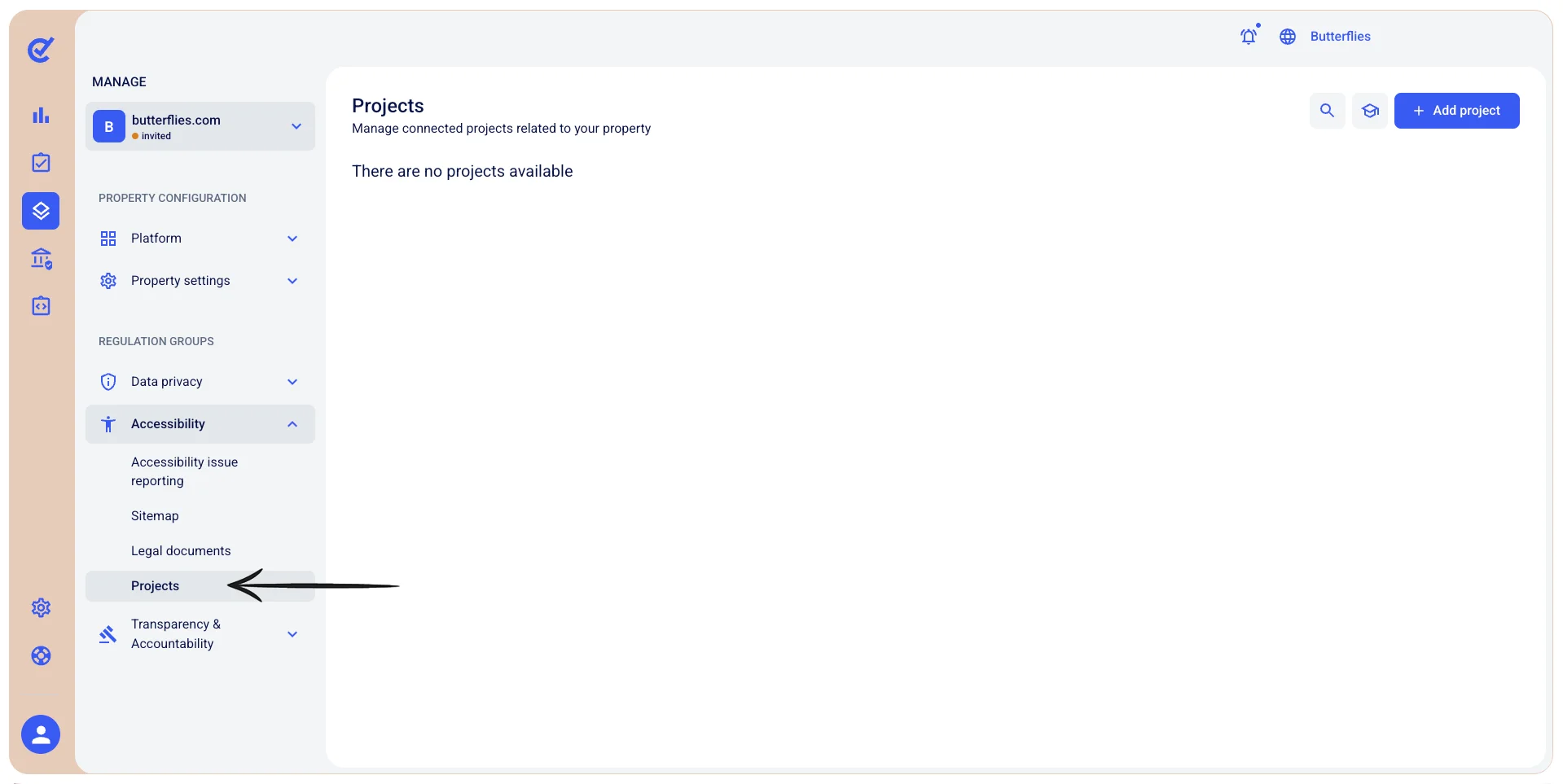
To access the Projects section, select the  Manage icon, then go to Manage>Accessibility>Projects.
Notes:
- Accessibility projects are available on the Perform plan, and on Enterprise+ domains assigned the Perform plan.
- Tests run in Accessibility Tools. When you create or open a project, it opens in Accessibility Tools, and the results are then available in the Control Center.