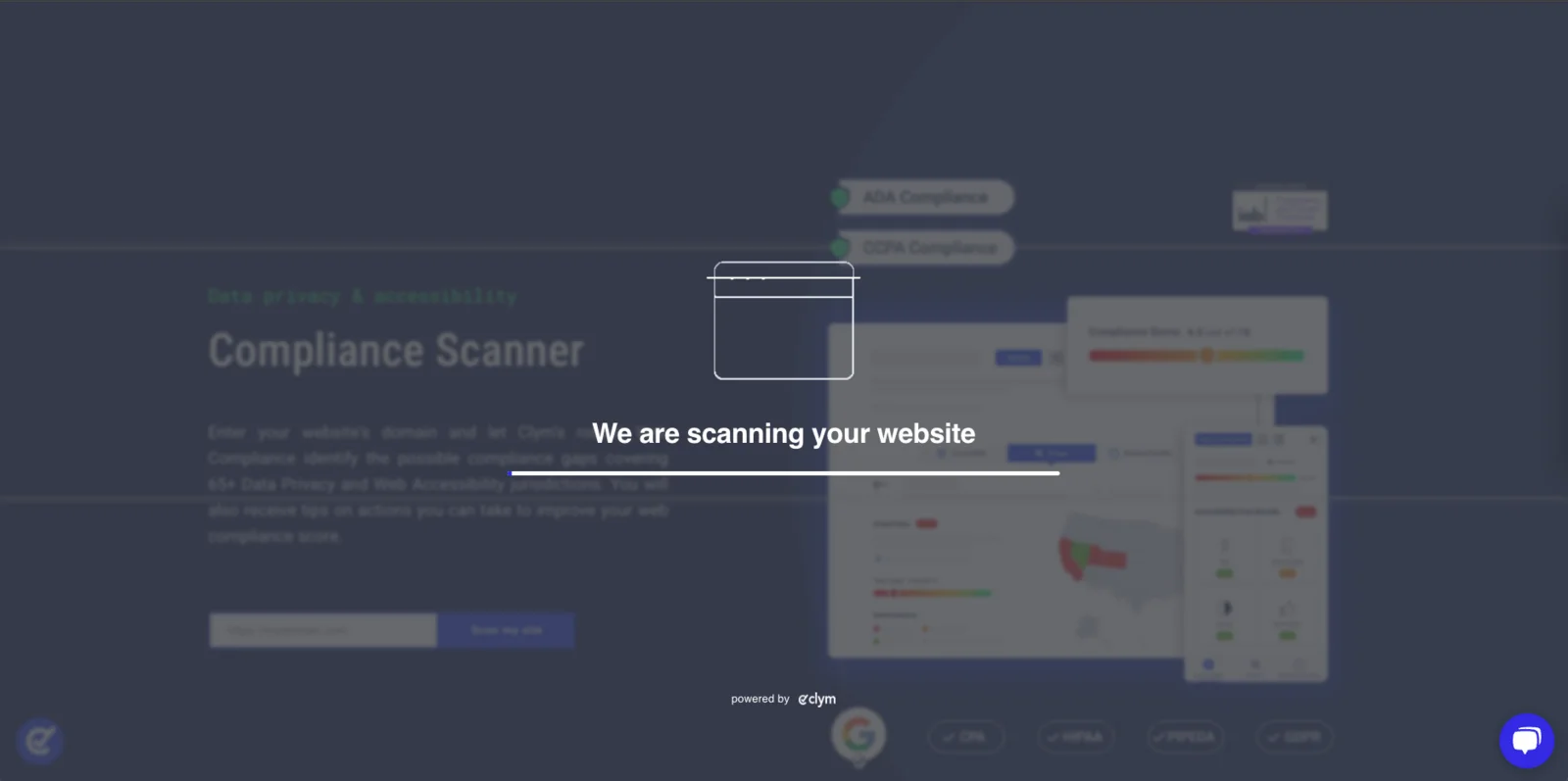
Scanner: Run a scan
Clym's website scanner analyzes a website's cookies and scripts, assesses its compliance with global data privacy regulations, and scores its content for accessibility. It runs on desktop and mobile. As a customer, the scanner shows you where your website could comply better, and which cookies and scripts are running on it. As a partner, it is a way to educate customers about data privacy and accessibility regulations, pinpoint the gaps in their compliance, and show what you can do about them through your partnership with Clym.
To run a scan:
- Go to the scanner at clym.io/products/scanner, or to the copy published on a partner's website.
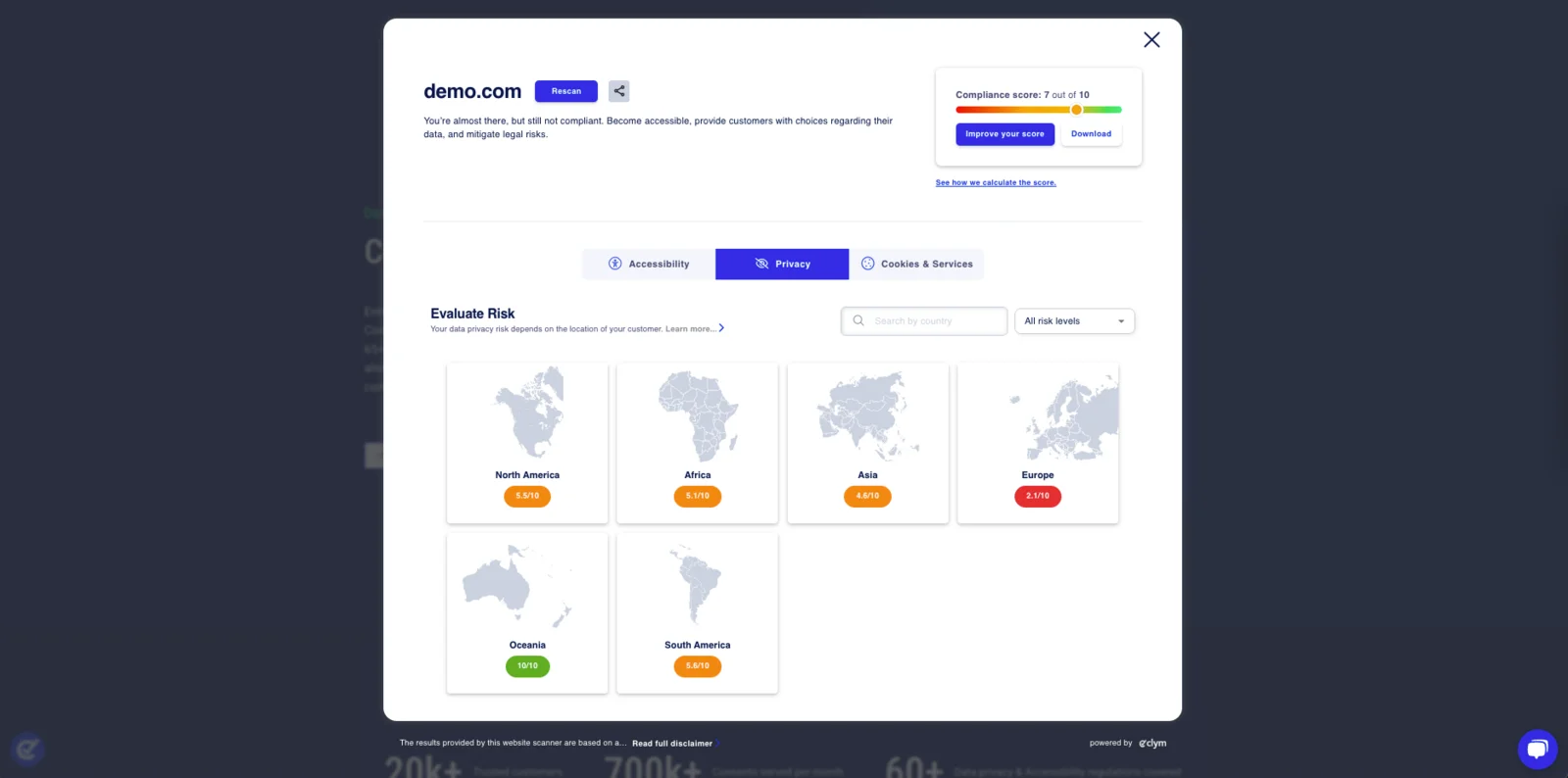
- Enter your website's domain and select Scan my site.
- Wait while the scan runs. Results can take up to a minute.